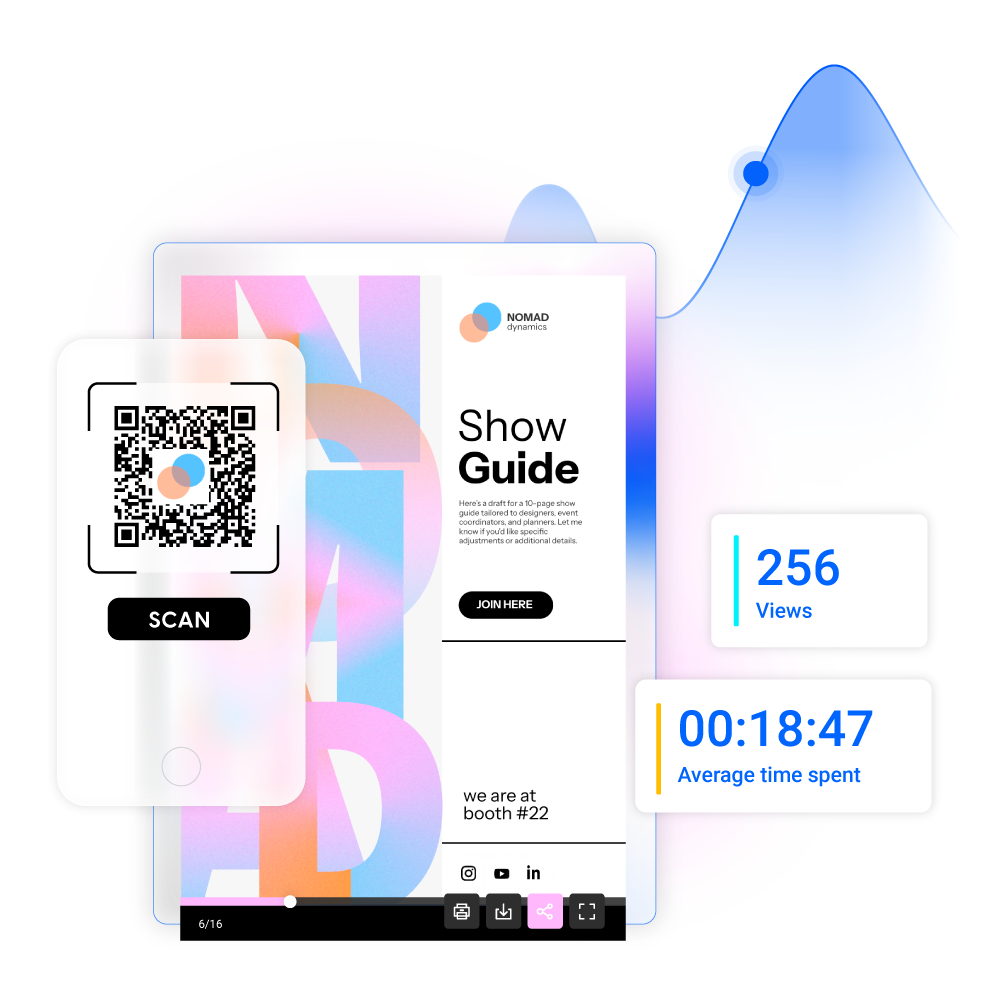
Share PDFs via QR codes
Turn any PDF into a QR code for quick, mobile-friendly access. Share brochures, catalogs, or event programs and keep them up to date.
- Instant access on any device
- Real-time updates without replacing the code
- Branded QR codes with your identity
- Track views and interactions easily
Reconnu par les entreprises les plus innovantes du monde





Create QR codes for business documents
Easily share important business documents with QR codes. From sales proposals to product catalogs, event materials, or marketing brochures, Flipsnack lets you turn static PDFs into interactive experiences accessible with a simple scan—no downloads, no email attachments, just instant access anywhere.
QR code for sales proposals
Sales teams use QR codes to quickly share business proposals on any device. Track engagement with built-in analytics and follow up at the right moment.
QR code for product catalogs
Retailers and manufacturers share up-to-date product catalogs via QR codes—perfect for packaging, sales materials, and real-time pricing updates.
QR code for event programs
Event organizers replace printed programs with QR codes on signage or badges, offering instant access to schedules, speakers, and venue details.
QR code for marketing brochures
Marketing teams use QR codes to share interactive brochures with videos, links, and CTAs—ideal for campaigns, in-store promotions, or product launches.
Brand your QR code. Customize the experience
Make your QR code instantly recognizable with custom branding. Link it to a branded flipbook with your logo, colors, custom domain, and a matching progress bar—no Flipsnack branding for a fully professional look.
PDF vers QR code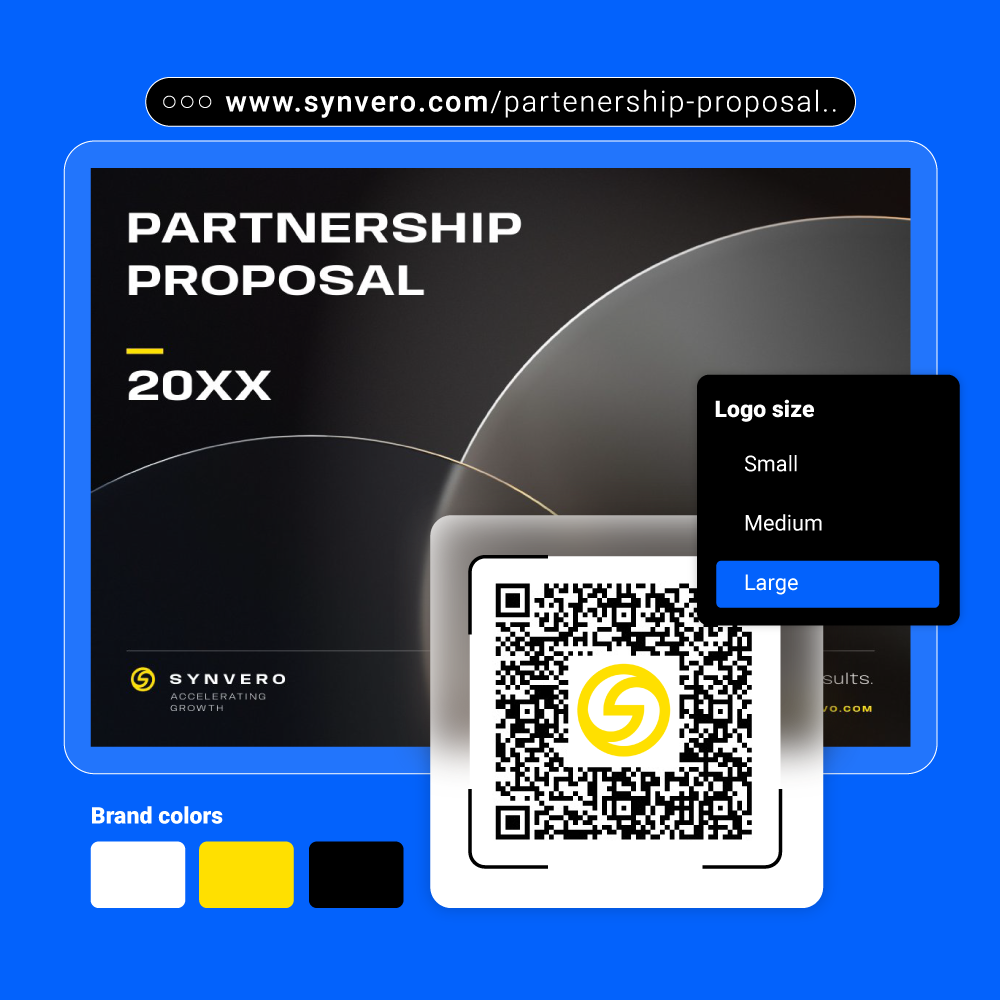
Go beyond PDF sharing with interactive flipbooks
Turn any PDF into an interactive experience with Flipsnack and share it via a branded QR code. Every scan opens a dynamic flipbook enriched with videos, forms, surveys, and clickable buttons. Perfect for marketing, events, or internal communications.
More ways to share your PDF
Social media
Turn your PDF into a shareable link and post it directly on social platforms. Boost reach with interactive, mobile-friendly content.
Website embed
Embed your PDF on your website for instant access. Visitors can flip through it without downloads or file attachments.
Direct link sharing
Generate a secure, trackable link and share your PDF anywhere. Use password protection for private, controlled access.
Track your shared PDF
See who scans your QR code and interacts with your PDF. Track views, clicks, and time spent in real time, then use these insights to optimize content and boost engagement.