
80%
cost cut with printing
These engaging guides not only saved time and money but also became a critical tool in winning new business.
Read the full story
Keep every benefit guide, flyer, proposal and report in one organised workspace, with the right people editing and everyone else viewing.
I’d like to explore my options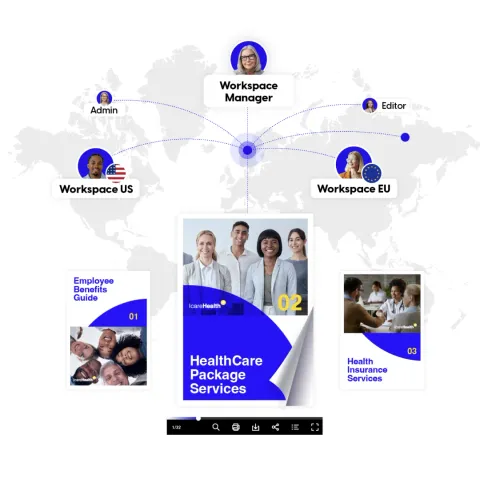
Trusted by 700+ benefits brokers






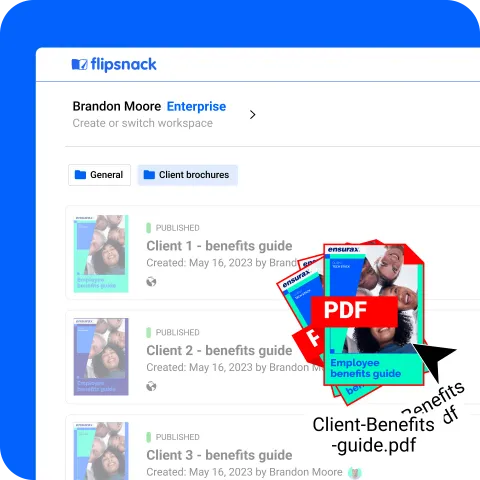
Drop in the PDFs and PowerPoints you already have, for every client, in one place.
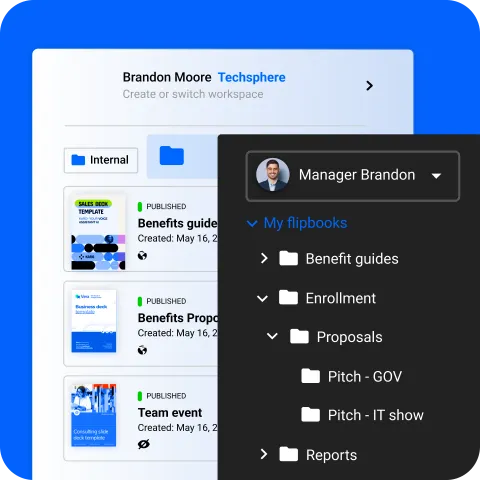
Group guides by client, document type or plan year, in folders your whole team can find.
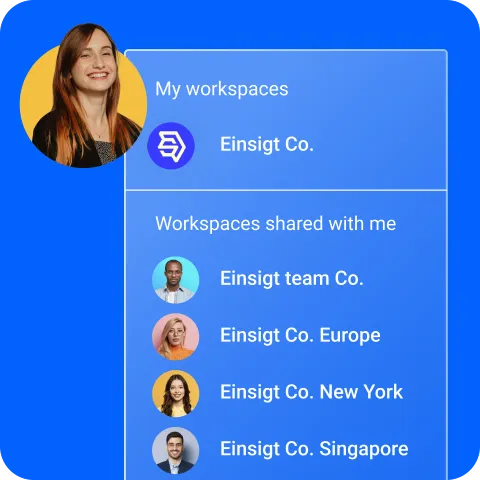
Give each office, brand or state its own workspace, and share between them.
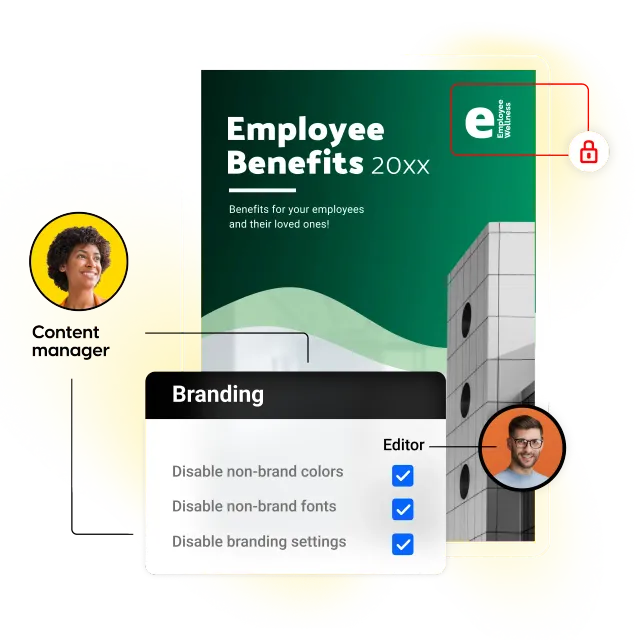
Give each person the right role, and lock brand colours, fonts and settings, so everything that goes out stays on brand.
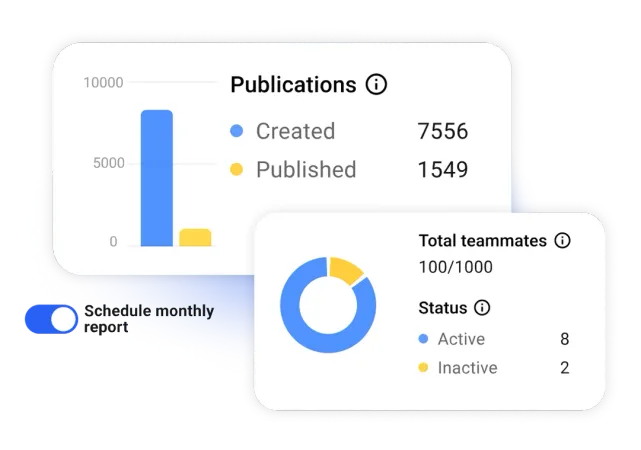
See how many guides your team has created and published, and who is active. Schedule a monthly report to land in your inbox.
Benefits brokers and HR teams trust Flipsnack for its ease of use, reliability and customer satisfaction.
Rating 4.6/51.5k reviews
 4.6/5
 4.7/5
 4.6/5
 4.6/5
 4.9/5
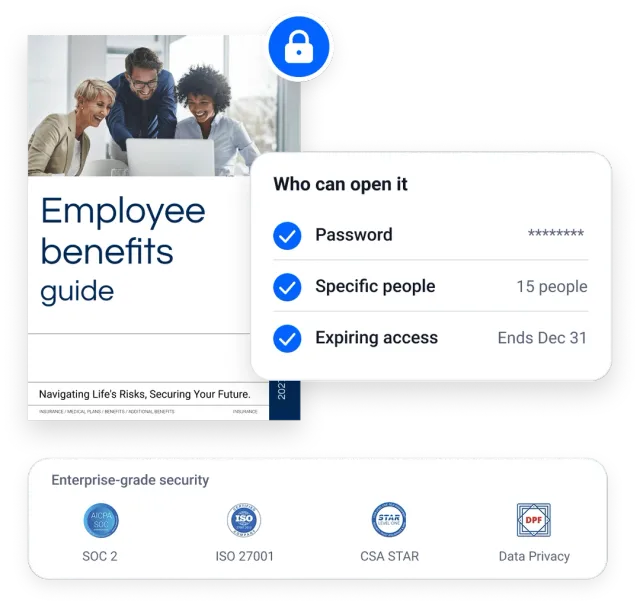
Protect a benefit guide with a password, a named list of people or an expiry date, and deactivate it any time. Backed by SOC 2 Type II and ISO 27001, so IT can say yes.
Watch a one-minute walkthrough of how to control who edits your benefit guides.
Change a rate or a date and every link, email and embed shows it.
Start every client from a template with logo, colours and fonts already set.
Single sign-on, HubSpot and Salesforce connections, and an API.


Our team builds your first interactive benefits guide, configures tracking, and gets your workflow ready for open enrollment, so your team isn’t starting from a blank page.
Book a discovery call
80%
cost cut with printing
These engaging guides not only saved time and money but also became a critical tool in winning new business.
Read the full story
700+
Benefits professionals already use Flipsnack

“Using Flipsnack has allowed our team to take a modern and digital approach when it comes to providing our clients' employees with information on their benefits programs.
Being able to embed interactive features allows for a richer user experience and has helped in our efforts to reduce print costs and production.”
 Christina BiddleNational Director, Employee Benefits Communications
Let’s make your benefits communication the next success story.
Book a discovery callEverything HR and benefits teams ask before switching to an interactive guide.
Yes. Upload your current PDF and Flipsnack converts it into an interactive, clickable format automatically.
No. Employees open the guide from a link in their browser, on any device, with no download. You can add a password if you want to keep a guide private.
Yes. Edit the guide and the same link, QR code and embed show the update, so there is nothing to resend or reprint.
You can see how many people opened your guide, how long they spent on each page and what they clicked and downloaded.
Employees can open the guide in any browser on any device, with no app and no login needed.
Talk to our team about rolling this out across your organisation.
I’d like to explore my options