
Get started with Flipsnack
Learn how to turn your PDFs into interactive flipbooks: create, brand, publish, share, and analyze your digital publications.

1.Upload your PDF or design online
Turn your PDF into a digital flipbook, create one from scratch or start from a template in our Design Studio.
How to make a flipbook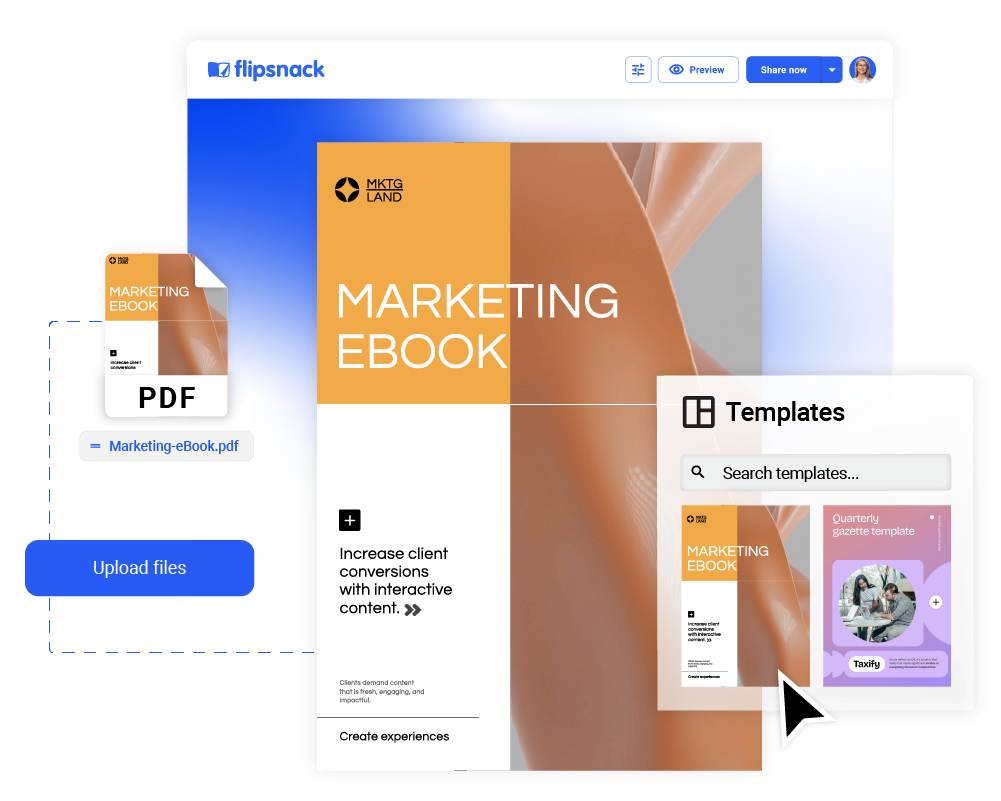
2.Add interactivity
Insert videos, links, buttons, forms, and more to make your content engaging.
How to add interactivity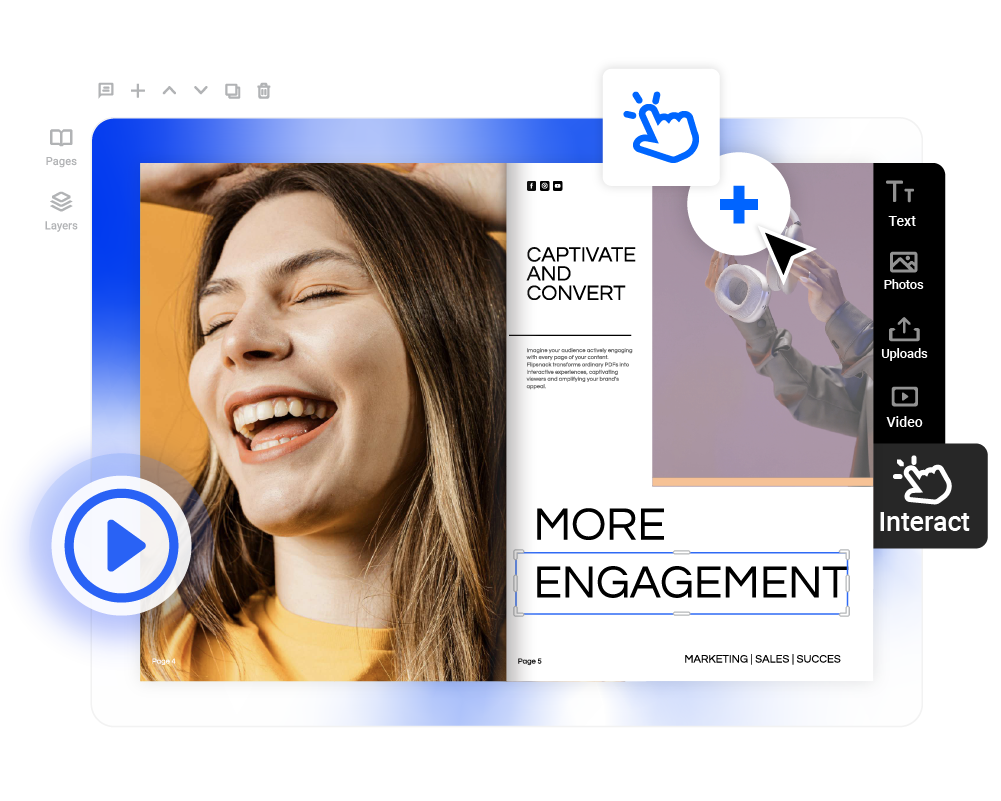
3.Customize and brand
Use your logo, fonts, colors, and layouts to keep your content on-brand.
How to customize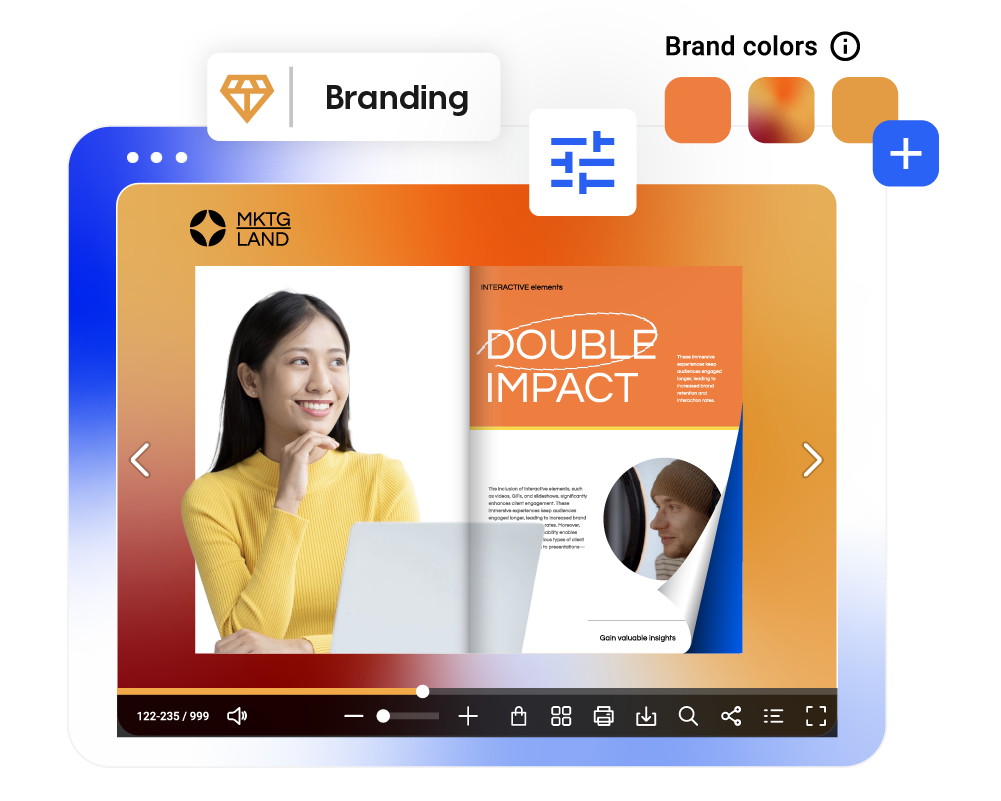
4.Share your content
Distribute your flipbook via email, direct link, or embed it on your site.
How to share your flipbook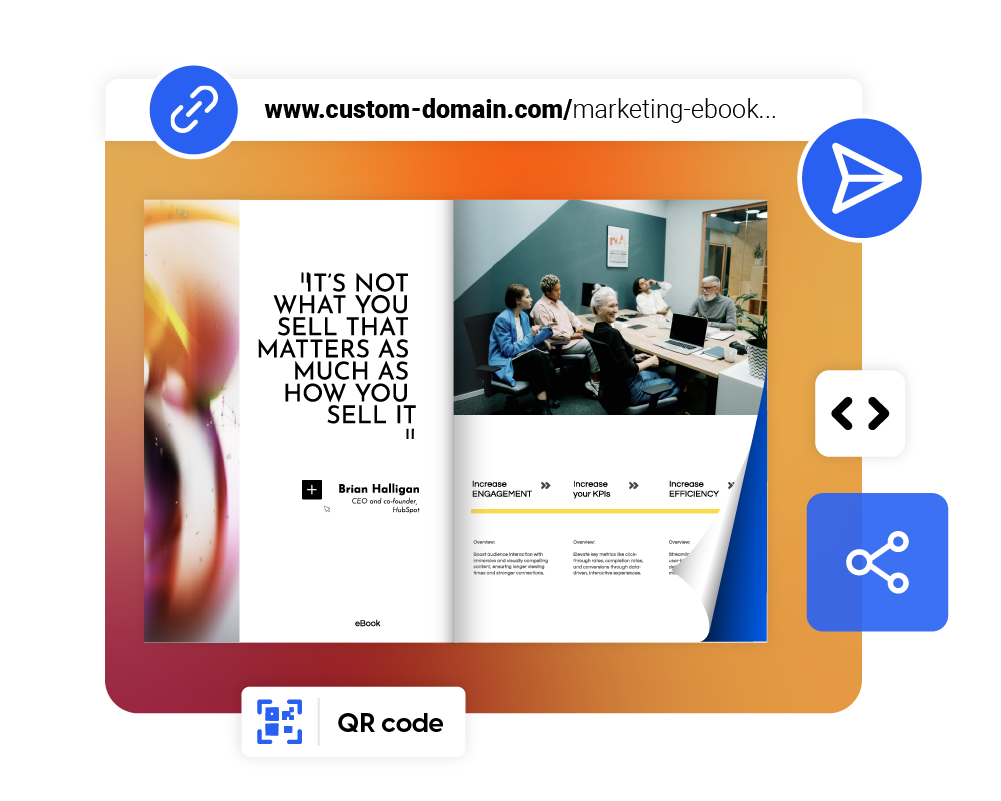
5.Analyze performance
Track views, clicks, and interactions with built-in analytics tools.
Statistics overview
Elevate content with advanced tools
Power up your content creation with functionalities built for modern teams.
Multiple integrations
Sync with HubSpot, Mailchimp, or Google tools for seamless workflows.
Learn moreBrand your workspace
Customize your public profile and catalogs with branded colors, logos, and links.
Learn moreAutomated catalogs
Generate product catalogs from CSV files in just a few minutes, without manual updates.
Learn more