Online Employee Handbook Maker
Whether you’re a corporate trainer, an HR manager, or a compliance officer, Flipsnack helps you create & publish employee handbooks securely and:
- work together on creating and updating handbooks
- make handbooks accessible via an online library
- track employee engagement on each shared link





What is an employee handbook?
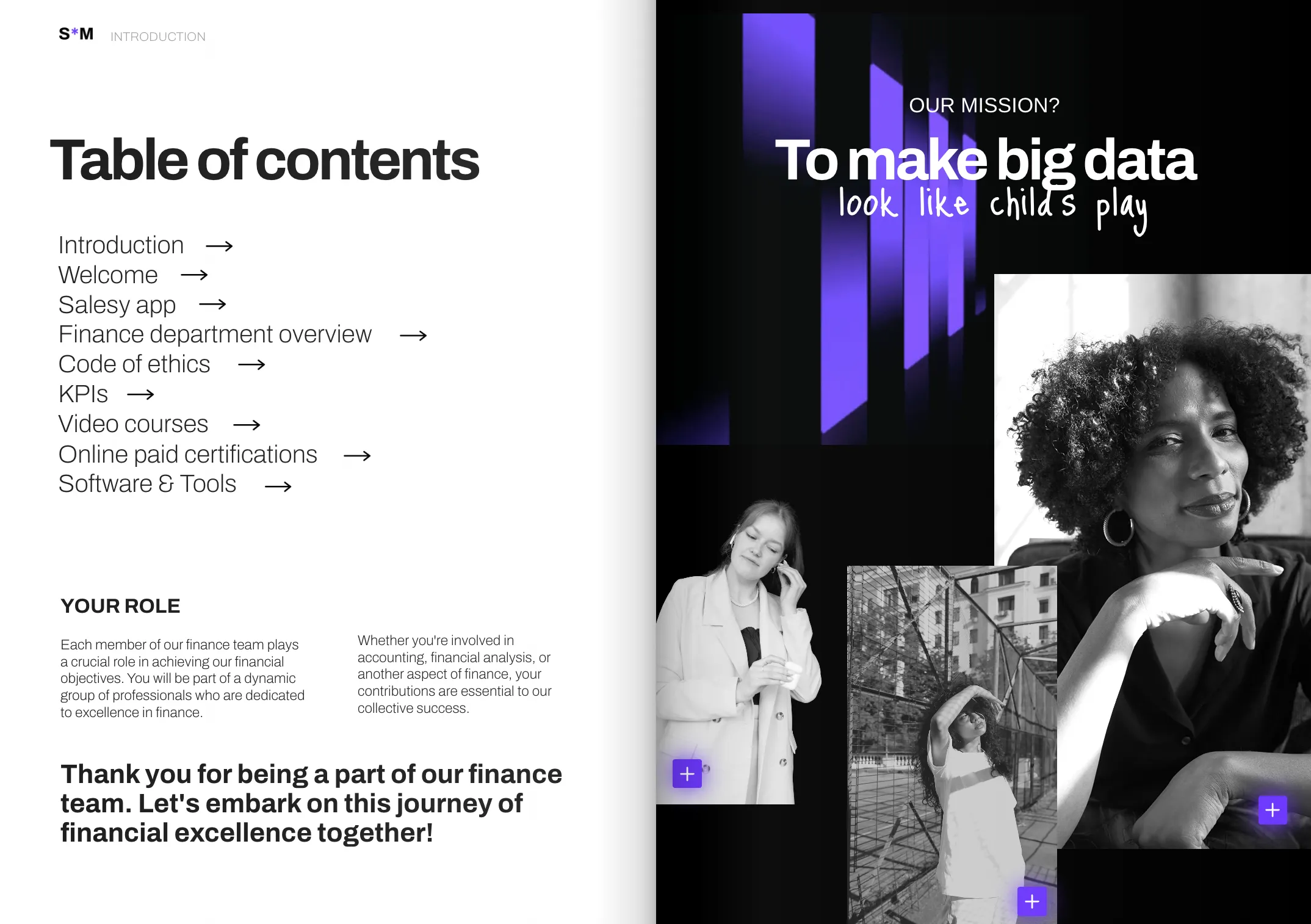
An employee handbook is a document that explains your company’s policies, procedures, and expectations for employees. It helps your team understand workplace rules, benefits, and responsibilities. An online handbook or employee manual also makes it easier to share policies, update content, and give employees access to the latest information.
Make employee handbooks easily accessible
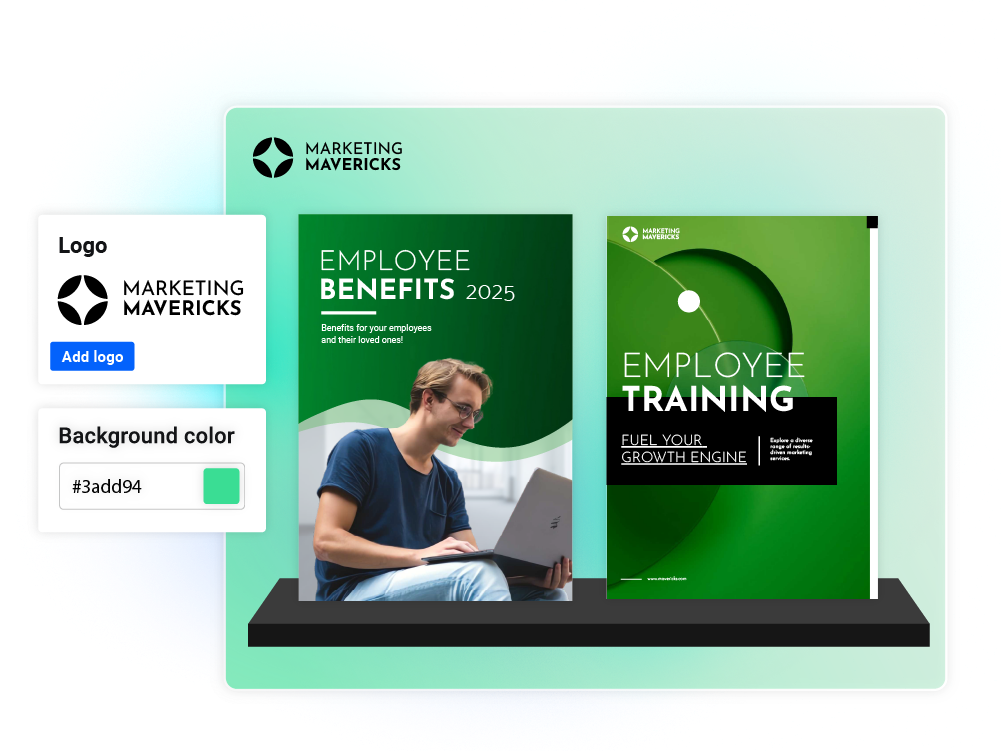
Sometimes, even the most engaging and visually appealing company handbooks end up forgotten in inboxes. Flipsnack offers an easy organization option for all your digital handbooks in the form of virtual bookshelves. Create or upload HR documents, a staff handbook, employee benefits guides, training manuals, and add them to the same bookshelf, under a single shareable link.
How to create a handbook
Build, update, and customize online handbooks using a single employee handbook software. Flipsnack enables HR professionals and corporate trainers to save time on handbook creation, updates, and distribution.

Upload PDF handbook or create from scratch
Upload a PDF handbook to Flipsnack’s employee handbook maker or create a design from scratch. You can also use an editable handbook template and personalize it according to your brand.

Add interactivity to your employee handbook
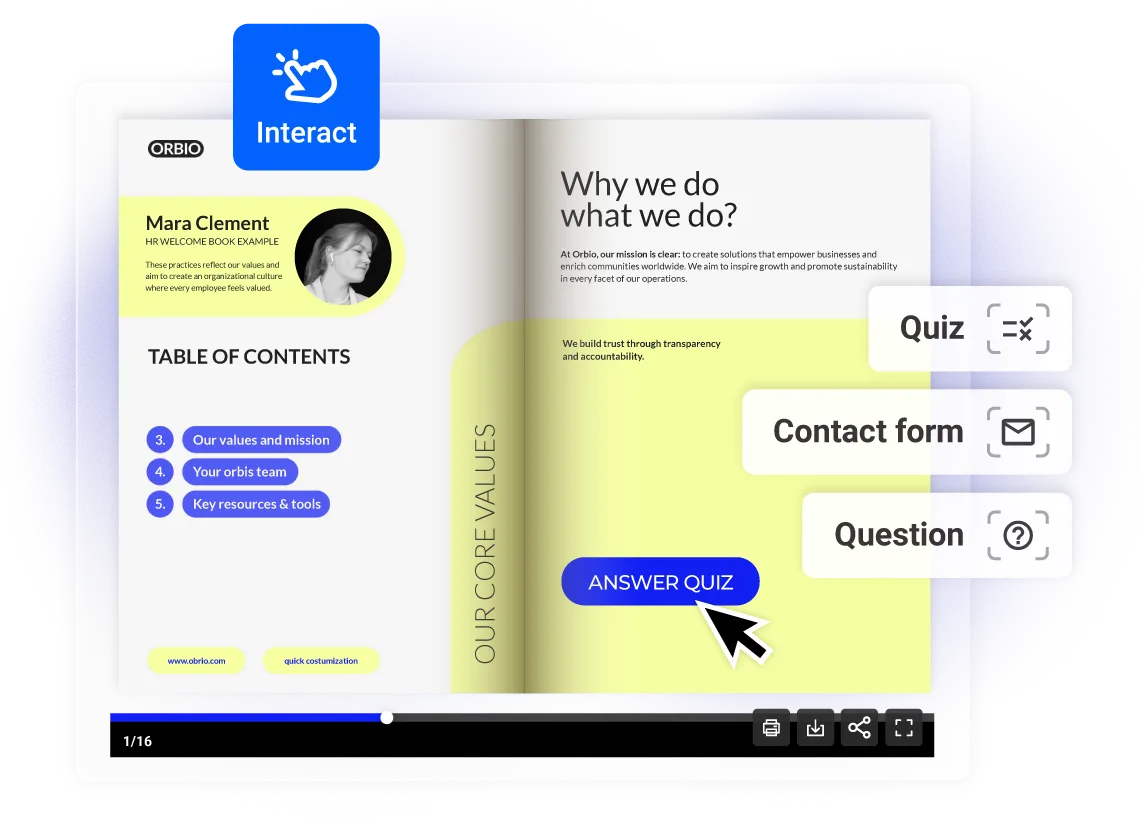
Make corporate documents more engaging with quizzes, contact forms, or questions that employees can answer within the digital handbook. You can also add other interactive elements to make the navigation easier.

Brand your digital handbook
Create fully branded online employee handbooks by applying your brand kit to each one. Include your logo, colors, fonts, and favicon. Save your work as a branded template to have a solid starting point each time.

Share and track employee handbooks with full control
With our employee handbook builder, your confidential files stay protected during distribution. Share handbooks privately through SSO, restrict access with passwords, and make sure only the right people can open them. Then, you can track how employees engage with the content.
Employee handbook templates fit for all businesses
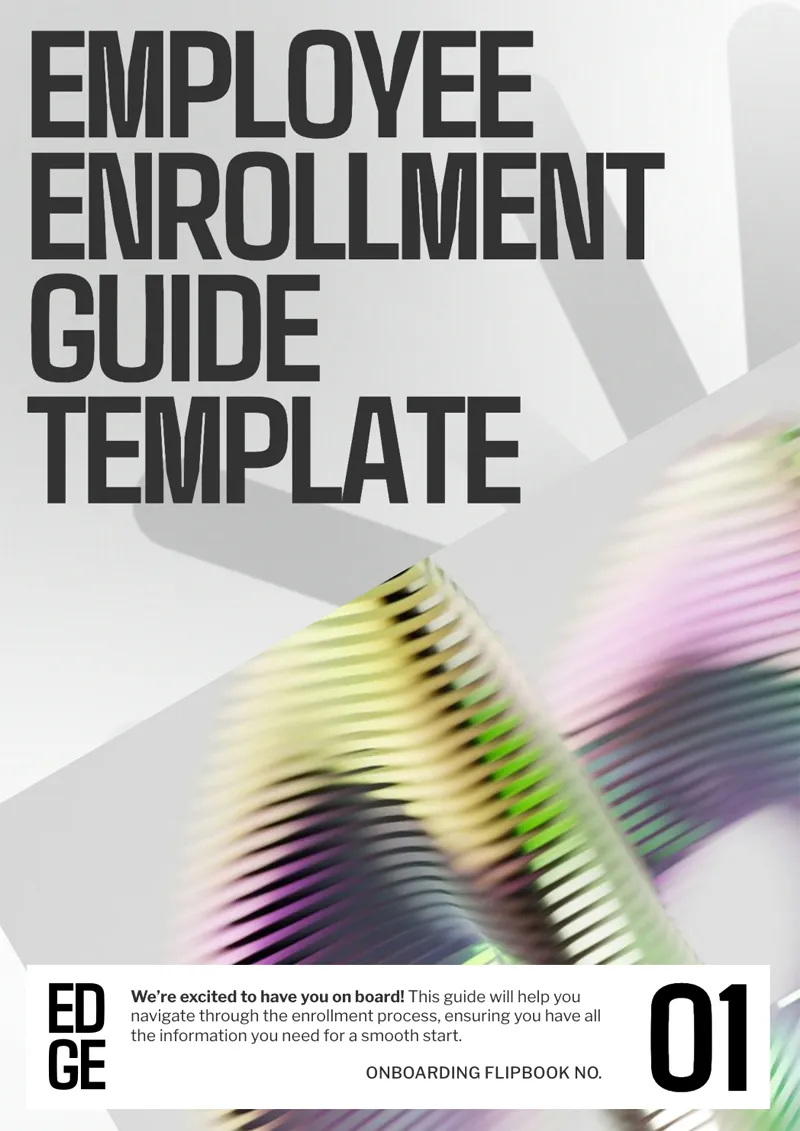
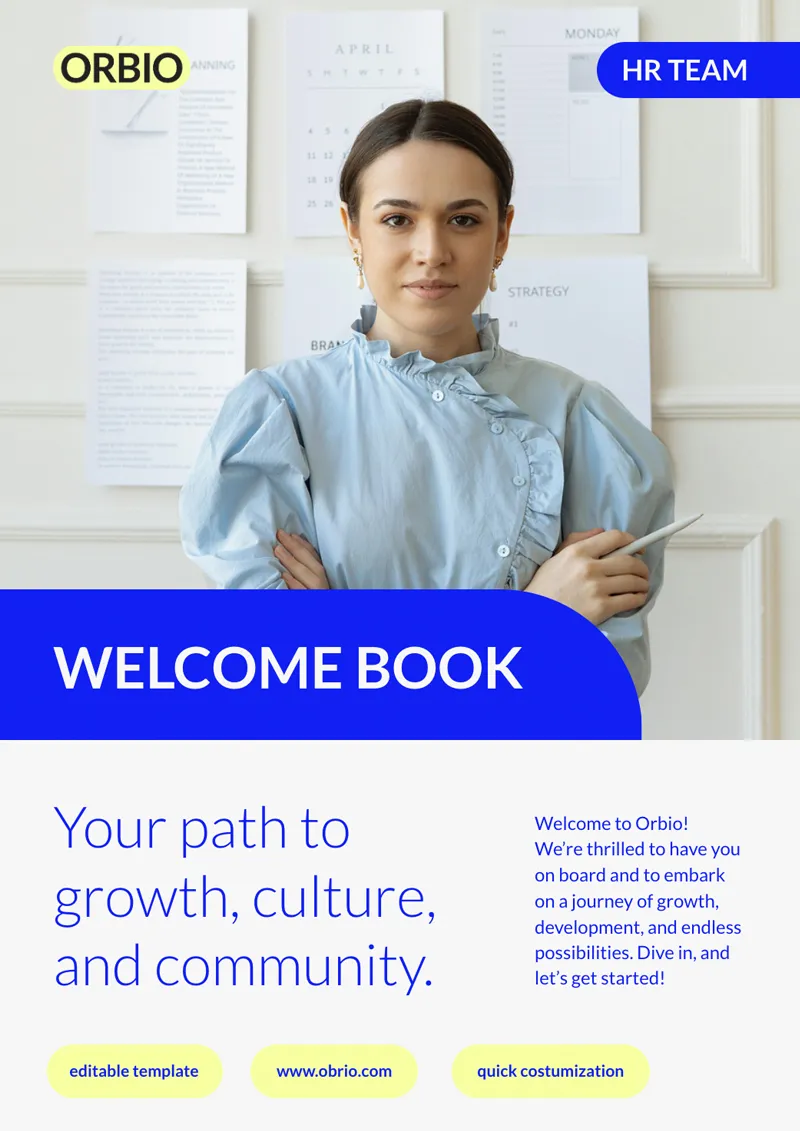
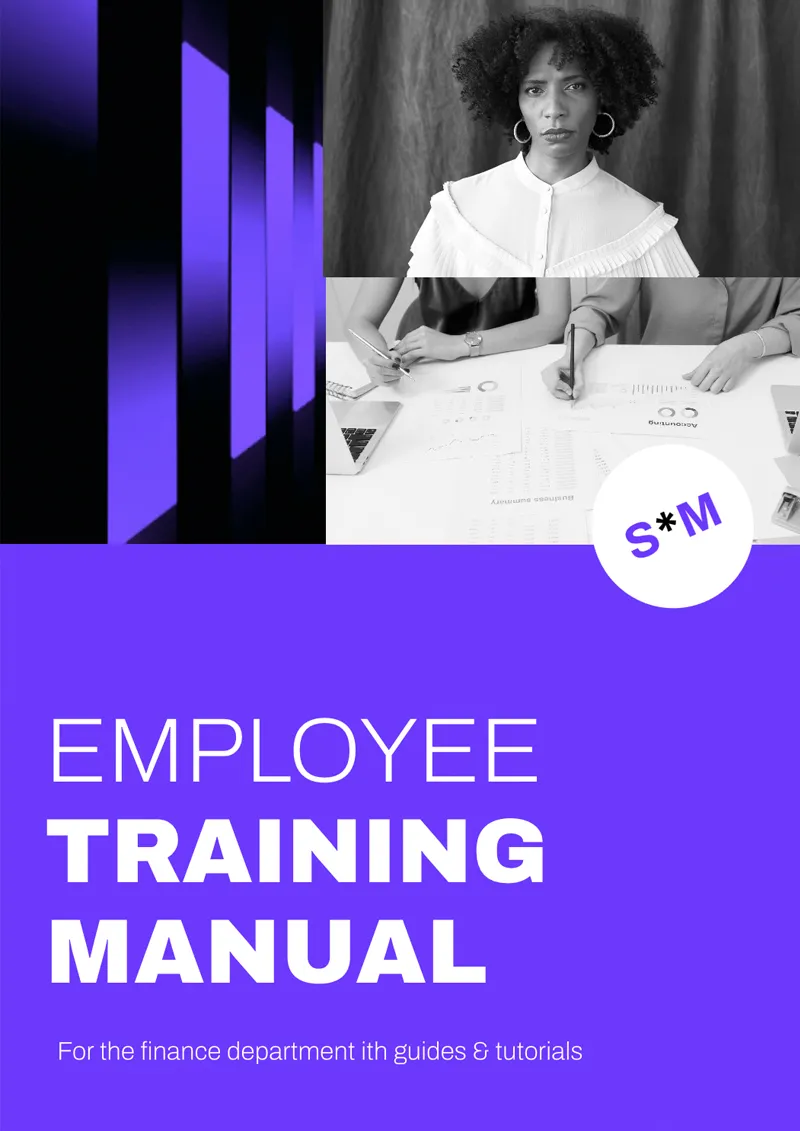
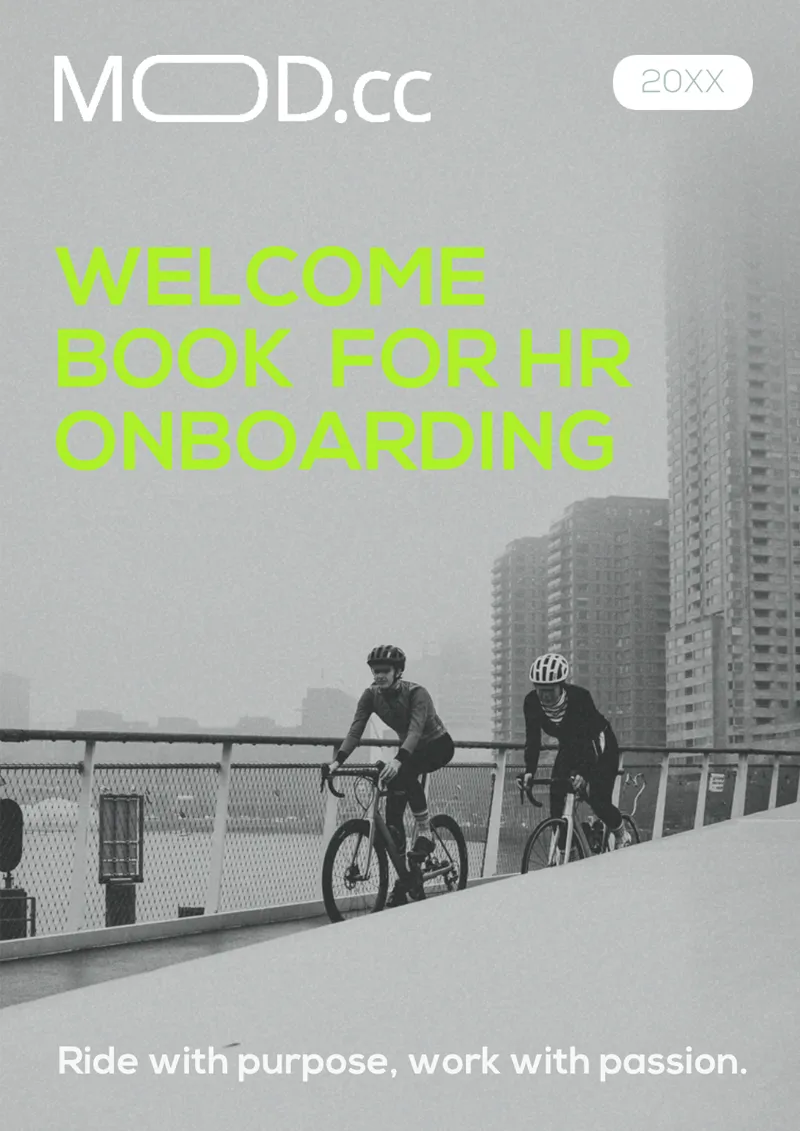
Search through free employee handbook templates built for HR teams across all types of businesses. Turn your online employee handbooks into engaging digital experiences and present company culture, workplace policies, and labor law-related information in a clear and accessible way.


To say that using Flipsnack has been a success is an understatement. We’ve seen an increase in knowledge and engagement–which is strictly due to Flipsnack! Our training content has never been more organized and easy to access.
Korben Niblett
Director, Education & Content Development
Secure employee handbook sharing for organizations
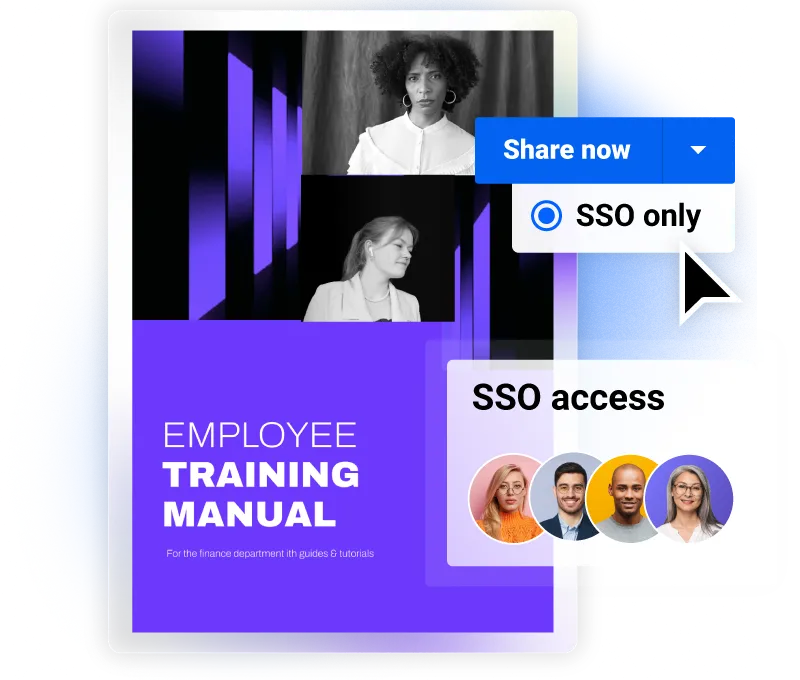
SSO sharing
Share digital employee handbooks securely through SSO within the onboarding process. Grant direct access through the SSO system and keep handbooks confidential.
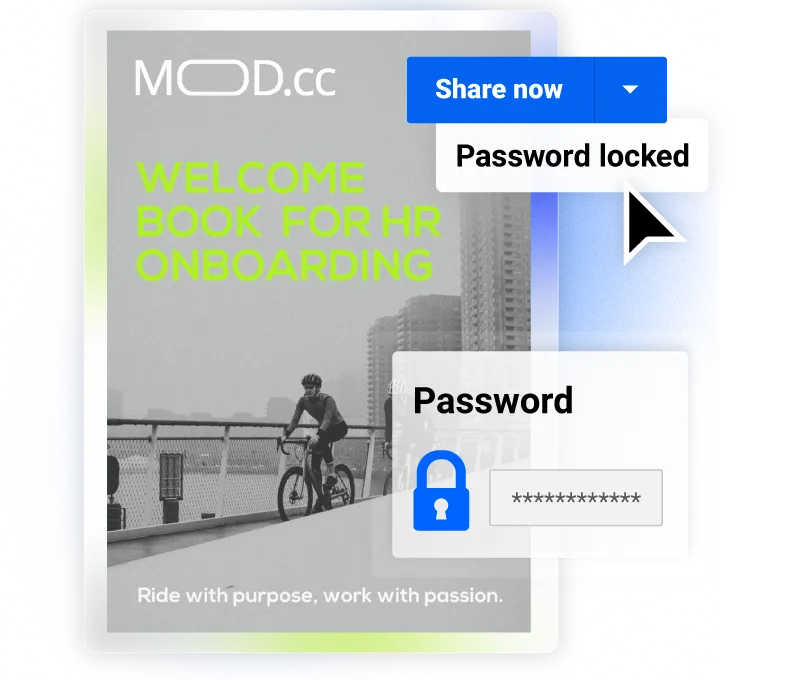
Password-protected
Send password-protected online employee handbooks and ensure only authorized team members have access. Share password-protected links for secure viewing.
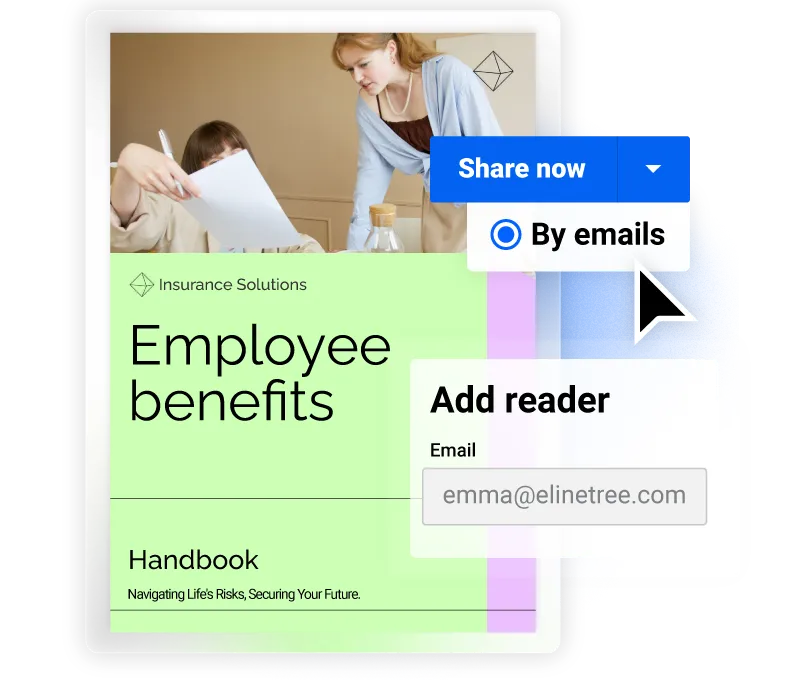
Specific people only
Share handbooks with specific people through email. Add email addresses one by one or upload a CSV file, then limit access so only invited people can open the handbook.
Improve learning and knowledge retention
Make onboarding more effective with interactive quizzes that turn passive reading into active learning. Required quizzes help everyone complete their training, while response data shows where new hires need more support and helps you improve future onboarding.
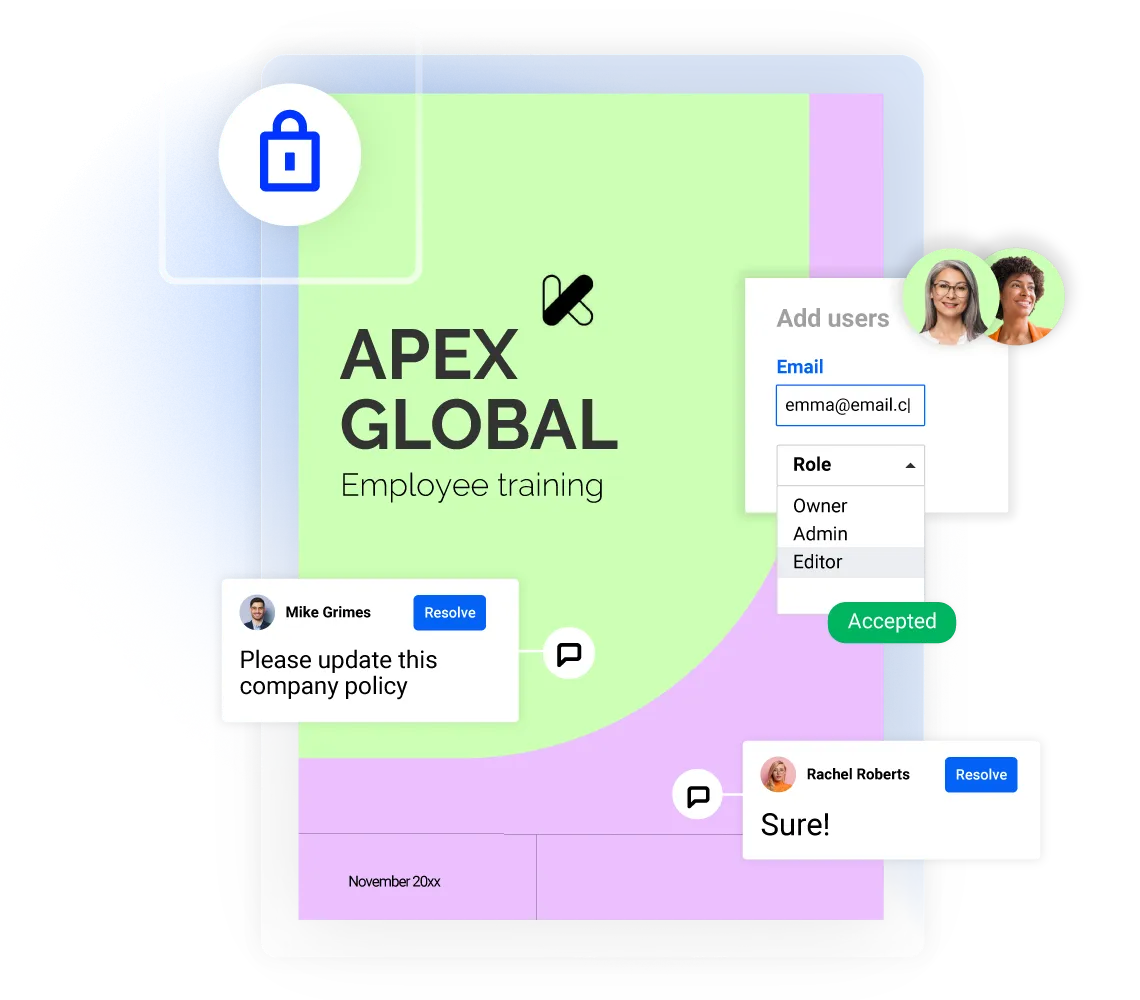
Work together on employee handbooks
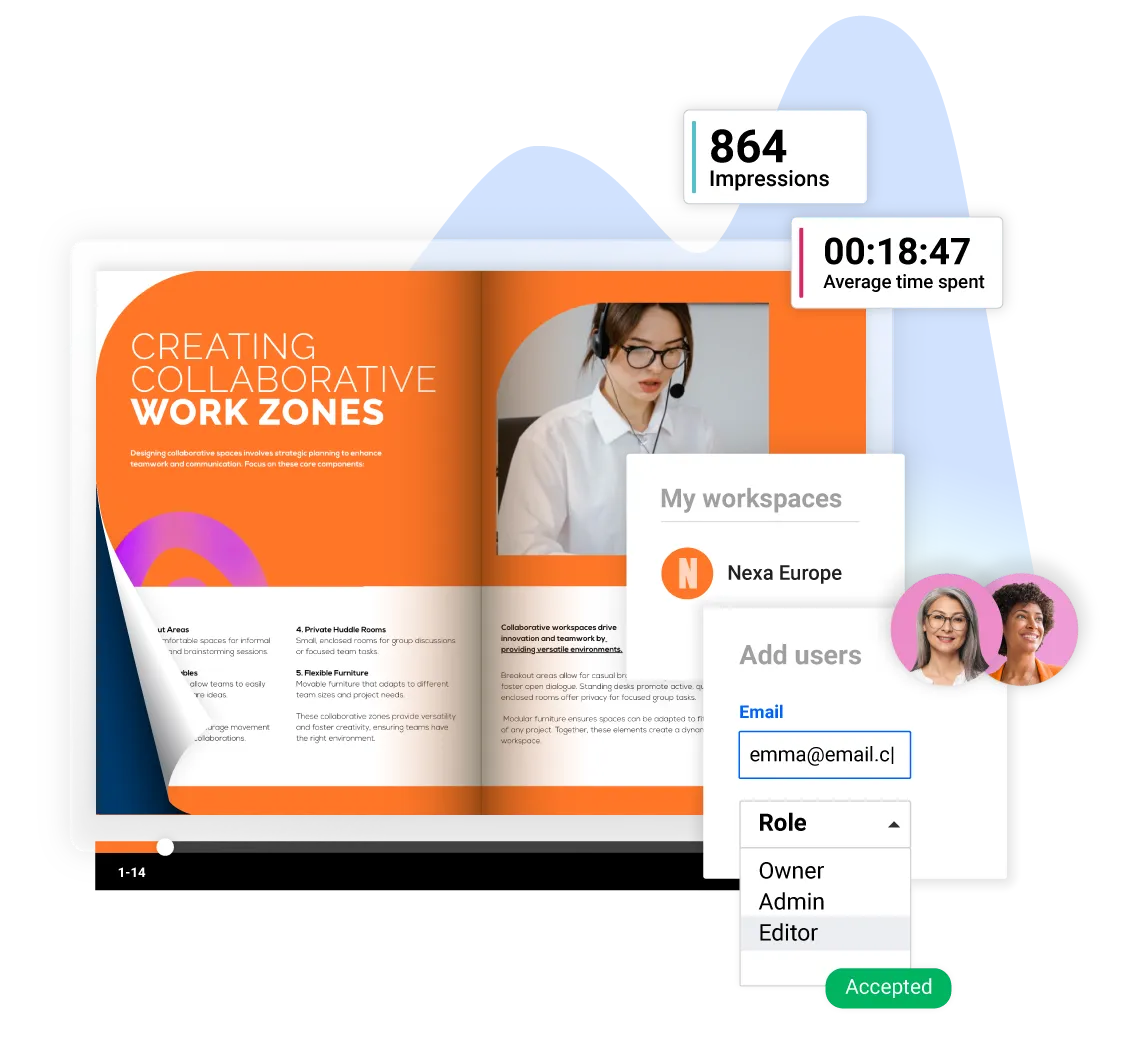
Collaborate with your team to create, share, and update digital handbooks. Invite teammates from HR, legal, and compliance, assign roles and editing permissions, and leave comments directly in the publication. Keep your company policy consistent and up to date across every handbook.
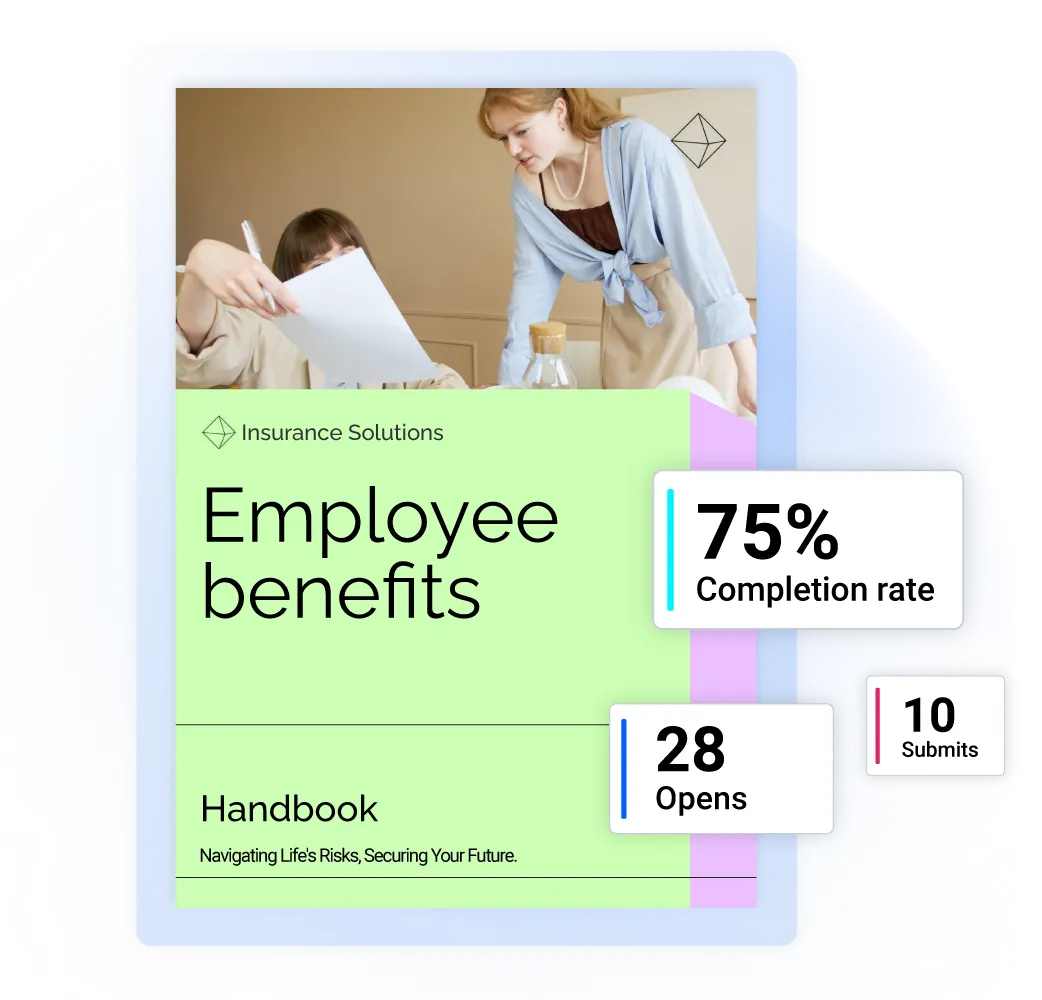
Know your handbook's impact, not just its reach
Our employee handbook builder helps you understand how employees interact with your handbook, not just how many people open it. Track completion rates, quiz performance, and reading behavior in one place, then use those insights to improve content and support better understanding.
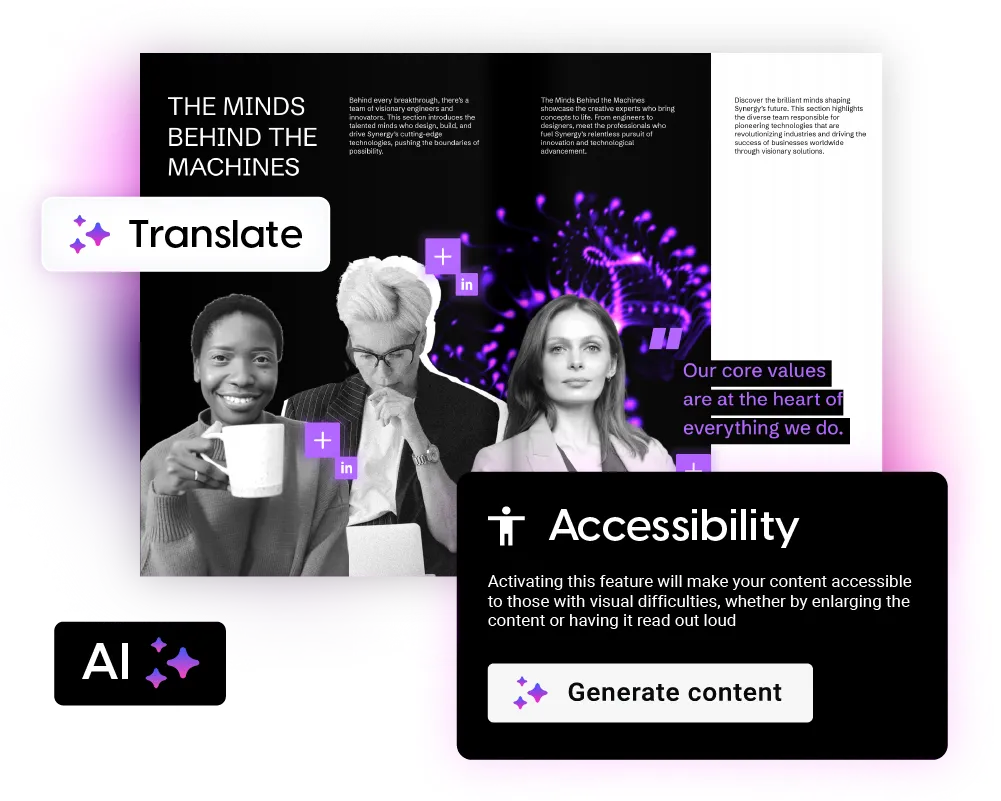
AI employee handbook generator
Create accessible employee handbooks with our employee handbook generator. Use page titles, descriptions, and AI-generated summaries to support screen readers, improve keyboard navigation, and offer accessible PDF downloads for employees who use assistive technology.
Frequently asked questions
1. What’s the difference between an employee manual and a handbook?

An employee manual is a detailed technical document focused on specific procedures, protocols, and compliance requirements. It serves as a comprehensive reference guide that outlines step-by-step processes and exact policy regulations that employees must follow.A handbook is a more approachable document that focuses on company culture, general workplace expectations, and high-level policies. It's designed to be reader-friendly and helps employees understand the company's values, mission, and basic guidelines while providing an overview of available resources and benefits.
2. Can employees access the handbook offline?
Yes. Flipsnack’s online employee handbook creator supports PDF downloads, and you can also enable an accessible PDF download for employees who need an offline version or use assistive technology.
3. What should an employee handbook include?
At a minimum, it should cover company policies, workplace expectations, procedures, benefits, rights, and obligations. That gives employees one clear reference point from day one.
4. Can HR, legal, and compliance review the same handbook before it goes live?
Yes. Teams can assign roles, set permissions, add comments, and use review states such as Pending review. Flipsnack does not let multiple people edit the same document at the exact same moment, which helps avoid overwrite issues.
5. Can I change who has access after the handbook is published?
Yes. You can change visibility later and switch between public, unlisted, password-protected, and private access depending on who should see the handbook.