Free Portfolio Maker
Create an online portfolio with our portfolio builder to showcase your work. Upload a PDF or start from a free portfolio template, then add elements to make it interactive. Suitable for:
- Enterprise teams showcasing products and services
- Small businesses sharing client-ready portfolios
- Freelancers in design, marketing, or architecture
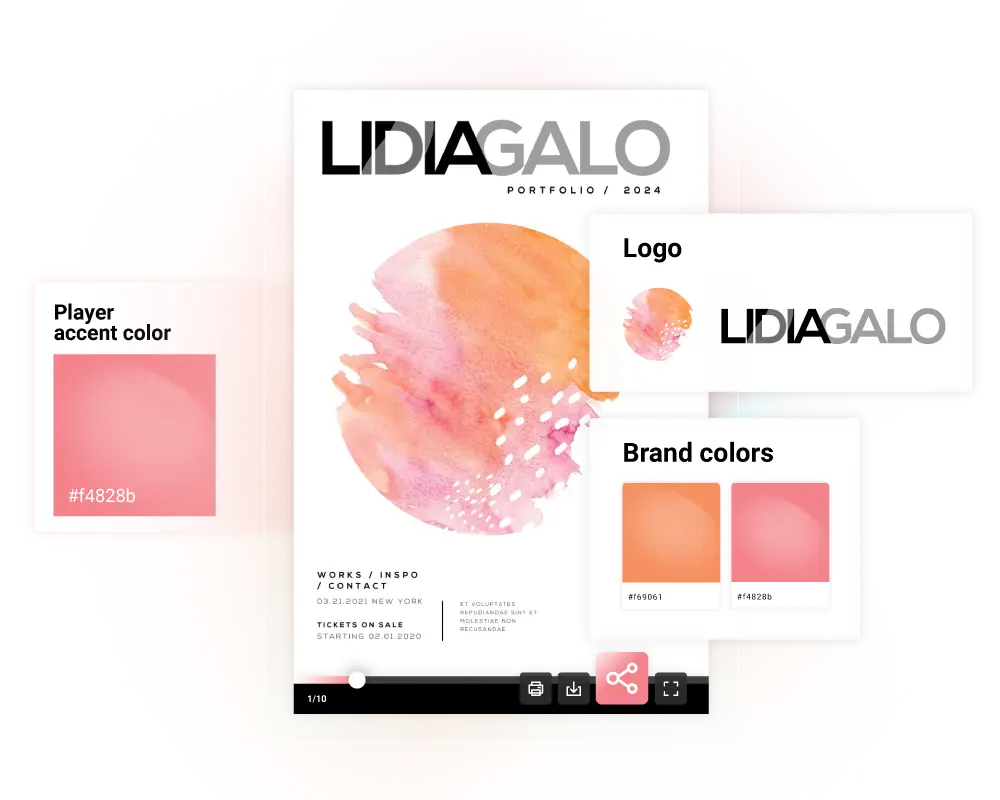






See the best online portfolio maker in action
Flip through a real, interactive portfolio created with Flipsnack. See how you can share your work using portfolio designs with engaging elements. It also stays responsive on desktop, tablet, and mobile.
How to create an online portfolio

1. Upload a PDF or pick a template
Upload your PDF and edit it (currently in Beta), or choose a portfolio template and replace the content with your own work. In a few clicks, you get a digital format that is ready to share.

2. Customize it to match your work
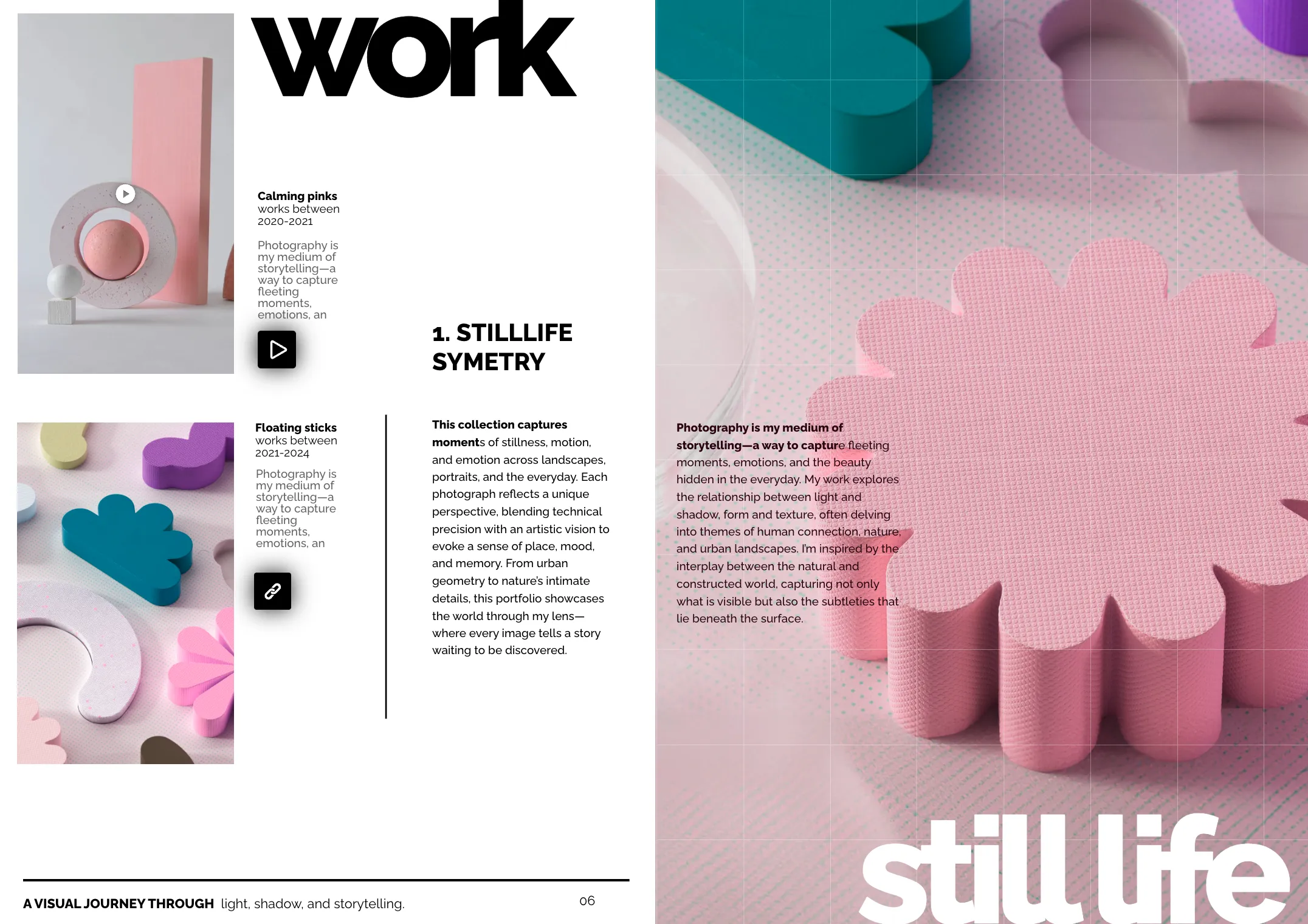
Make it more than a static file. Add videos, clickable links, and pop-ups so people can explore your projects. Use the Spotlight effect to open images in a pop-up and highlight details without changing your layout.

3. Share it with the right audience
Publish your digital portfolio as Public, then share the link, embed it on your portfolio website, send it by email, or generate a QR code. You can also publish it as Unlisted for link-only access, or Private when you want more control.

4. Track what people read and click
Do not guess what works. Use analytics to see views, clicks, and time spent, plus heatmaps that show where readers engage most. Then update the content based on real behavior.
Inspiration for every business need
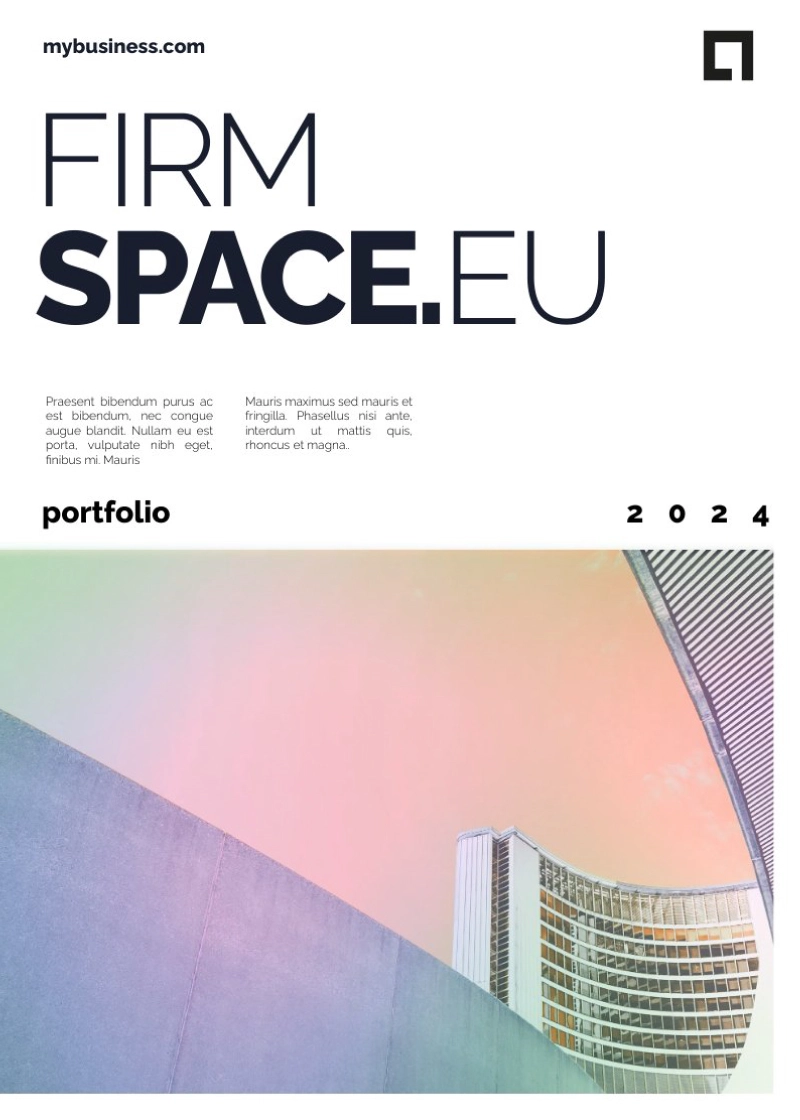
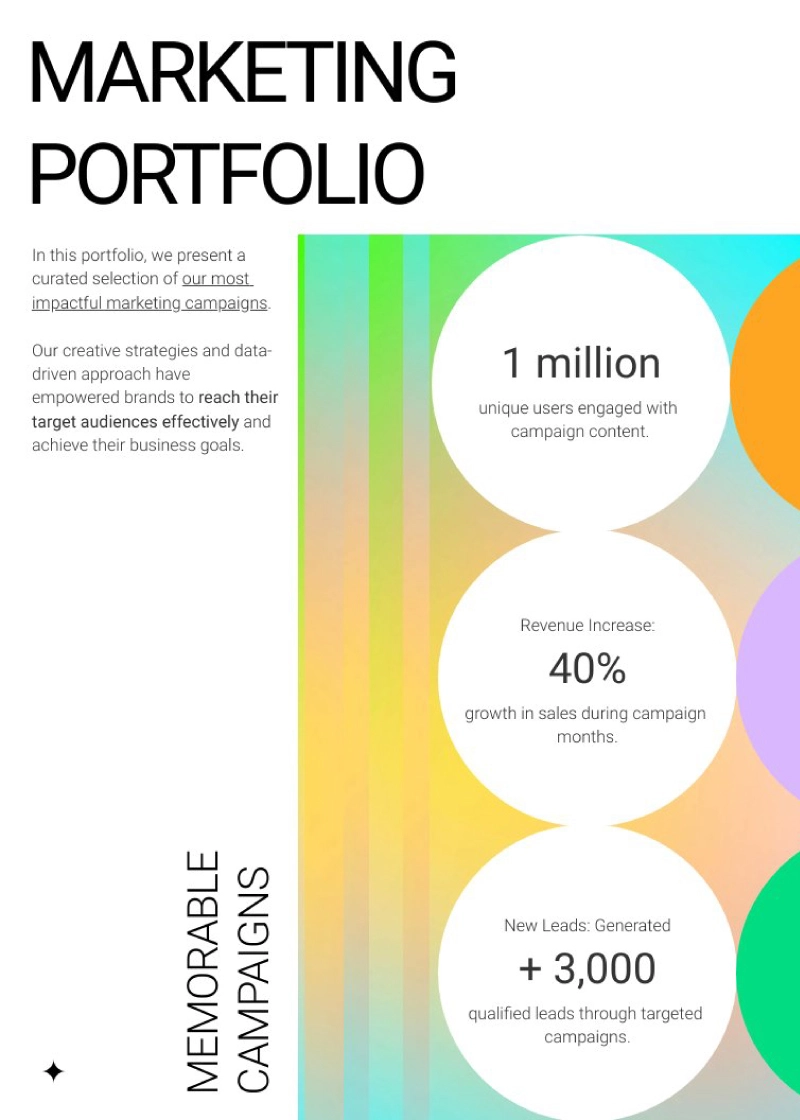
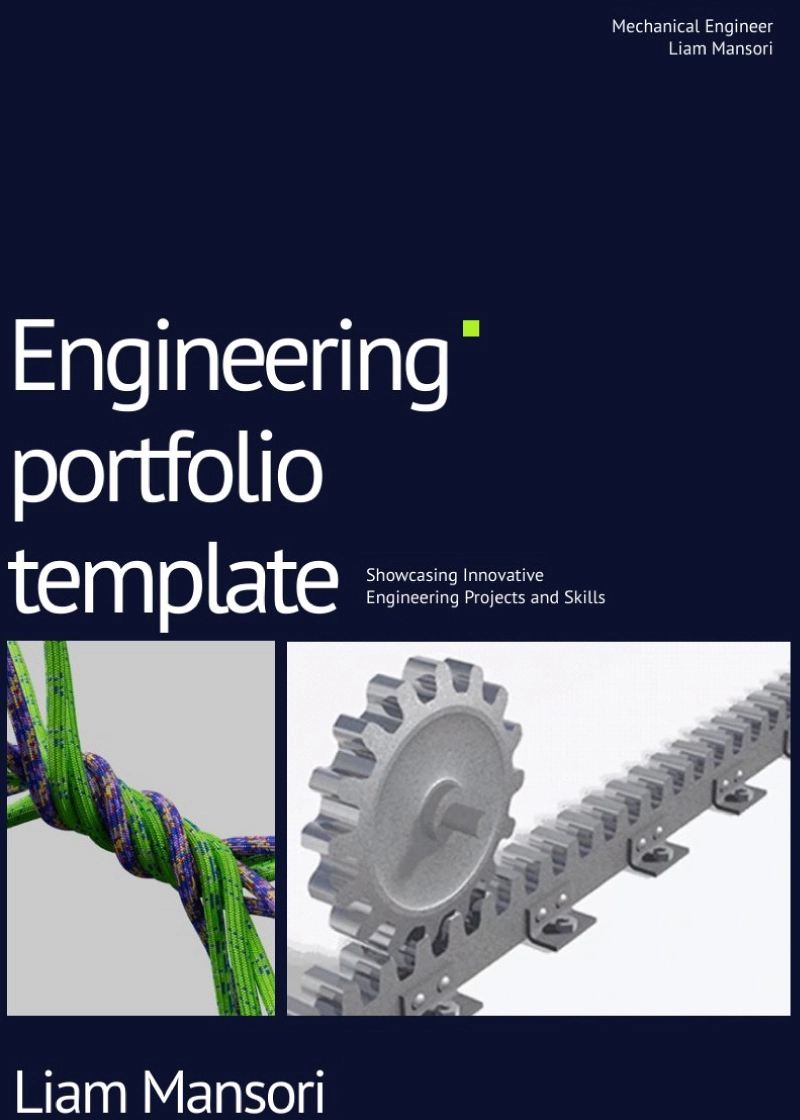
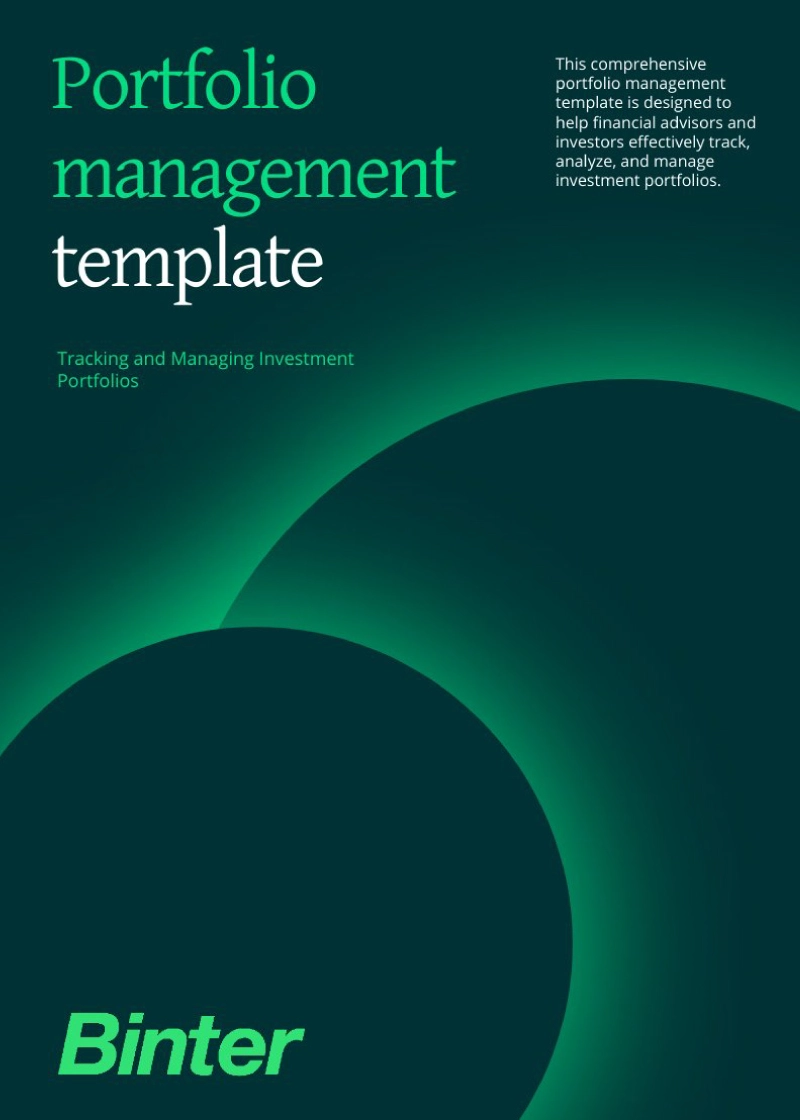
Make your professional portfolio starting from customizable layouts. In our portfolio gallery, you’ll find business portfolio templates, service portfolio templates, real-estate portfolio templates, and many others.
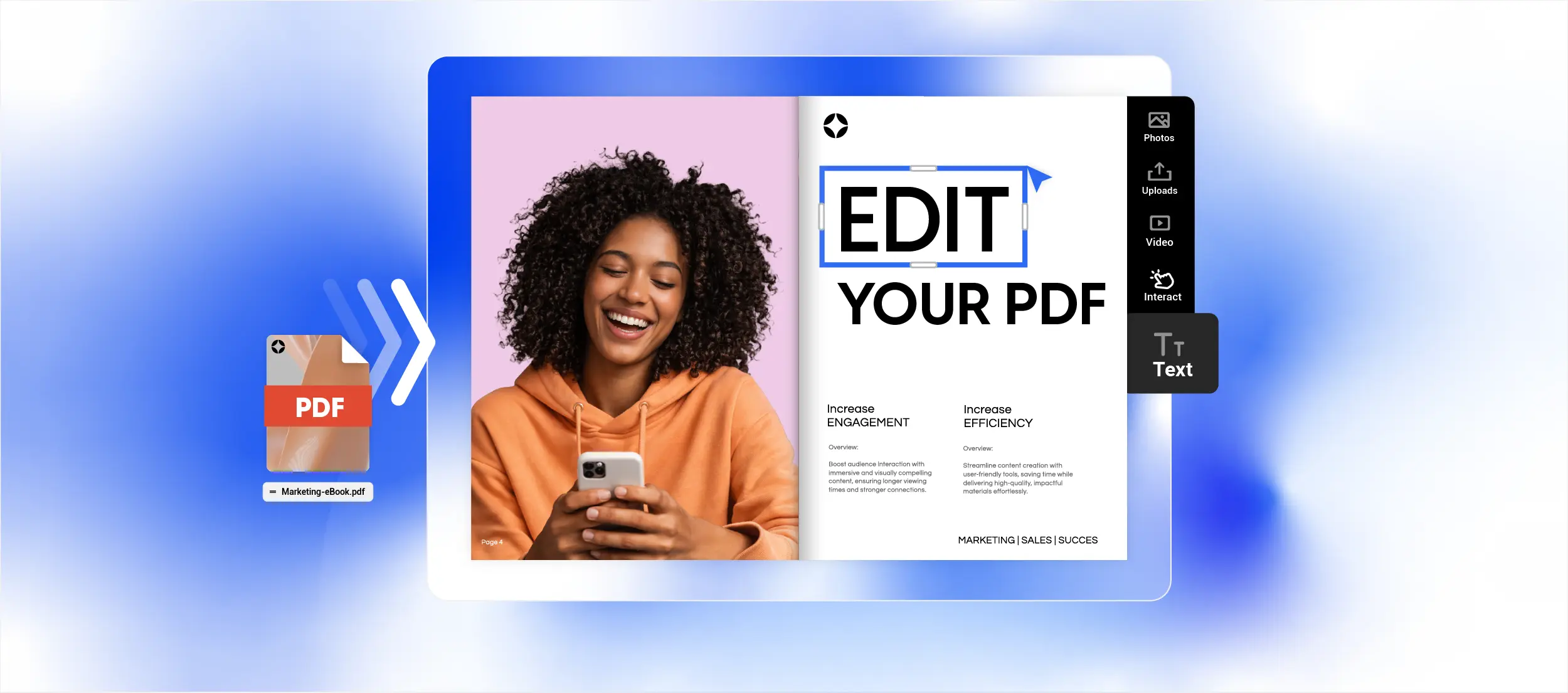
Edit your PDF portfolio
If you already have a PDF portfolio and want to update it, upload it to Flipsnack and edit the file directly (currently in Beta). Change text, move pages, adjust layouts, and extract images in just a few steps. Then add interactive elements to make your portfolio more engaging.
Features packed in the best online portfolio maker
When you need to create portfolios often, speed and brand control matter. Flipsnack makes it easy to build an interactive online portfolio that matches your brand, is quick to update, and is simple to share with clients. Start from a customizable portfolio template or upload a PDF, then edit it in minutes. No code needed.

Fast portfolio creation for busy teams
Choose a ready-made portfolio layout and make it your own with a user-friendly editor. You can use drag-and-drop editing to create a portfolio fast, even if you are a beginner.

Interactive content to impress clients
Turn a static PDF into an interactive portfolio that people actually explore. Add videos, clickable links, tags, and captions, then keep everything editable so updates take minutes, not days.

Responsive, mobile-friendly portfolio layout
Your layout stays responsive and mobile-friendly, so people can read and browse your work on phones, tablets, and desktops. Pages adapt to screen size to stay clear and easy to navigate.
Consistent, on-brand portfolios
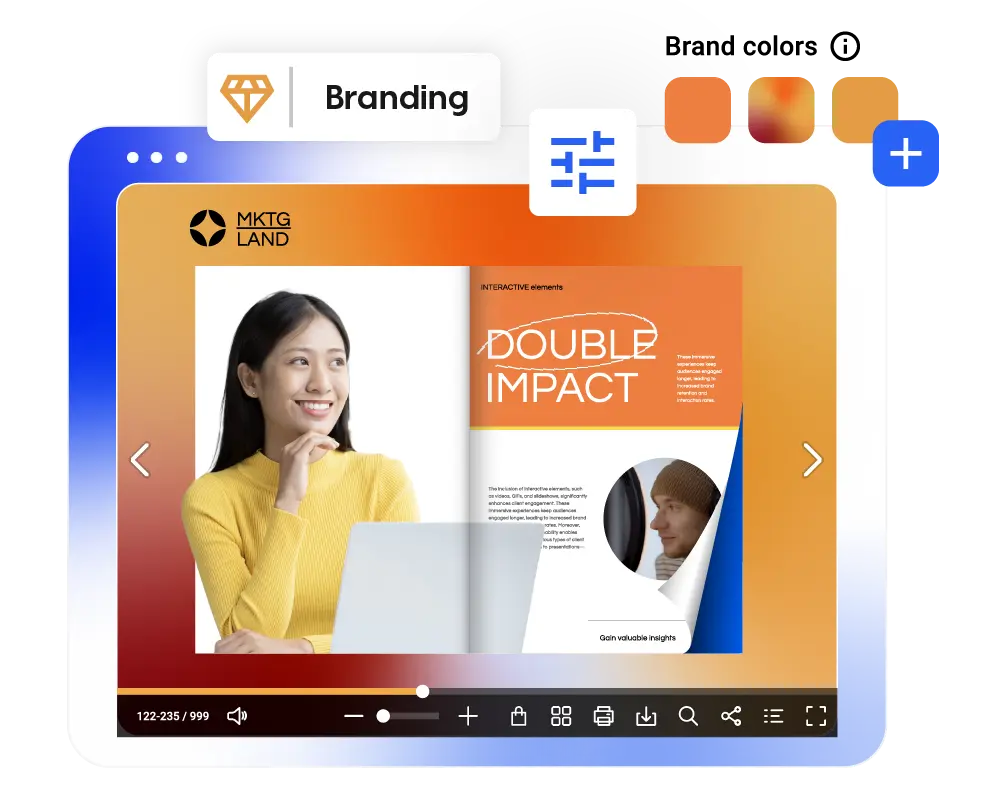
Whether you are a freelancer building your name or a company managing many teams, your work should always look like it comes from you. With Flipsnack, you can set up a brand kit with your logo, brand colors, and custom fonts, then turn it into reusable templates. You can also publish with a branded URL, so every share link supports your brand, not someone else’s. The result is a portfolio that stays consistent, even when you update it often.
Easily share your online portfolio with your audience
Promote through a link
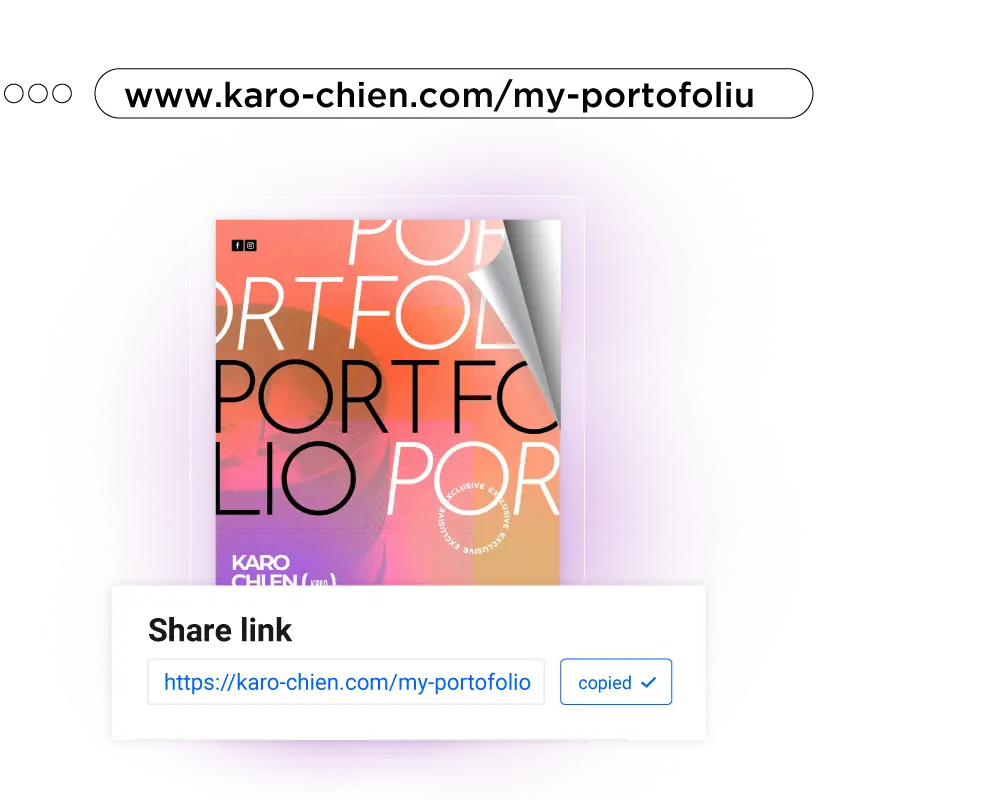
Send a link that opens in any browser, so people can view your work right away. Choose Public if you want it searchable, or Unlisted if you only want people with the link to access it.
Embed on your website
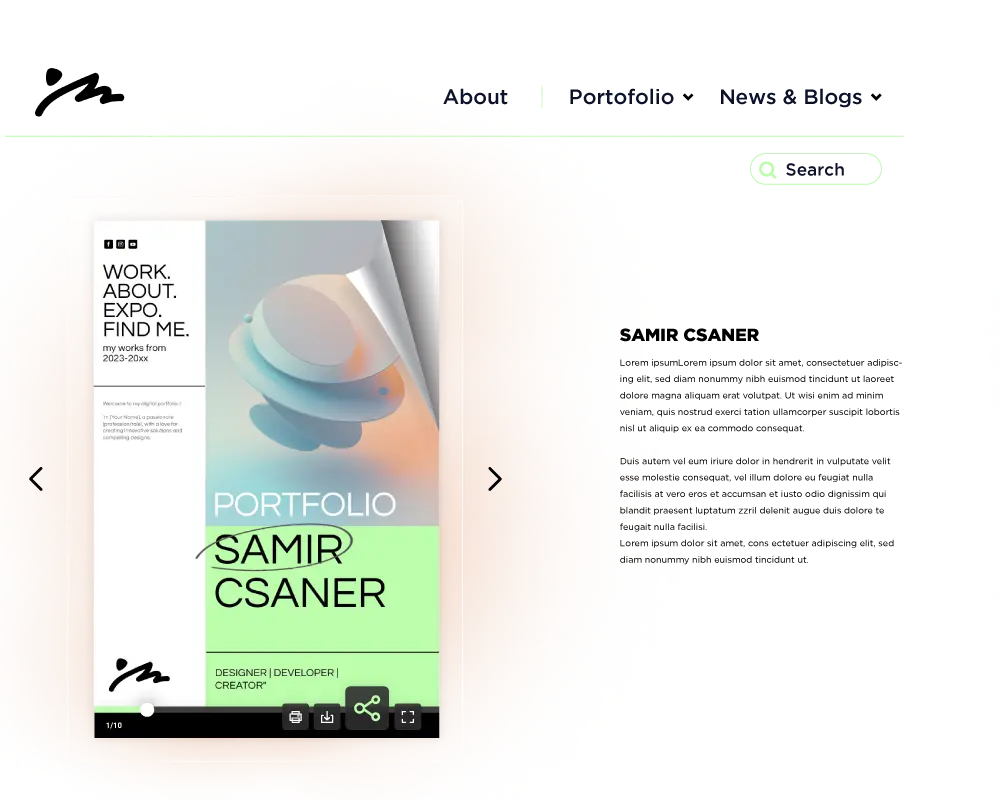
Add it to your website, landing pages, or client portals using the embed code. Publish it first with the right visibility setting, since Private items cannot be embedded on external sites.
Share securely
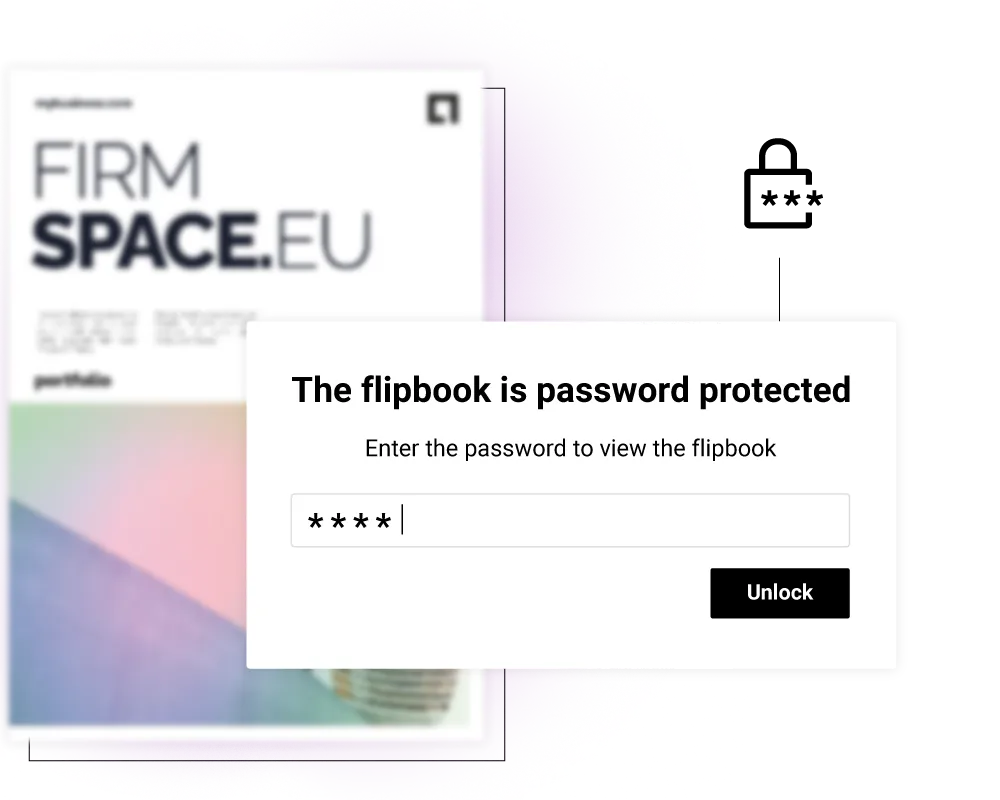
Use Password Locked access, so viewers can open it with a password without needing a Flipsnack account, or use other privacy options when you need tighter control.
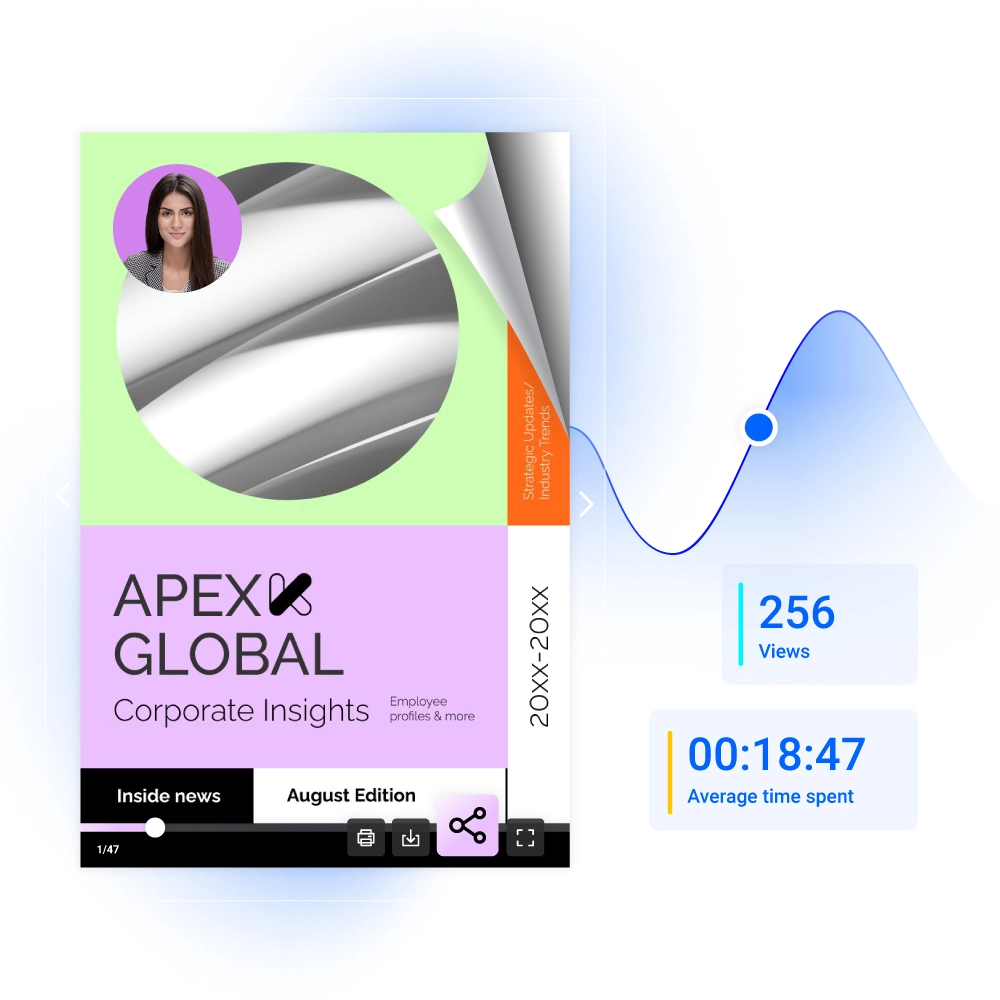
Track portfolio statistics
Through Flipsnack statistics, you can see how your audience interacts with your online portfolio. Check out how much time they spend on a page, or what other visuals they engage with and how. This can help you optimize your digital portfolio for a wider audience.
A portfolio builder for every need
Whether you work solo or with a team, Flipsnack helps you present your work in a format that is easy to create and quick to update.

Large companies
Create sales portfolios, product portfolios, and service portfolios that stay on brand. Share with a link, embed on your site, or use secure options like password protection and SSO when needed.

Agencies
Build client-ready portfolios for marketing, design, or architecture projects, then reuse the layout for the next client. Copy a template, make it editable, and add videos and links to keep it interactive.

Freelancers
Show your work with a design, marketing, art, or photography portfolio that looks great on any device. Choose a portfolio template and keep it updated with quick edits whenever you finish a new project.


When it came to showcasing my work, I knew I wanted to use Flipsnack to present my online portfolio! With just a few clicks to download a PDF file, then a few more clicks later, you are left with a fluent and very efficient flip book!
Harry Byrne
Graphic Designer at National Portrait Gallery
AI portfolio generator for accessible digital portfolios
Our AI portfolio maker helps showcase your creative work to everyone online with accessible portfolios. Generate alt text summaries for each page and help screen readers identify the digital portfolio’s contents.
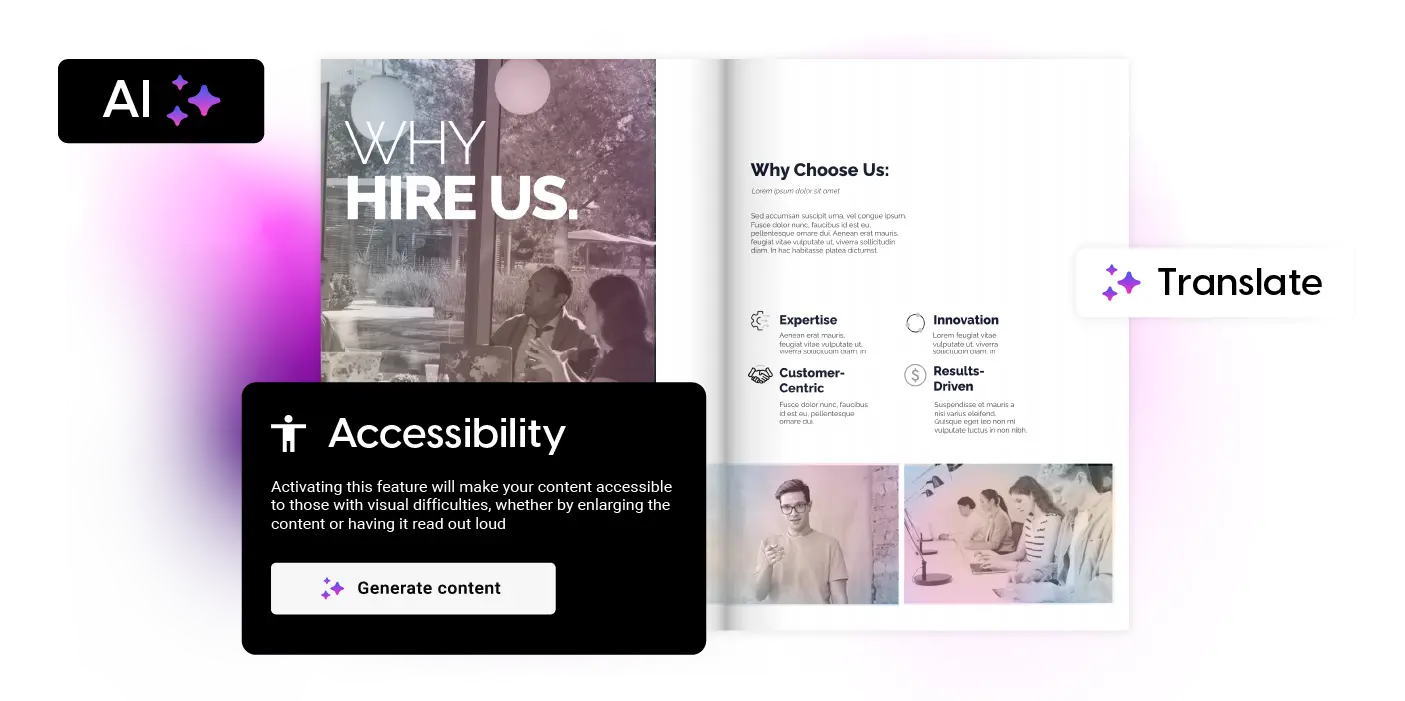

Accessible viewer
Make your work easier to consume for everyone. Turn on Accessibility and let Flipsnack generate page summaries that screen readers can read out loud.

Accessible templates
Start from templates that help you create content with accessibility in mind, then customize the layout and replace everything with your own work.

AI translation
Reach clients in more languages without rewriting your content by hand. Translate an entire publication or only specific text areas using Flipsnack AI.
Keyboard navigation
The player supports keyboard navigation and works with screen readers, so readers can move through your content with clear labels and controls.
Frequently asked questions
Why create a digital portfolio?

A digital portfolio makes it easier for people to view your work and act on it. Instead of sending a static file, you can share one link, add interactive content like videos and links, and update it whenever your work changes. It also works well on desktop, tablet, and mobile, so your audience can view it anywhere.
What should I include in a digital portfolio?
Start with a clear intro about who you are and what you do. Then show your best projects with short context: the goal, your role, and the outcome. Add proof that builds trust, like testimonials, results, or short case studies. End with a clear next step, like a contact option or a link to book a call. If you want people to spend more time on it, add videos and clickable links that help.
Where can I post my online portfolio?
The most common spots are your website, landing pages, client portals, and email campaigns. With Flipsnack, you can share it as a link or embed it on your site using the embed code. The embed can be set to Responsive so it stays mobile-friendly on different screen sizes.
Can I remove Flipsnack branding and use my own branded URL?
Yes, if you need a fully branded experience. You can connect a custom domain or subdomain so your portfolio link uses your branded URL. You can also build a brand kit and add custom fonts so every portfolio matches your brand. These advanced branding options are available on the Enterprise plan.