
Free Digital Flyer Maker
Design digital flyers that go beyond static images. With Flipsnack, you can:
- Start from a template or upload your own PDF
- Add clickable links, video, or a lead form
- Share via link, embed on your site, or post to social
- Track views, clicks, and engagement after publishing
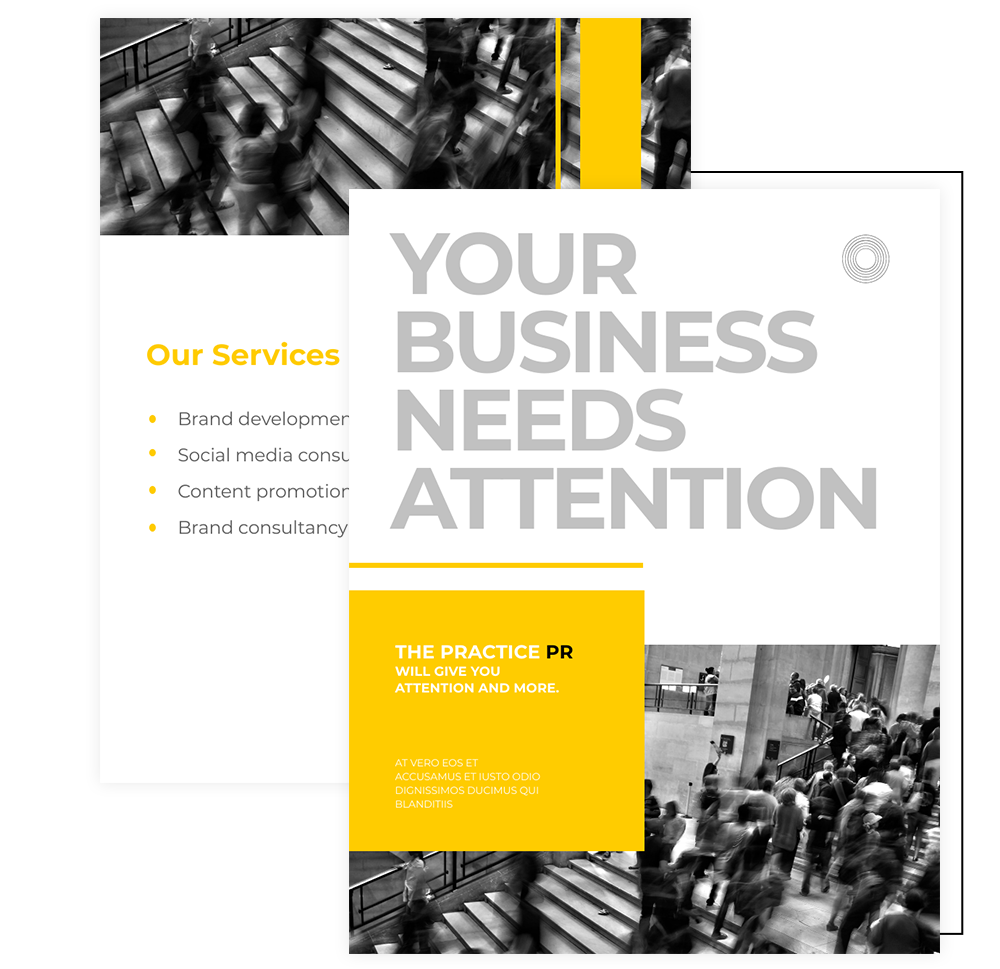
Trusted by the world’s most innovative businesses





Printed flyer vs Flipsnack’s digital flyer
| Criteria | Print Flyer | Digital Flyer |
|---|---|---|
| Distribution | Physically handed out or mailed | Shared instantly via link, email, or embed |
| Editability | Requires reprinting for any change | Easily updated anytime without redoing the flyer |
| Cost & Speed | Printing and distribution costs apply | No printing costs, publish in minutes |
| Format & Output | Fixed paper size | Export as PDF, JPG, or PNG for online or print use |
| Reach & Tracking | No insight into engagement | Track views, clicks, and interactions |
What is a digital flyer?
A digital flyer is a single-page promotional design shared online instead of printed. Unlike a paper flyer, it can include clickable links, embedded video, and lead capture forms. It can be updated after publishing without re-sending, and you can track its performance in real time: views, clicks, device breakdown.
How to create a flyer online for free
Use our free online flyer creator to design, customize, and publish digital flyers in just a few steps. Upload a PDF, choose a flyer template, or start from scratch. Then enhance your flyer with interactive elements and either share it online or prepare it for print.
Create a digital flyer1. Choose the size of your flyer
Select the page size that fits your needs — from standard flyer formats to custom dimensions. Create flyers optimized for print, online sharing, or both.
2. Pick a flyer template that’s perfect for you
Choose from free flyer templates by industry, layout style, or design complexity. Prefer full control? Start with a blank canvas and design your flyer from scratch.
3. Customize your flyer design
Edit text, images, colors, fonts, and layout in real time. Make use of this flyer maker with branding, add visuals, and fine-tune every element to match your message.
4. Download, print, or share online
Export your flyer as a high-resolution PDF, JPG, or PNG. Share it online with a link, embed it on your site, or prepare it for professional printing.
Watch how to create a digital flyer online
Business Flyer Templates
Create polished business flyers using customizable templates for promotions, announcements, and company updates. Adjust layouts, colors, fonts, and branding to match your business. Flipsnack offers easy sharing and downloading depending on your flyer’s purpose.
More business flyer templatesPromotional Flyer Templates
Promote offers, launches, and campaigns with eye-catching promotional flyer templates. Customize the design, messaging, and CTA to match your brand. Then share your flyer online or prepare it for print to turn interest into action.
More promotional flyer templatesReal Estate Flyer Templates
Showcase your listings with professional real estate flyer templates that highlight properties clearly and effectively. Display photos, key features, pricing, and contact details in a clean layout you can customize with your branding, colors, and fonts. Share your real estate flyer online to reach buyers anywhere.
More real estate flyer templateFlyer templates for events
Promote any event with professionally designed digital flyer templates. Choose from concerts and festivals to conferences, workshops, fundraisers, and community events. Customize the layout, colors, fonts, images, and CTA placement to match your event branding, then share your flyer online or export it for print in just a few clicks.
More event flyer templatesWhy choose Flipsnack’s digital flyer maker
Make every flyer unmistakably yours
Apply your full brand kit: logo, colors, and custom fonts to every flyer in seconds. Publish under your own domain for a consistent, professional look your audience will recognize, with no Flipsnack branding in sight.
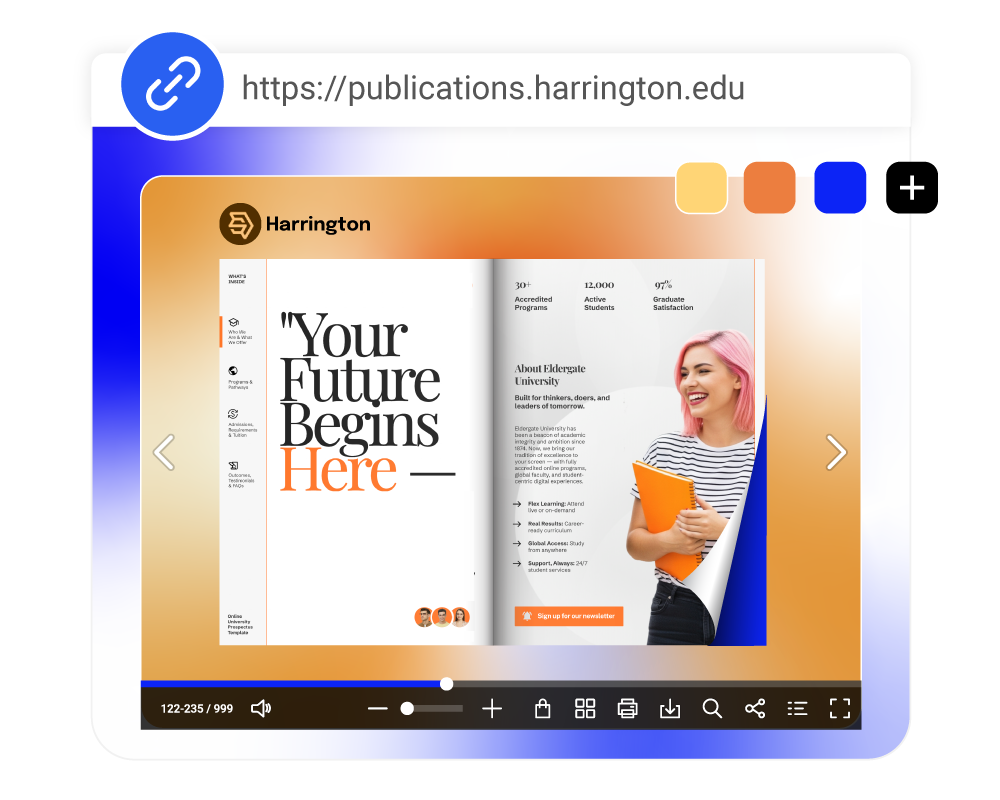
Publish digital flyers instantly
Website embed
Embed your flyer directly into your website or landing page. Keep visitors engaged without sending them elsewhere, and update your flyer anytime without changing the embed.
Shareable link
Generate a unique link to your digital flyer and share it via email, messaging apps, or newsletters. Replace the content anytime — the link stays the same.
Social media
Post your flyer on social media platforms to promote events, offers, or announcements. Make your flyer easy to open, view, and share on any device.
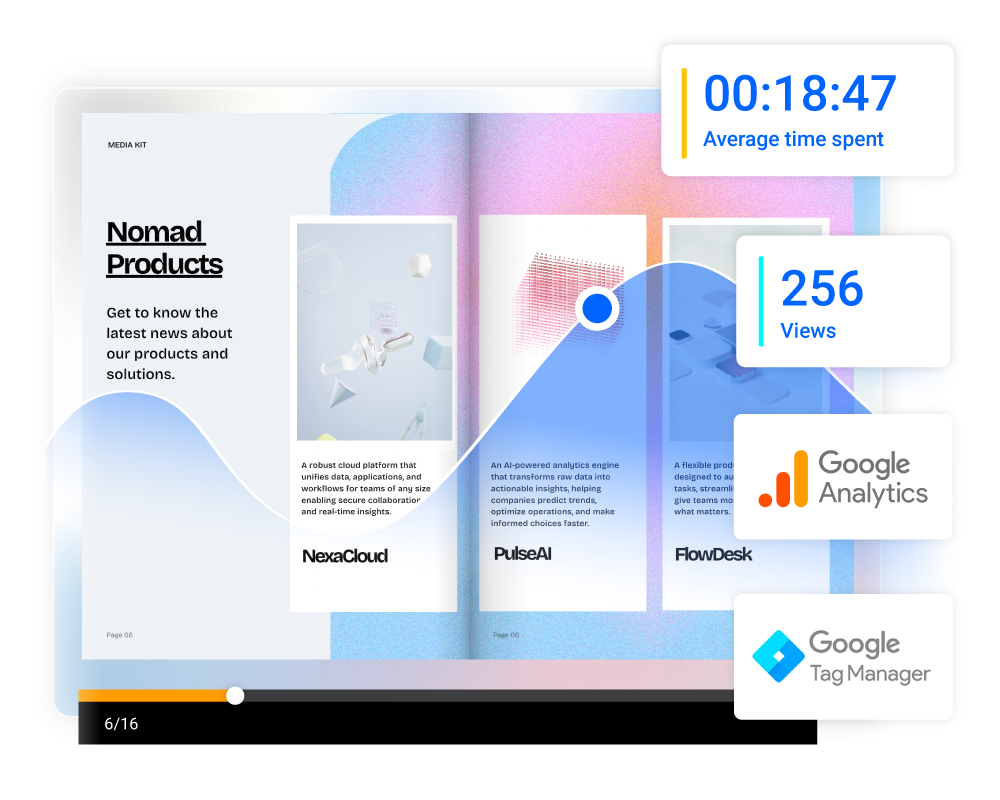
See exactly how your flyers perform
Know what happens after you hit share. Track views, clicks, and device breakdown in real time, no third-party tools needed. Use the data to understand what resonates and make every next flyer stronger.
It’s really easy to use, it looks great because the interface is really simple and clean. I have been so impressed that I have even recommended Flipsnack to several other design companies.
Frequently asked questions

The most common flyer size is 8.5 x 11 inches. In Flipsnack you can also choose from A7, A6, A5, A4, DL, and square formats, or set fully custom dimensions.
You can download it as a high-resolution PDF, JPG, or PNG. PDF is best for print, JPG and PNG for digital sharing.
Upload your image directly into Flipsnack's Design Studio. From there you can add text, branding, clickable links, and other design elements around it. Choose a template as a starting point or build the layout from scratch.
Flipsnack gives you three options: a shareable link you can send via email or social media, an embed code for your website, or direct publishing to your social channels. All three update automatically if you edit the flyer.
Yes. Any edits you make are reflected automatically — your share link and embed stay the same. No need to re-send or re-embed anything.
Yes. All digital flyers created in Flipsnack are mobile responsive and adapt automatically to any screen size.