Know who actually read it
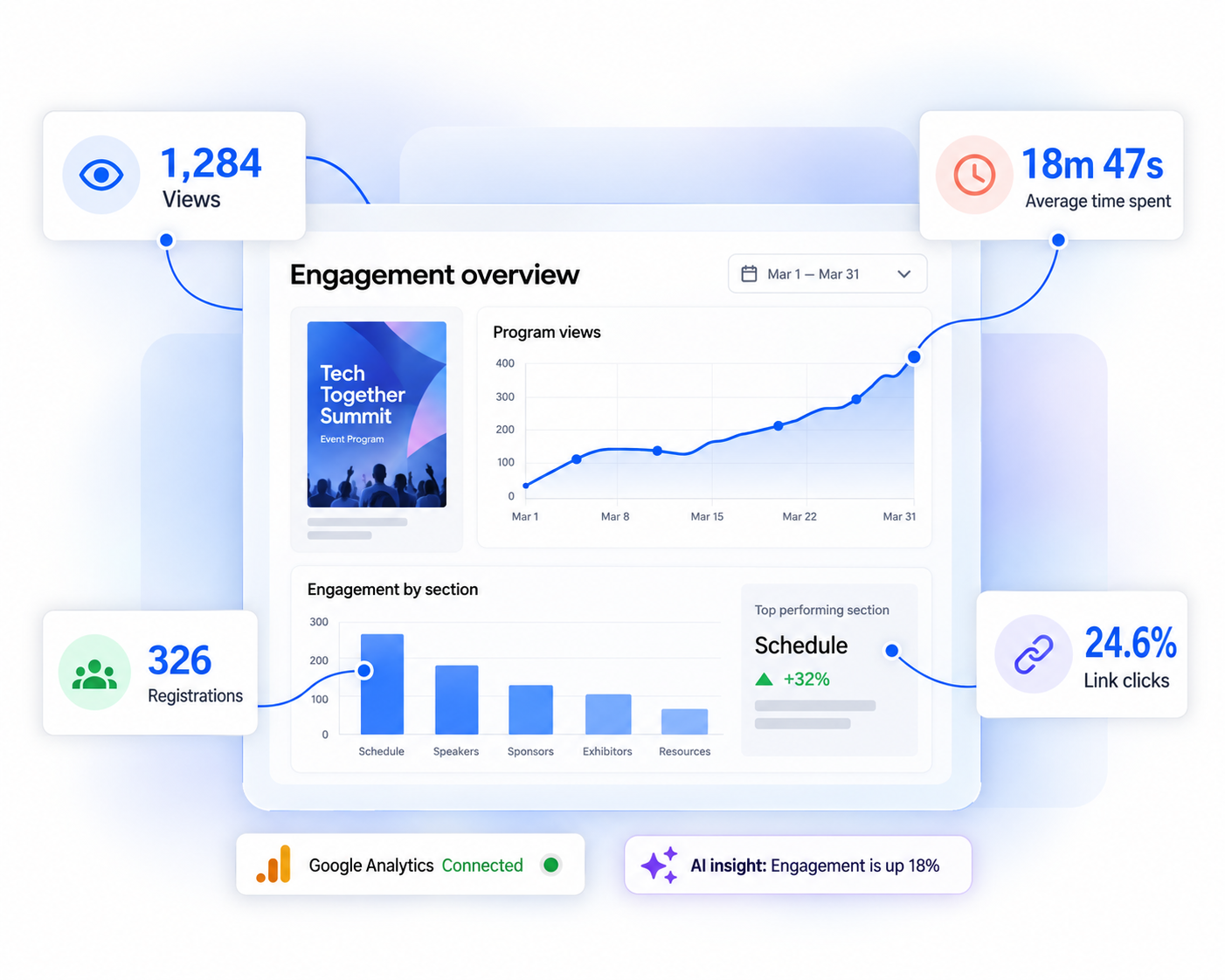
Track views, time spent and clicks page by page. Sponsors get real numbers.

Organizing a conference, trade show, or corporate event? Get started with Flipsnack's digital event program maker to create branded, interactive event programs that keep attendees informed and engaged:
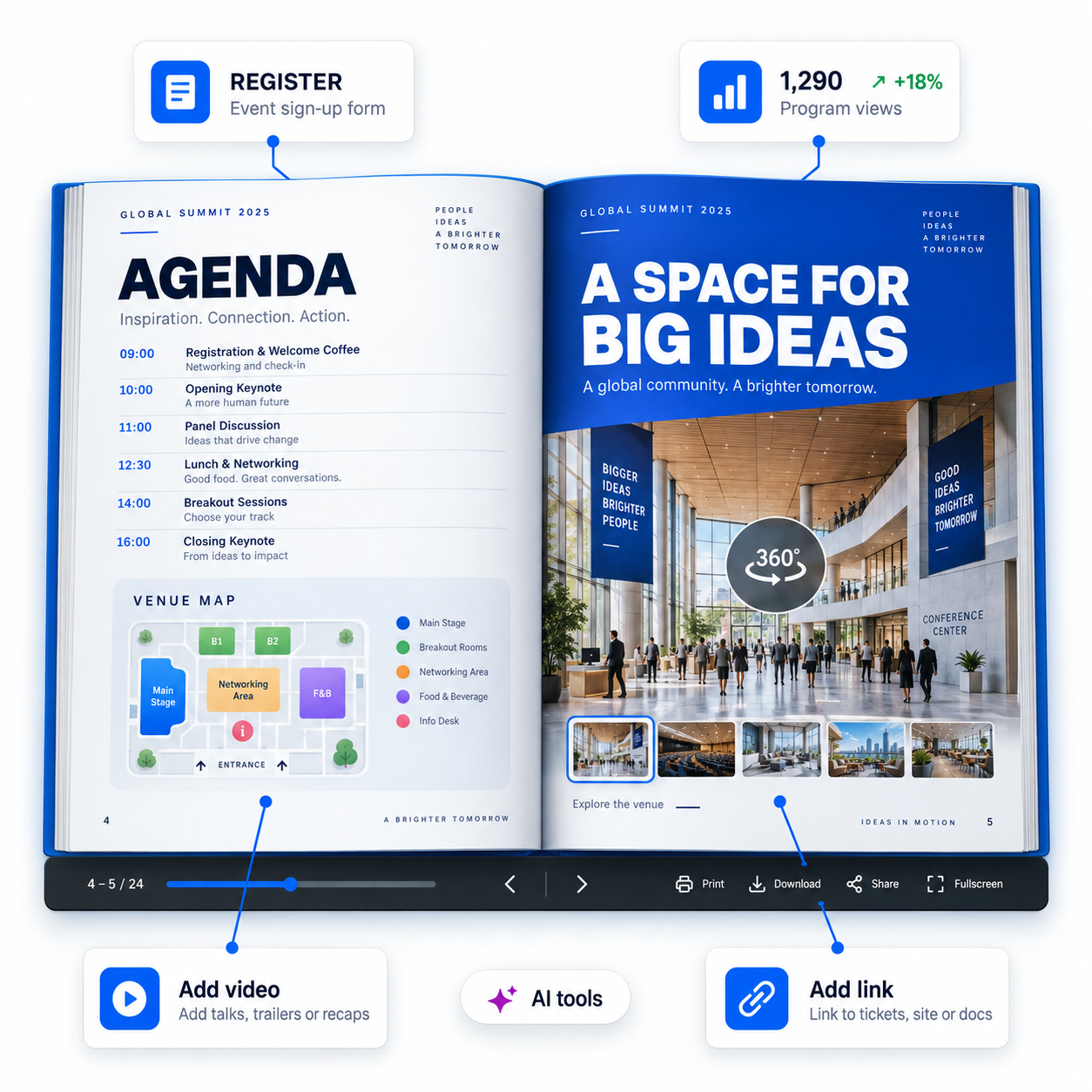







Print is fixed. Digital event programs stay editable.
| Aspect | Digital event program | Printed program |
|---|---|---|
| Last-minute changes | Edit the page, the link stays live | Reprint, or hand out errata sheets |
| Cost per attendee | Flat, whatever the headcount | Rises with every copy |
| Speakers and sessions | Clickable links, video, embedded maps | Static text on paper |
| Registration | Sign-up forms inside the program | A separate form and a separate queue |
| Who read it | Views, time spent, clicks per page | No way to know |
| Extra languages | Translate inside the same file | One print run per language |
Track views, time spent and clicks page by page. Sponsors get real numbers.
Website, email, QR code at the door. Edit once, everywhere updates.
Attendees open it in a browser. Nothing to download, no account.


"I love how easy it is to embed content from other sources. Flipsnack is built for interaction. It can easily deal with external videos, iFrames, mp3s, and so more. It's just brilliant. I love using it, and our teams are amazed by the level of interaction."
How it works
Build branded event guides with Flipsnack's online event program maker.
1
Upload an existing PDF and it becomes a digital event program instantly. You can also start from scratch or from a template.
2
Add interactive elements like videos, links, and sign-up forms, then apply your logo and colors for consistent branding.
3
Share by email, social media, website embed, or QR code. Use secure sharing options for internal or private events.
4
Track views, clicks, and time spent, then monitor form submissions to improve future event strategies and marketing ROI.


Promote upcoming events with easy-to-edit templates for fundraisers, conferences, webinars, and workshops. Replace the text and images, then add videos, links, and sign-up forms. Quickly turn each template into a clear, branded program with schedules and key event details.
See more templates arrow_forwardShare conference programs for summits and trade shows. Update virtual event programs in real time without changing the shared link.
Share training courses, company policies, and workshop agendas with embedded quizzes to collect feedback. Share internal event programs privately with selected recipients.
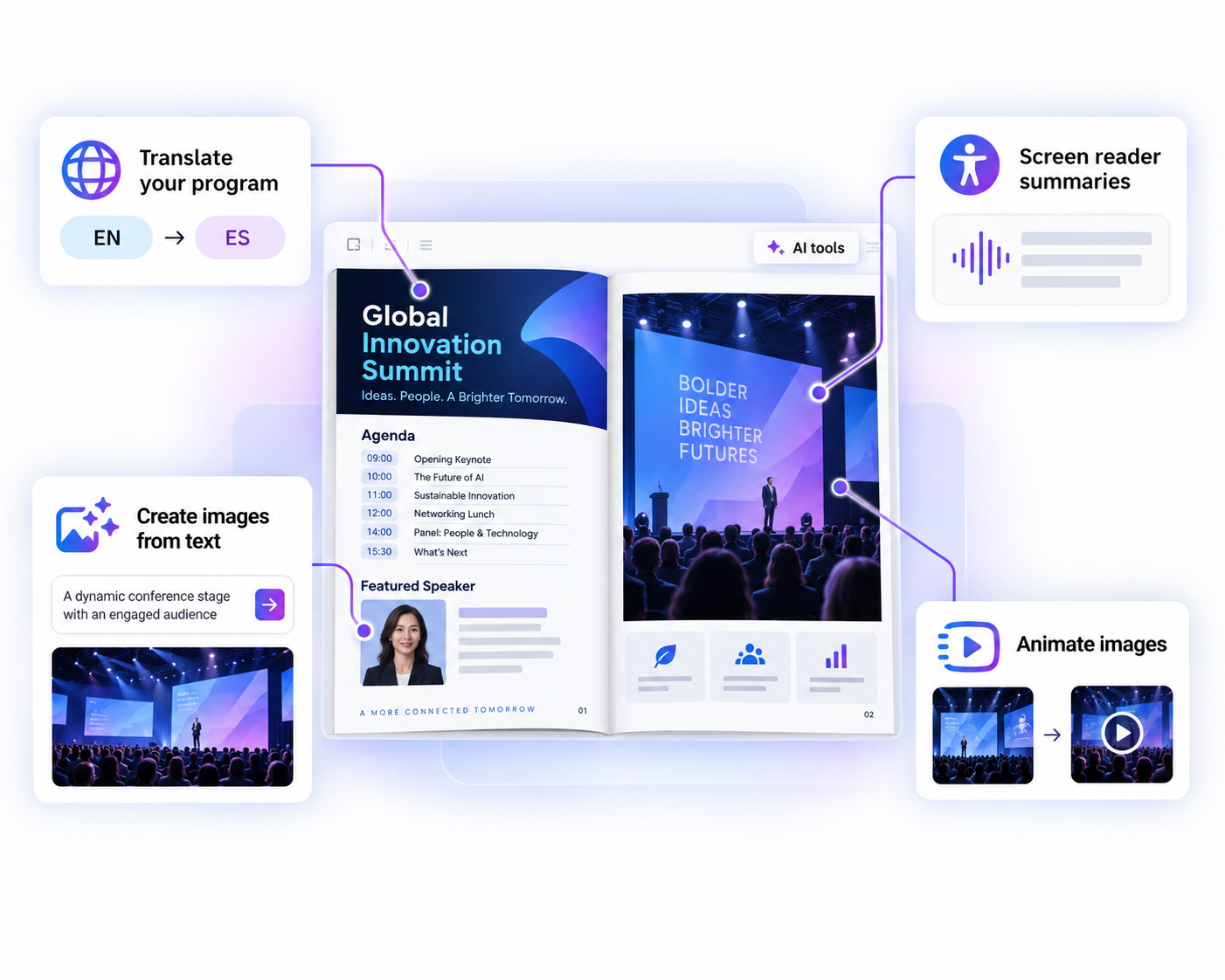
Organize speaker schedules, webinars, and workshops. Collect registrations with forms and reach global audiences with AI translations.
Showcase concert schedules and key venue details. Make navigation easier with embedded Google Maps, then share the program via QR code for quick mobile access.
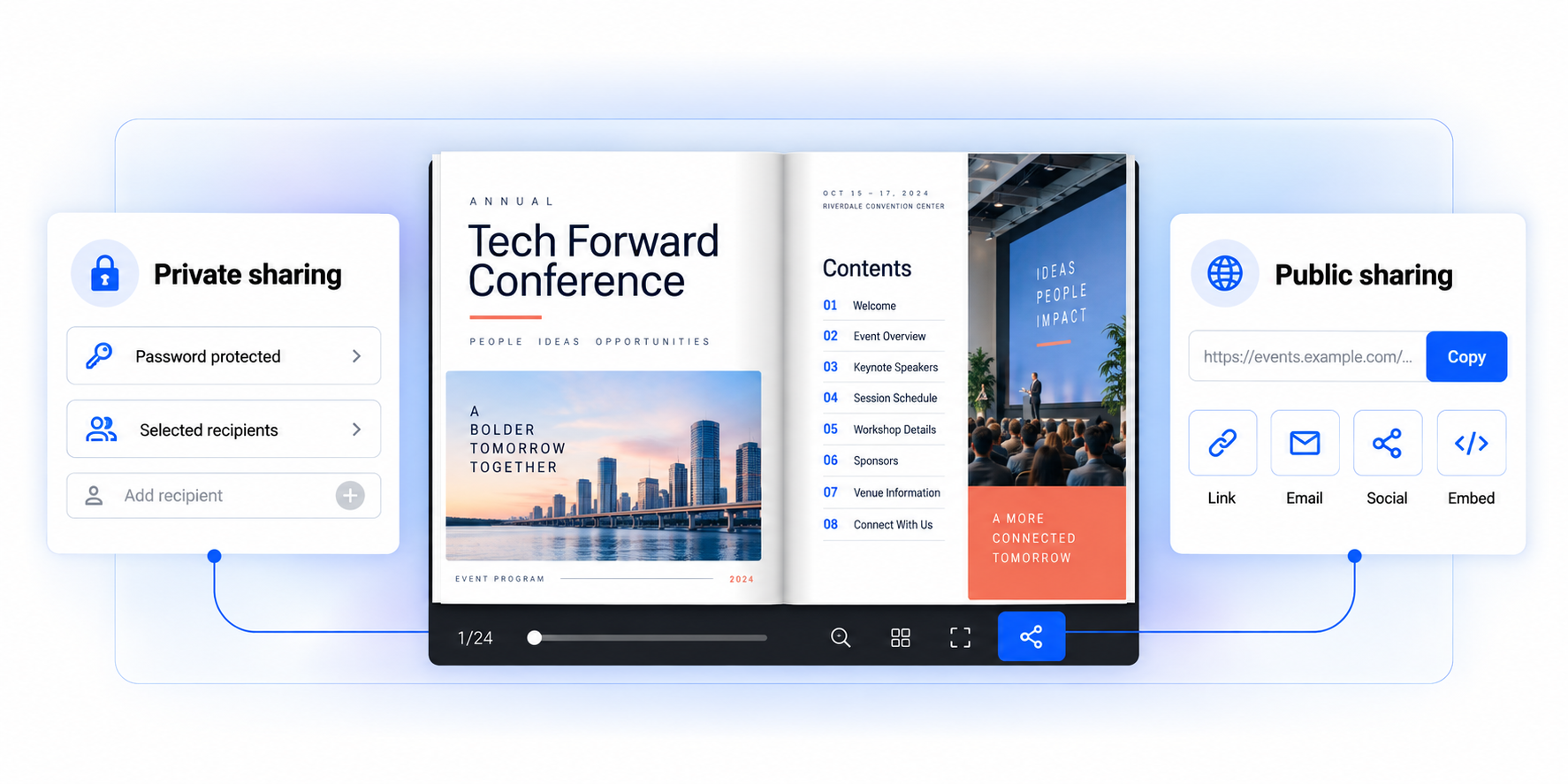
Use Flipsnack's secure sharing options and share the digital event program with a password-protected link or send it privately by email to selected attendees.
Share your digital event program with attendees through direct links, email, and social media. You can also embed it on your company's website for maximum visibility.
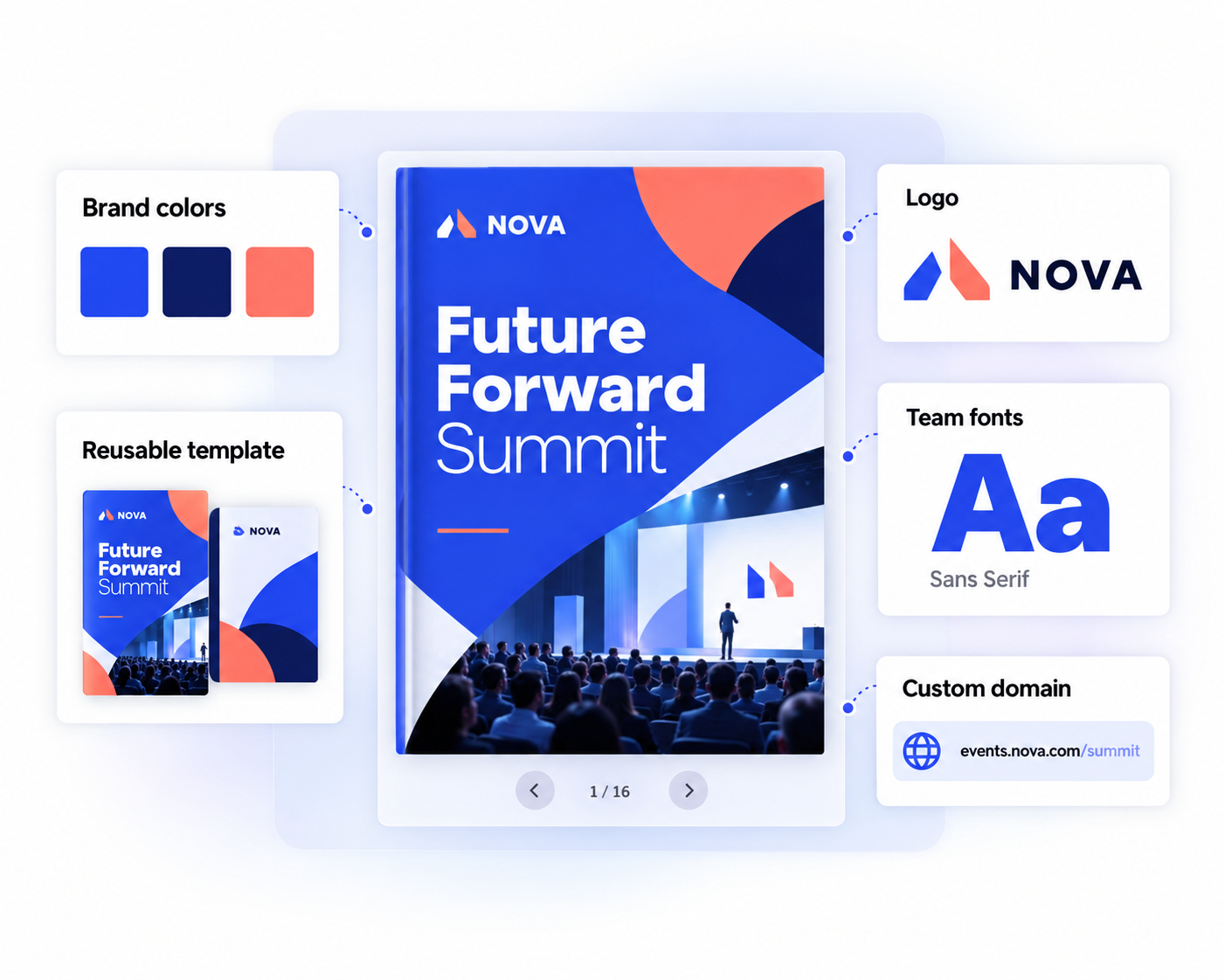
Flipsnack helps event managers and planners keep every digital event program on brand.
See how attendees engage with your digital event program and use these insights to improve future events.
Use Flipsnack AI to create accessible, multilingual, and engaging digital event programs faster.
There is no fixed size for a digital event program. It can be a single-page guide or a multi-page publication with schedules, speaker bios, venue details, and more. In Flipsnack, the program adapts to desktop, tablet, and mobile screens.
An event agenda focuses on the schedule, including session times and speakers. An event program is broader and can include the agenda, speaker bios, venue maps, sponsor details, and other event information. A digital event program can also include interactive links and resources.
Include the event schedule, session details, speaker bios, venue maps, sponsor and exhibitor information, and key announcements. You can also add registration forms, links, and other interactive elements to a digital event program.
No. A digital event program made in Flipsnack opens in any browser on desktop, tablet, or mobile. Attendees follow a link or scan a QR code, with nothing to download and no account to create.