
80%
cost cut with printing
These engaging guides not only saved time and money but also became a critical tool in winning new business.
Read the full story
Reviewers comment right on the pages. No more changes scattered across emails and long threads.
I’d like to explore my options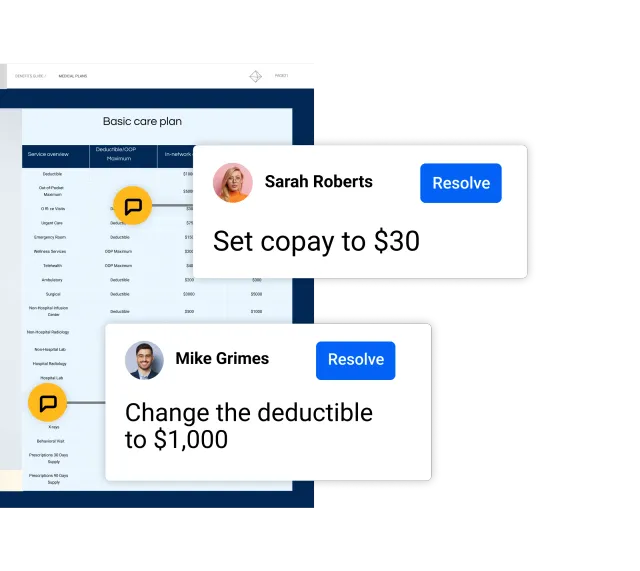
Trusted by 700+ benefits brokers









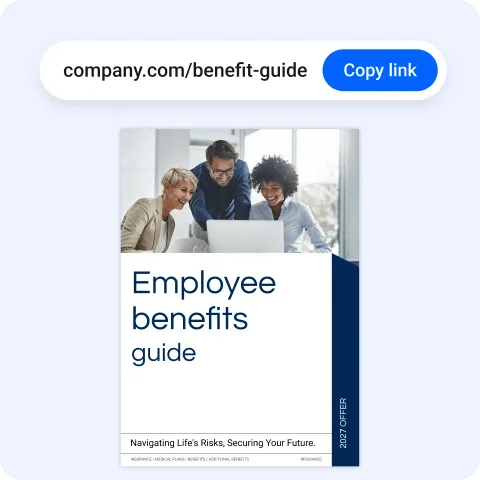
Send one link to the benefit guide, ready to review on any device.
Reviewers leave comments right where a change is needed, with no email or PDF markup.
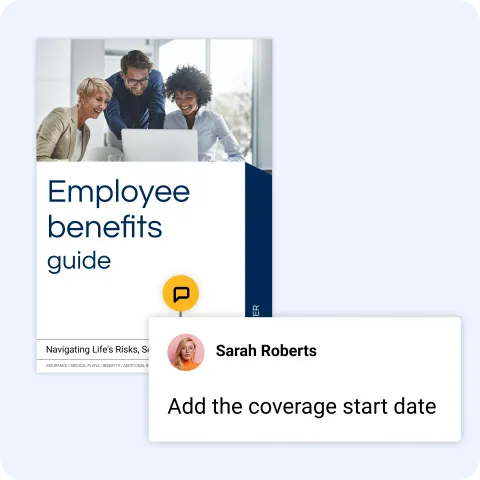
All the changes land in the guide, in one place, ready for you to act on.
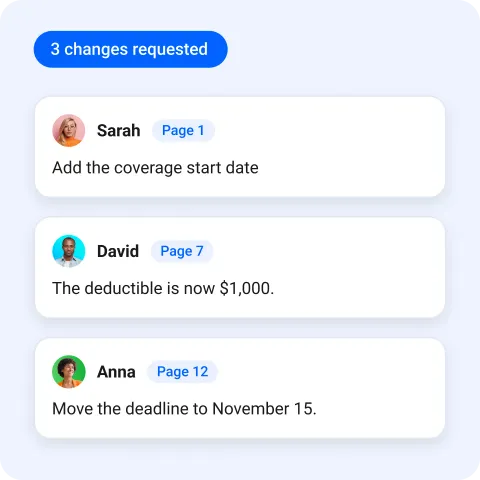
Every channel opens the same guide, so every comment lands where you can see it.
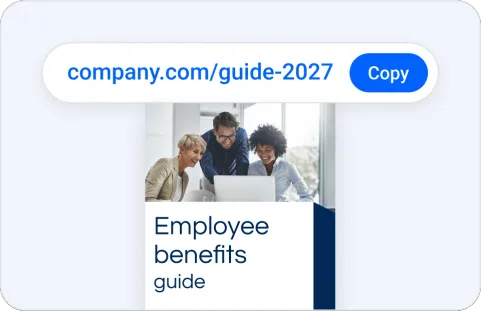

Text it, chat it or drop it in your portal. Every comment lands on the same guide.
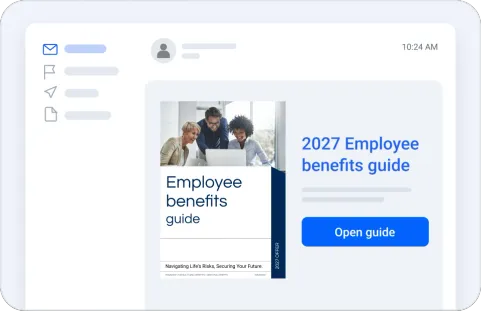

Put the link in your email. Reviewers comment on the guide, not in long threads.
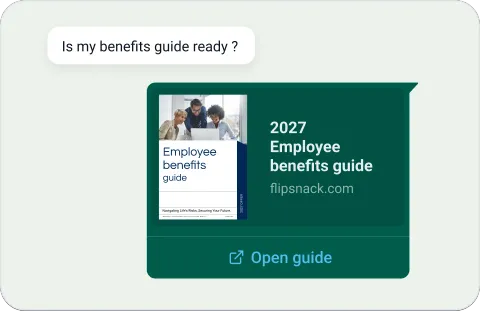

Share the guide in a chat. Changes go on the page, not into message after message.
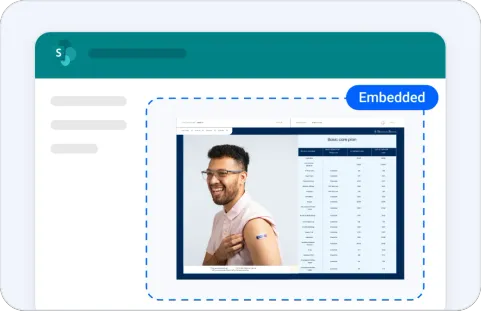

Place the guide on your portal. It is still the same guide, so feedback stays in one place.
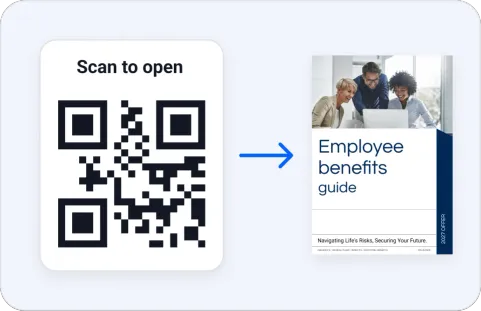

Print it for review meetings. Every scan opens the same guide, always the latest version.
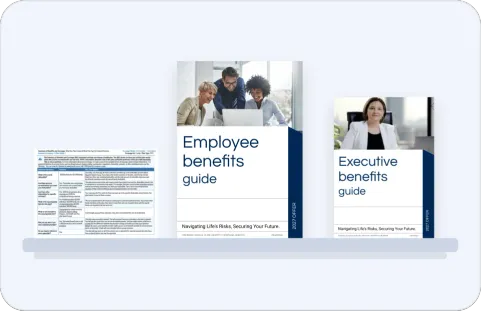

Keep every guide in one branded view, so people find the one they need to review.
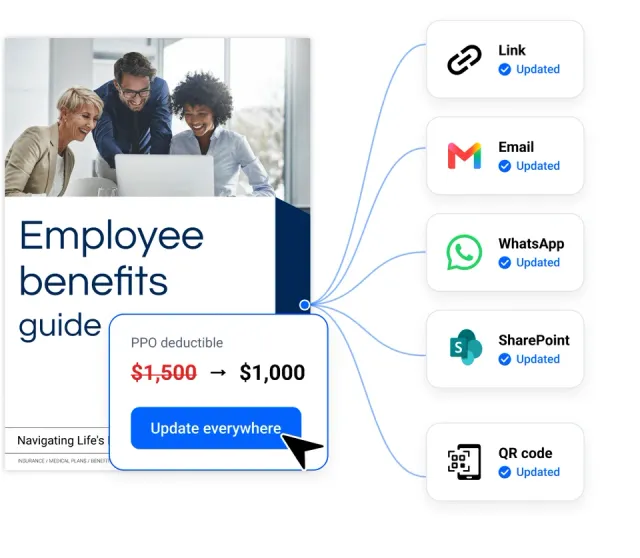
Instead of chasing feedback through email, chat and attachments, reviewers comment on the guide itself. You see every requested change in context, on the page it belongs to.
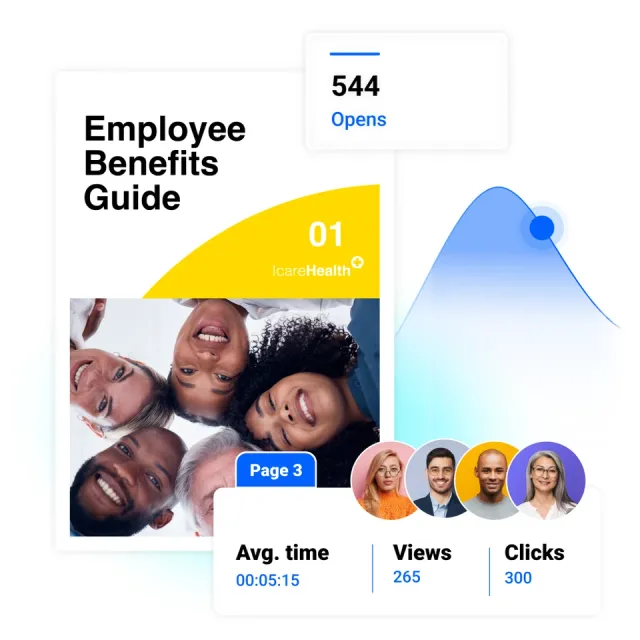
See how much time people spend on each page, what they click and what they download. Show which parts of your guide get attention, and where to improve it.
Connects to:


Flipsnack protects your data with industry-leading flipbook security standards, so you can publish and share interactive digital flipbooks with complete confidence.


80%
cost cut with printing
These engaging guides not only saved time and money but also became a critical tool in winning new business.
Read the full story
700+
Benefits professionals already use Flipsnack

“Using Flipsnack has allowed our team to take a modern and digital approach when it comes to providing our clients' employees with information on their benefits programs.
Being able to embed interactive features allows for a richer user experience and has helped in our efforts to reduce print costs and production.”
 Christina BiddleNational Director, Employee Benefits Communications
Let’s make your benefits communication the next success story.
Book a discovery callTalk to our team about collecting feedback directly on your benefit guides.
I’d like to explore my options