


Business Playbook Maker
Flipsnack's business playbook maker helps you build interactive, on-brand playbooks that align teams, onboard employees, and document how work gets done. Perfect for:
- Sales playbooks to guide reps
- Marketing and ABM strategy docs
- Employee onboarding guides
- Operations and process playbooks





A playbook maker for every team that needs clarity

Sales playbooks
Standardize your sales process with a sales playbook that documents best practices, call scripts, and SOPs. Upload your existing PDF or start from a sales playbook template, and keep every rep on the same page.

Employee onboarding playbooks
Give every new hire a consistent start with a structured onboarding playbook. Cover company policies, role-specific tasks, and training materials, built from a template or your existing PDF.

Marketing playbooks
Replace scattered docs with one structured marketing playbook. Organize campaign workflows, ABM strategies, and brand messaging in a single place, using a template or your current PDF.

Operations playbooks
Keep every team aligned by documenting your key processes in one place. Build from scratch with an operations playbook template, or convert your existing PDF into something repeatable and easy to navigate.
See your sales playbook in action
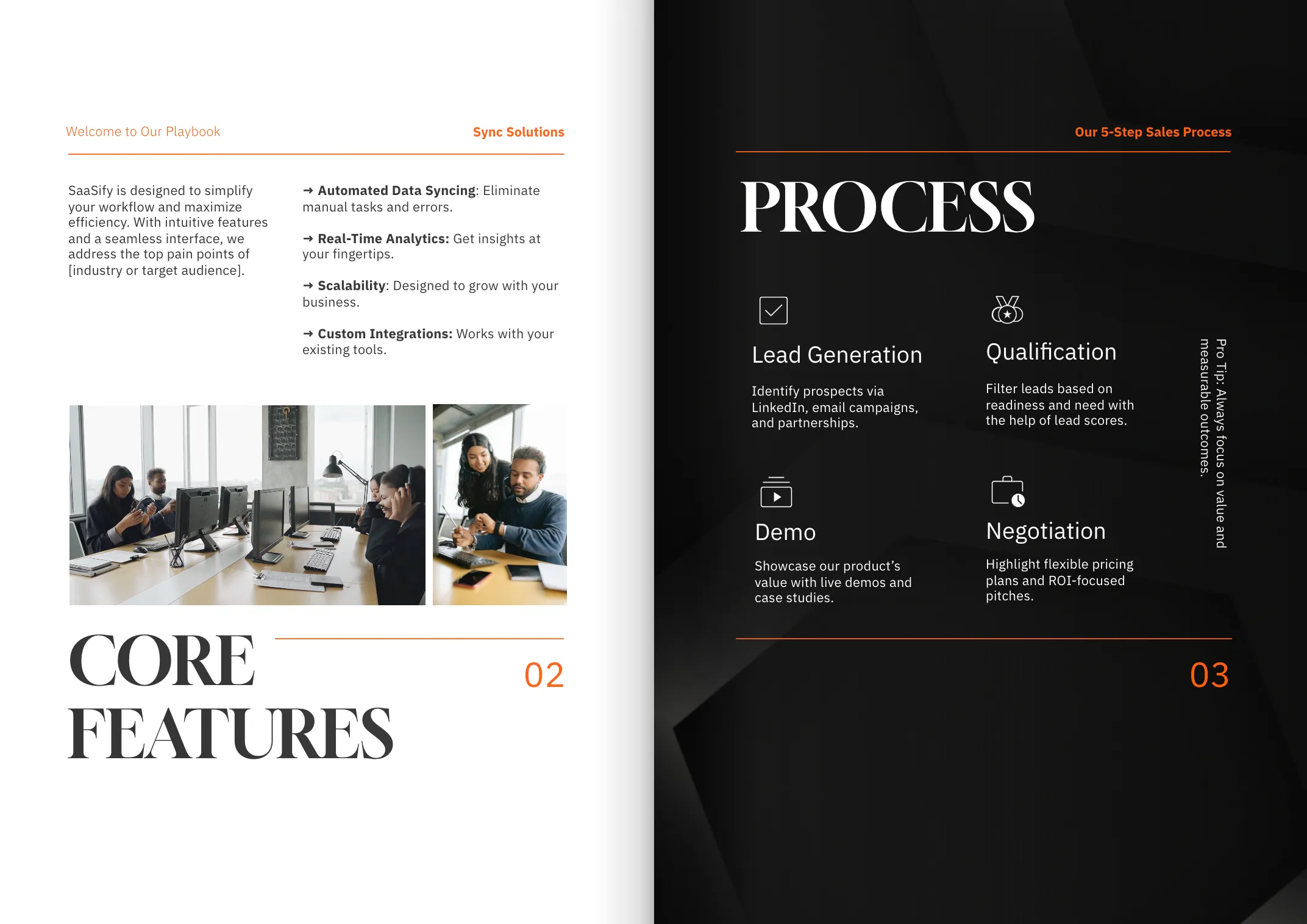
PDFs get skimmed once, then forgotten in a folder. With Flipsnack, your playbook stays interactive and easy to update, so your team actually keeps coming back to it. Here's what that looks like for a sales playbook:


To say that using Flipsnack has been a success is an understatement. We’ve seen an increase in knowledge and engagement–which is strictly due to Flipsnack! Our training content has never been more organized and easy to access.
Korben Niblett
Director, Education & Content Development
How to create a playbook using Flipsnack
Any type of playbook is easy and fast to create with Flipsnack’s playbook software. Whether you need a sales playbook or an onboarding guide, you can start with a PDF or choose a ready-to-use playbook template.

Convert your PDF or start with a playbook template
Upload a static PDF to turn it into an interactive digital playbook. You can also start from a customizable playbook template tailored for sales, onboarding, marketing, and more. Update content anytime without starting from scratch.

Add interactivity to engage your team
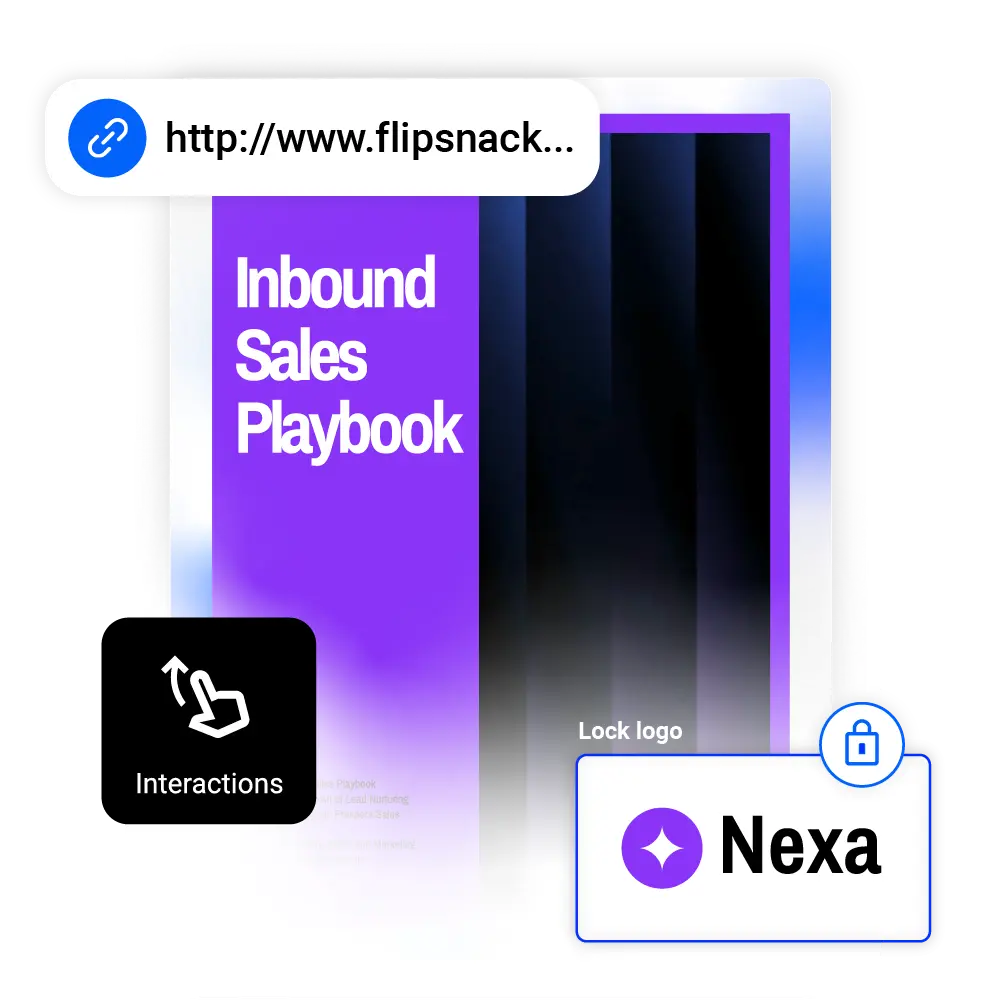
Make your online playbook more engaging by adding interactive elements like videos, links, GIFs, tags, spotlights, and others in Design Studio. These features guide attention. They also clarify next steps and help teams stay engaged.
Brand your playbook experience
Use brand customization features to add your logo, colors, fonts, and accents to the flipbook player. Create brand-locked templates to keep playbooks consistent, then use a custom domain to make every playbook feel unmistakably yours.

Share and track your playbook with control
Distribute your playbooks securely with private sharing options like password protection, one time passcodes, and single sign on. Then use built-in analytics to see who opens your playbook, what they read, and how they engage with each section.
Editable playbook templates you can make your own
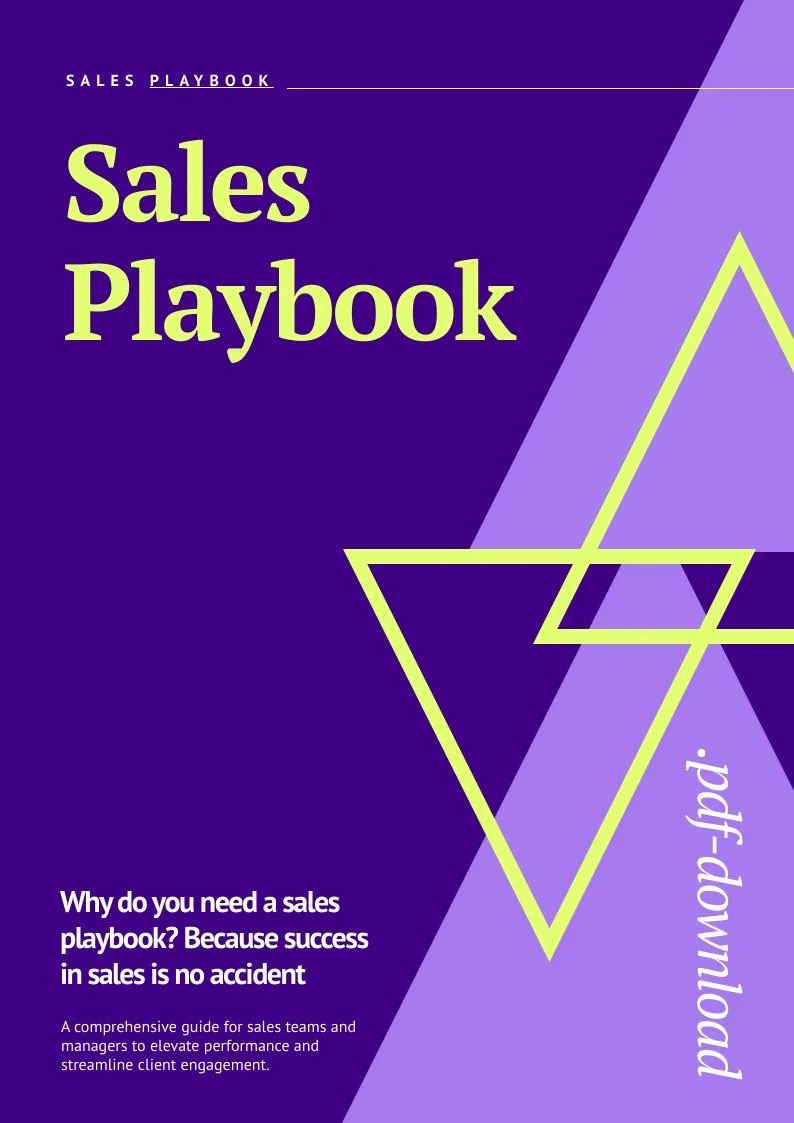


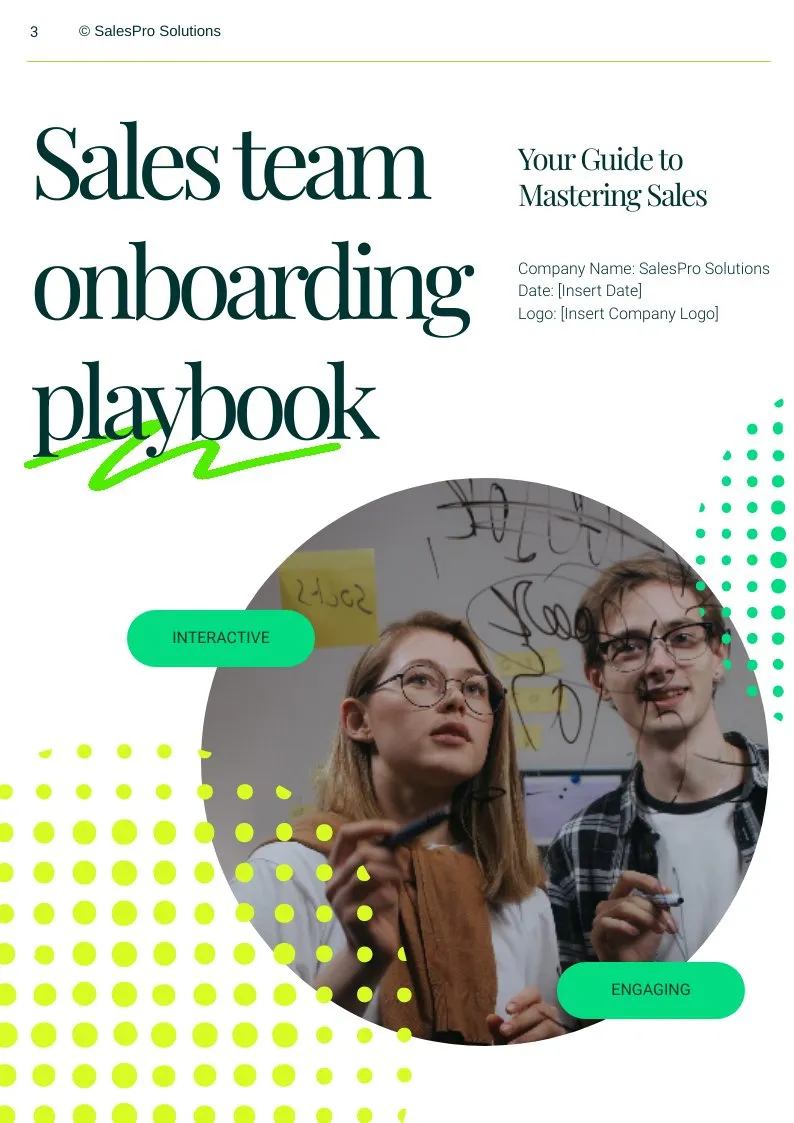
No PDF? No problem. Choose from professionally designed playbook templates for sales, onboarding, R&D, marketing, and more — fully customizable to fit your content and structure. You can also create branded templates with locked logos, fonts, and colors to ensure every team member builds playbooks that look consistent and stay on brand, no matter who’s editing. Templates work great when you have repeatable processes.
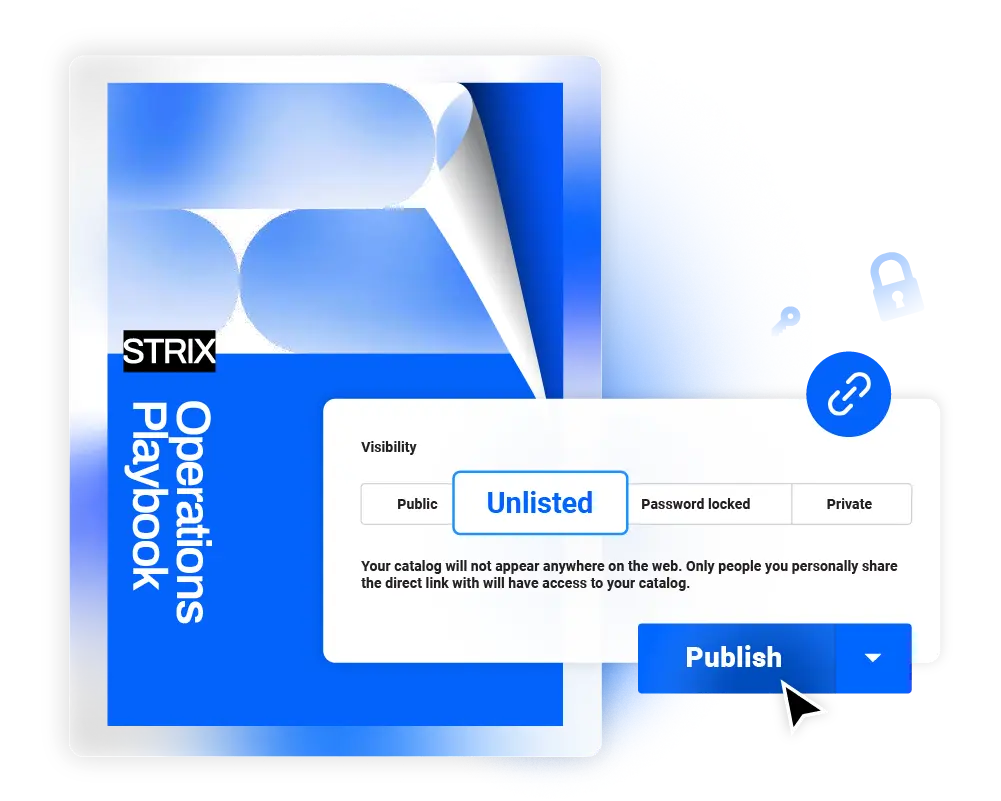
Secure, flexible sharing
Share your playbooks publicly via link, email, or embed, or keep them private with unlisted links, passwords, or one-time passcodes. For more control, use SSO sharing. This lets you restrict access to verified teammates and users with easy authentication and full audit tracking.
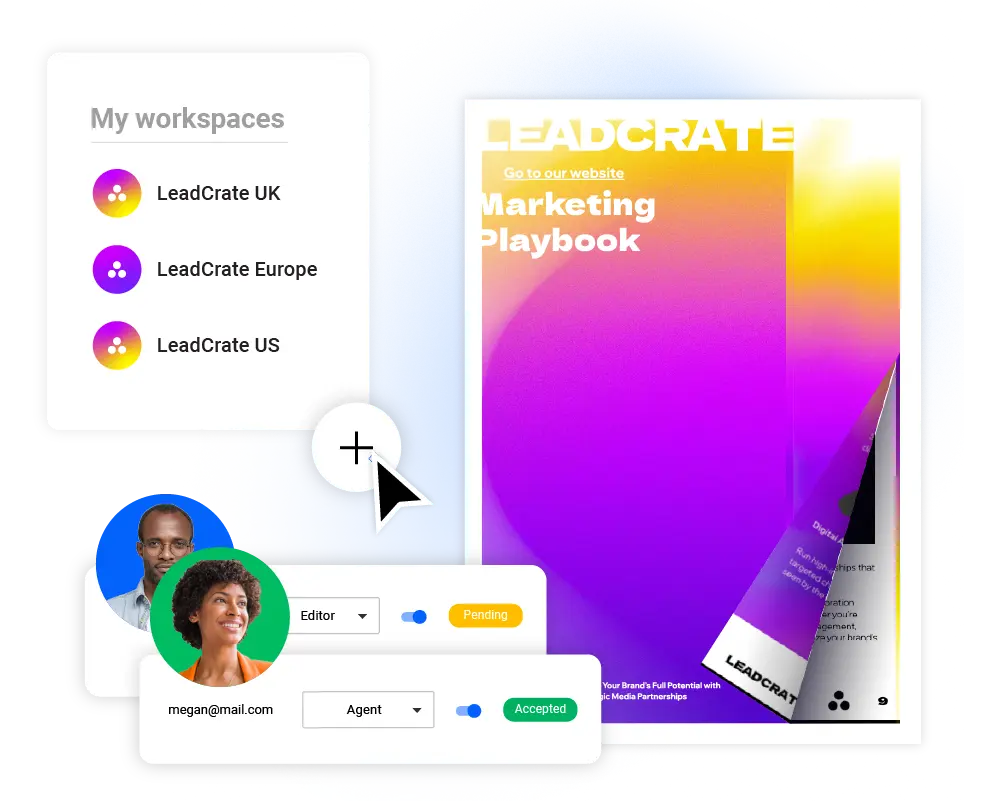
A perfect collaborative space
Collaborate with your team in shared workspace. Each workspace can have its own content, branding, and permissions. Assign roles, leave comments directly on playbooks, and manage access to templates, uploads, and settings. You can also use version history to restore previous versions whenever you need to revisit an earlier design.
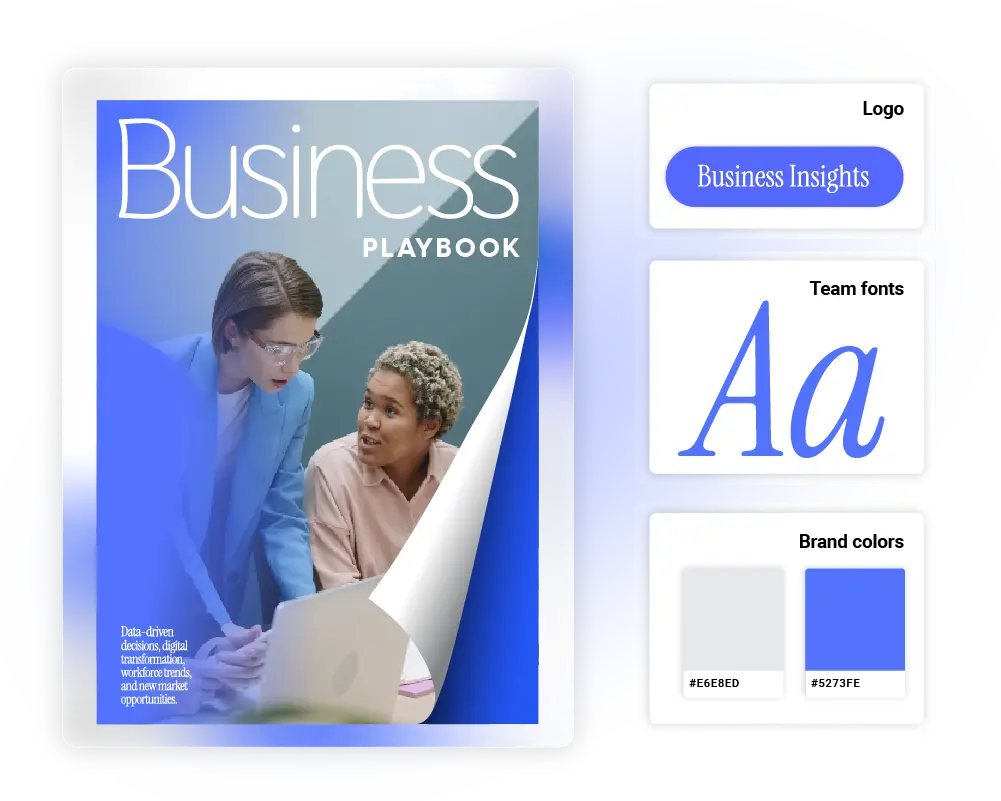
On-brand, every time
Stay on brand by saving custom playbook templates and locking key elements. Store logos, fonts, and images in a shared asset library your team can access anytime, so every playbook stays consistent and professional.
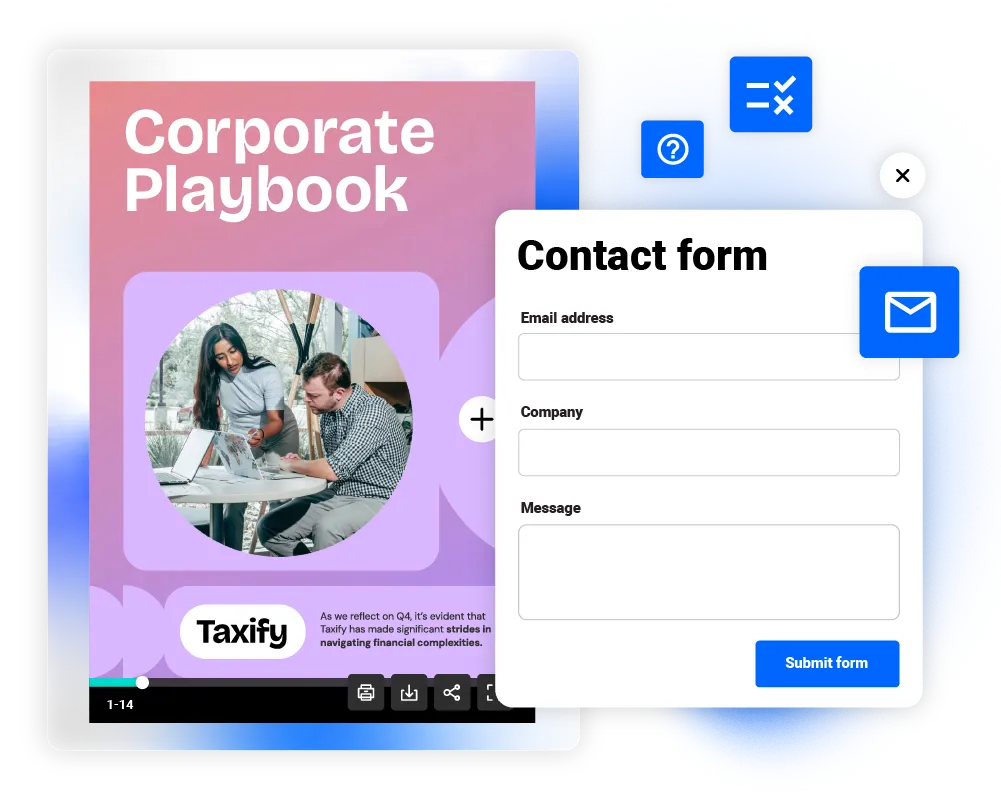
Quizzes & forms
Add quizzes, forms, and questions to your playbooks to increase engagement and gather real-time feedback. Flipsnack makes it easy to track interactions and use those insights to improve training, marketing, or sales outcomes.
Frequently asked questions
1. Why should I use a business playbook maker for sales?

A digital sales playbook gives your reps one source of truth for the sales process. It keeps messaging, qualification, objection handling, and workflows in one place. Flipsnack works as a sales playbook generator that helps teams organize messaging, SOP, call scripts, and stage-based guidance in one place. Flipsnack’s sales playbook creator helps you build interactive sales playbooks and optimize processes that are easy to update and easy to follow. Your team can access them from any device and sell with more clarity and consistency.
2. Can I use Flipsnack to document business processes or SOPs?
Yes. Beyond dedicated sales, marketing, and onboarding playbooks, you can use Flipsnack to build a business process or SOP playbook that documents how your team works step by step. Upload your existing PDF or start from a template, then organize each process into clear, navigable sections your team can follow and update as workflows change.
3. Are Flipsnack playbooks secure?
Absolutely. You can control access with passwords, one-time passcodes, unlisted links, or SSO (single sign-on). With SSO sharing, only users authenticated through your organization’s system can access the content. That includes providers like Okta, Azure AD, and Google Workspace.
4. Is Flipsnack suitable for enterprise teams?
Yes. Flipsnack is built for scale and includes team workspaces, brand-locking, advanced sharing controls, and integrations. Shared workspaces bring your playbooks, templates, and brand assets into one platform. They also help you keep materials organized by team, department, or client for a controlled, scalable process.
5. Do Flipsnack playbooks work on mobile devices?
Yes, the playbooks made with our online playbook creator allow mobile access. All Flipsnack playbooks are responsive and optimized for phones, tablets, and desktops. On desktop, you can choose flipping or sliding transitions. On mobile, users get a smooth scrolling experience. For the best mobile performance, use the Smart View layout. It helps your playbook adapt smoothly to any screen size.
6. Can I customize onboarding templates for different departments?
Yes. You can start with a general onboarding template or choose a role-specific employee onboarding template. Then tailor it for each team while keeping the same brand consistency and structure.


