
Online Ebook Maker
Turn static PDFs into interactive ebooks with Flipsnack's online ebook maker. Marketing, real estate and travel teams use it to showcase expertise and drive leads.
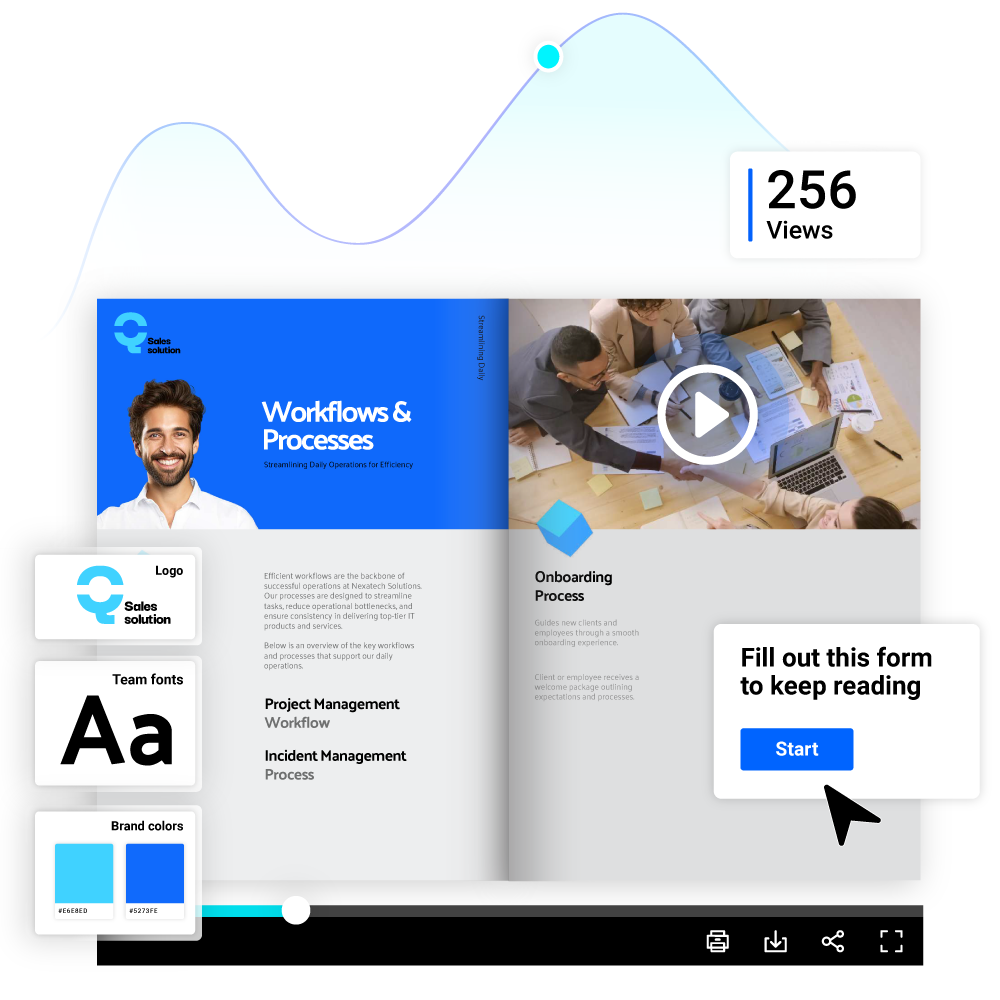
- Increase interaction with videos & forms
- Customize ebooks to match your brand
- Update your ebook content in real-time
- Track performance with analytics
Trusted by the world’s most innovative businesses


What is a digital ebook?
A digital ebook is a book published in a digital format and read on a computer, tablet, phone or e-reader. It can be a static PDF, a downloadable EPUB or Kindle file, or a browser based ebook.
Flipsnack creates the browser based kind: an interactive digital ebook that keeps your page design, opens with no download, and carries videos, links and lead forms.
It suits marketing teams building lead generation ebooks and sales departments creating training ebooks. Medical professionals use it to share patient education resources.
Turn your ebook into a powerful marketing asset
Establish yourself as an industry expert with an interactive ebook creator built for marketing teams. Stand out from competitors by adding videos, links, and interactive charts to boost engagement. With Flipsnack, your interactive ebooks work as marketing assets instead of attachments.
How to create an ebook in 5 steps
An online ebook maker built for business teams lets you create an ebook online, update it, and share it from one platform. That saves your marketing team time on ebook creation, updates, and distribution.
Create ebook from PDF1. Upload eBook PDF or create from scratch
Upload your existing PDF, PowerPoint or JPG to Flipsnack's ebook creator and turn it into an interactive digital ebook. You can also start from scratch or choose a professional ebook template.
2. Design and brand your digital ebook
Engage your audience by adding videos, links and forms in the drag and drop ebook editor. Then customize the ebook design and layout with your logo, color palette and fonts for consistent branding.
3. Transform digital ebooks into gated content
Collect user data and turn engaged readers into contacts with editable lead forms. Leave the first ebook pages open, then gate the rest behind an editable lead form. Readers who want the full content share their details first, so your teams get contacts instead of anonymous views.
4. Share your marketing ebook publicly or privately
Share marketing ebooks via email, website embeds, or QR codes. Decide who sees your marketing ebook: set it to public, unlisted, password locked or private. Share it by link, email, QR code or website embed, and restrict access to confidential digital ebooks.
5. Track engagement and optimize ebook content
Track how readers engage with each page of your digital ebook through views, clicks and time spent. Use that data to optimize weak pages, update the content in real time, and republish it under the same link.
Discover ebook templates for every industry


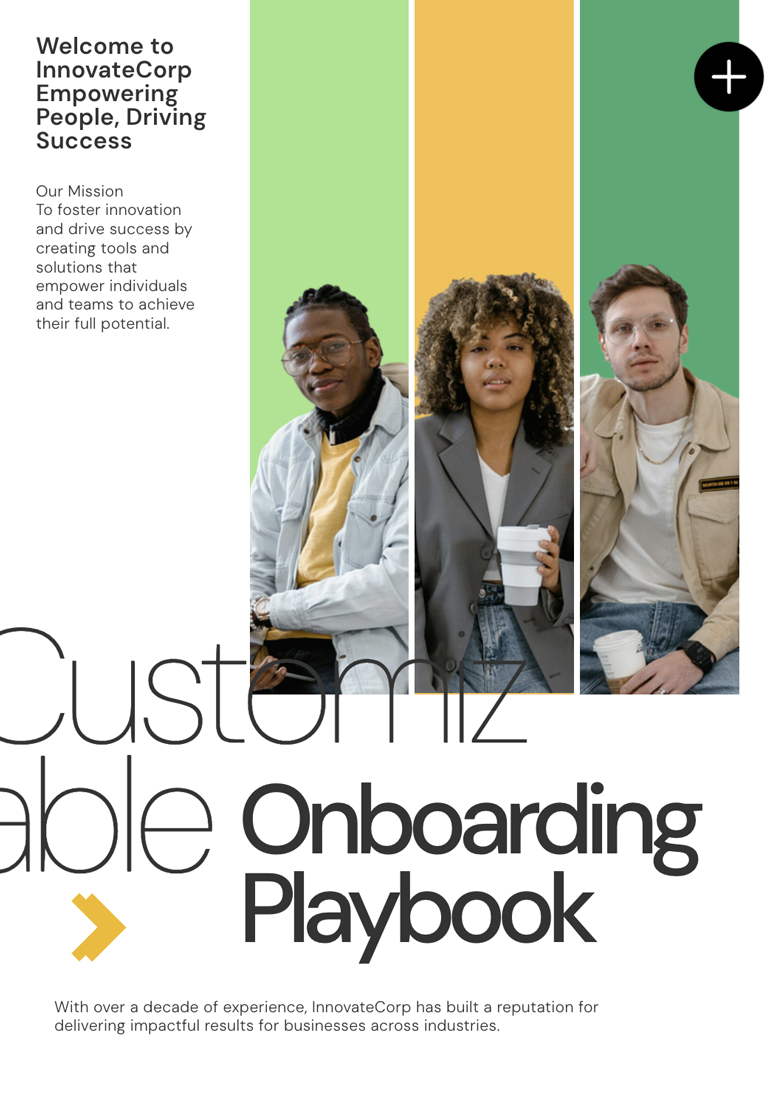
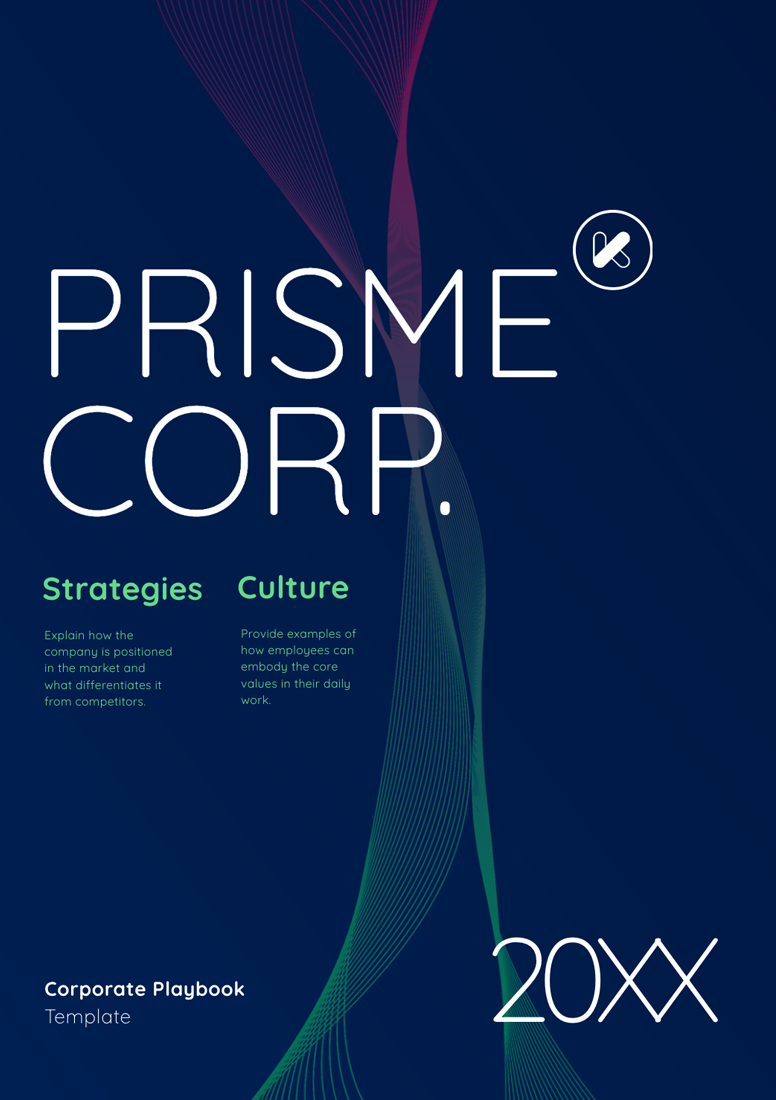
Flipsnack's customizable ebook templates help businesses publish digital ebooks faster. Choose an ebook design template by purpose, from a lead magnet to a training handbook, then adjust the layout and typography. Templates are ready to edit for healthcare, corporate training and real estate.
See more templatesCreate branded ebooks that generate leads
Use Flipsnack to turn an interactive ebook into a lead generation asset while keeping every publication consistent with your brand.
Capture leads with embedded forms
Add customizable lead forms anywhere in your ebook. Send submissions directly to HubSpot or Salesforce, or connect other workflows through Zapier.
Keep every ebook on brand
Keep your logo, colors and fonts in one brand library, lock templates, and hand off for review with collaboration options.
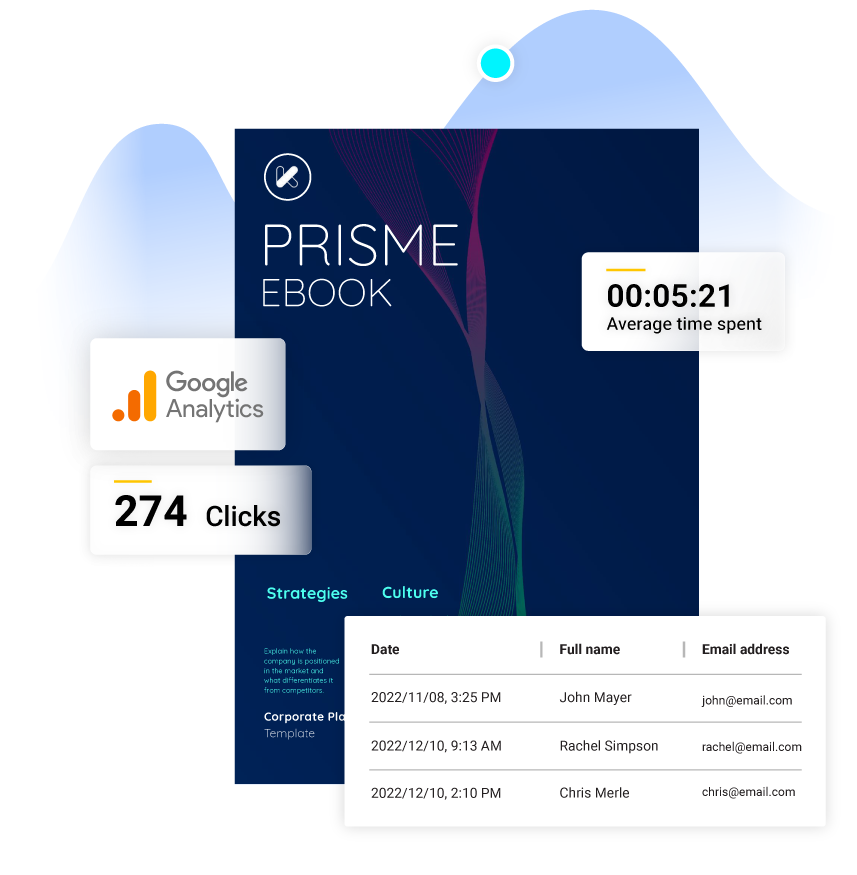
Track reads, clicks, and conversions in one place
Without ebook tracking, you cannot measure ROI or tell which pages hold attention and which get skipped.
- Views, clicks and average time spent per page
- Lead form submissions with names, emails and dates
- CSV export of every statistic you collect
- Google Analytics integration for real-time reporting
Build business credibility with targeted ebooks in your niche
Business ebooks
Showcase expertise with interactive data charts you can build straight from a Google Sheet.
Travel ebooks
Present destinations with embedded lead forms to capture emails for lead nurturing and sales follow-ups.
Real estate ebooks
Educate buyers and promote listings with 3D virtual tours, slideshows and videos.


Flipsnack is a great PDF converter tool for interactive storytelling that funnels into lead generation and conversion – all within the same ecosystem!
Controlled sharing options for digital ebooks

Public
Share your marketing ebook via links, email, QR codes and social media, or keep it unlisted for link-only access.

Website embed
Embed your digital interactive ebook on your company’s website to ensure easy access and maximum exposure.

Password-locked
Share confidential corporate ebooks only with authorized members through a password-protected link.

Private
Share digital ebooks only with specific people by adding their email addresses. Or try SSO for advanced security.
AI-powered ebook creator
Flipsnack's AI digital ebook maker builds multilingual reach and inclusive access into the same publication. Translate single text boxes, or an entire ebook you build from scratch, into more than 29 languages. AI generated page descriptions help screen readers convey what is on each page. Readers can enlarge the text or listen to it through text to speech.
Learn more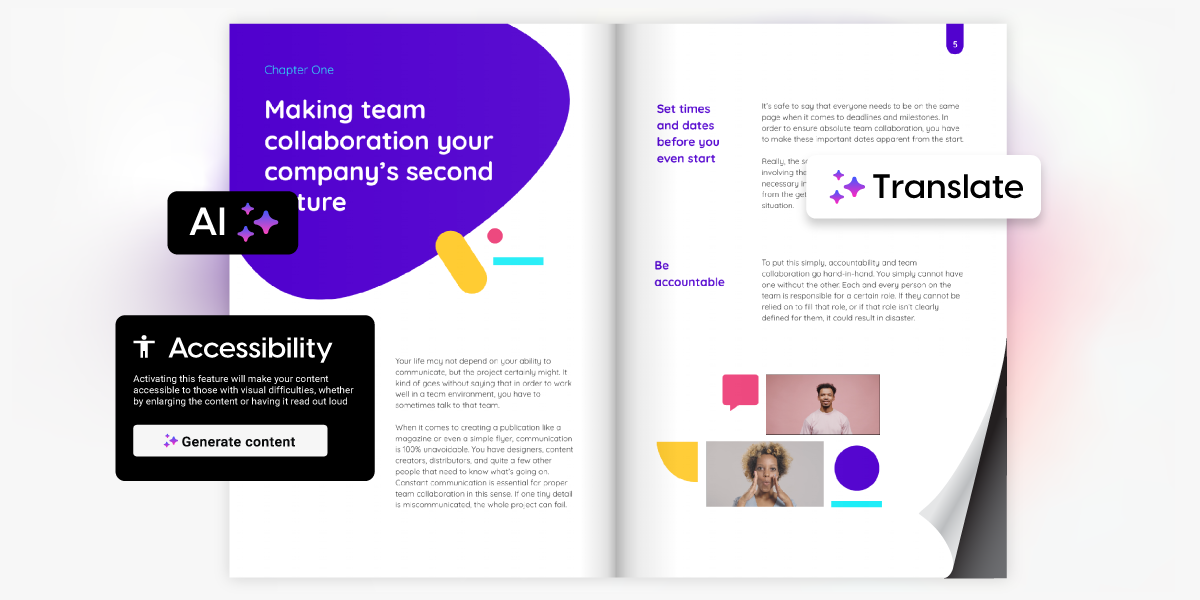
Frequently asked questions

Yes. Flipsnack works as a free ebook maker for up to three ebooks of 30 pages each. The free plan covers PDF upload and conversion, public link sharing and website embedding. No credit card is needed to start. Paid plans add AI tools, analytics, lead capture forms, downloads, private sharing and watermark removal.
No. Upload your PDF and Flipsnack's ebook creator converts it into an interactive digital ebook straight away. From there you work in a drag and drop editor, so you can restyle pages, apply your brand and add videos or links without touching code. Starting from a professional ebook template removes the design work too.
No. Flipsnack runs in your browser, so there is no ebook creation software to download and nothing to install. You create, edit and publish from the same tab, on Windows or Mac. The Flipsnack mobile app is for reading and accessing published ebooks, not for creating them.
Yes, if you already have a properly made table of contents in your PDF ebook, you will also find it in your converted digital ebook. If you create the ebook from scratch, then easily add a table of contents to your ebook on our Customize Page. Add clickable links to your chapters or use the built-in navigation tools like Go to page or Go to URL to improve readability. This helps readers quickly find information, enhancing the user experience.
Yes. Your ebook adapts to desktops, tablets and smartphones, and you can switch on options for text enlargement and read aloud. If your PDF has a properly formatted table of contents, Flipsnack imports it, or you can add one on the Customize page with clickable links to each chapter.