
Interactive Media Kit Maker
Create a media kit that wins attention and drives coverage. Flipsnack turns bulky files into interactive media kits you can easily share with partners.
- Add brand assets and rich media
- Share the link once, update anytime
- Track views, clicks, and time spent
Trusted by the world’s most innovative businesses





What is a media kit?
A media kit is your brand’s professional introduction. It helps journalists, sponsors, partners, and clients understand who you are and what you offer. For companies, a media kit is an easy way to share your story, key statistics, brand assets, past collaborations, and contact details in one place. It also helps you build trust faster and create new opportunities.
Static PDF vs. Interactive Digital Media Kit
| Feature | Static PDF | Interactive Digital Media kit |
|---|---|---|
| Viewing experience | Linear, document-style reading | Website-like scroll or flipbook mode with page-turning effects |
| Interactivity | Limited to clickable links | Embedded videos, interactive buttons, smooth navigation |
| Updates | Must resend new version to all recipients | Edit once, updates appear automatically for everyone with the link |
| Analytics | No tracking capability | Track views, time spent, link clicks, engagement patterns |
Turn your media kit into an engaging experience
With Flipsnack, you can make a media kit that feels modern, interactive, and easy to explore. Upload a PDF, PPT, or build your press kit from scratch, then add your brand assets, videos, links, and clickable sections to bring your content to life. You can also choose a website-like scroll view or flipbook mode with smooth page-turning effects. This helps sponsors, agencies, and journalists understand your offer quickly.
Create a media kit

Flipsnack is built for interaction. It can easily deal with external videos, iFrames, mp3s, and so more. It’s just brilliant. I love using it, and our teams are amazed by the level of interaction.


Flipsnack is a catalyst in the transition to a more sustainable business. It combines the feeling that a paper catalog gives with interactive and easy-to-use multimedia features that take the user experience to the next level.
How to create an effective media kit
Create a media kit1. Upload your PDF or start from scratch
Upload your media kit PDF or PPT directly into Flipsnack. You can also create one from scratch using our Design Studio. It’s simple either way.
2. Make your media kit branded and interactive
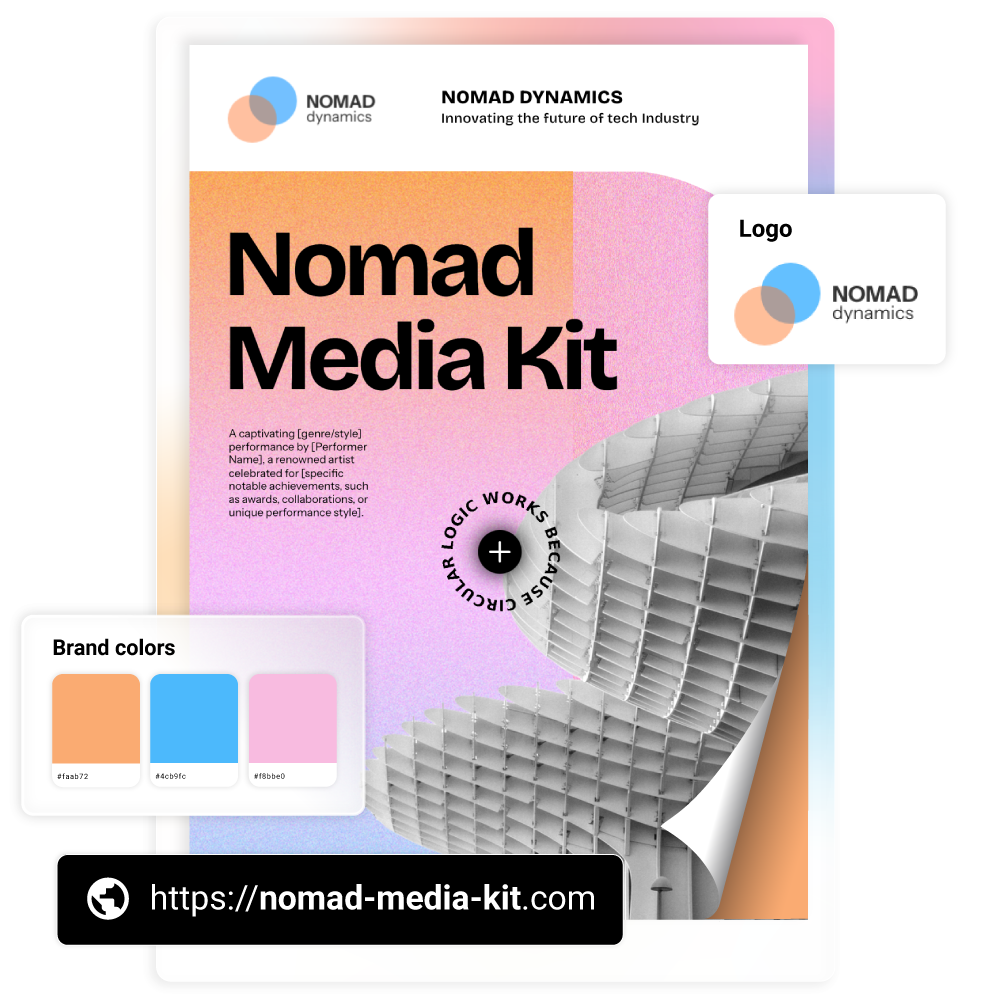
Customize the look and feel to match your brand. Add your logo, colors, and press assets, then include interactive elements like videos, links, popups, or contact forms to keep readers engaged.
3. Share your media kit with one link
Once it’s ready, publish your media kit and share it through a link. You can also use your own custom domain so every aspect of your press kit stays fully branded. Any updates you make stay under the same link, so there’s no need to resend files.
4. Track views and engagement
Flipsnack gives you built-in analytics so you can see how people interact with your media kit. Track views, clicks, time spent, and follow up with confidence.
Enhance your media kit with interactivity
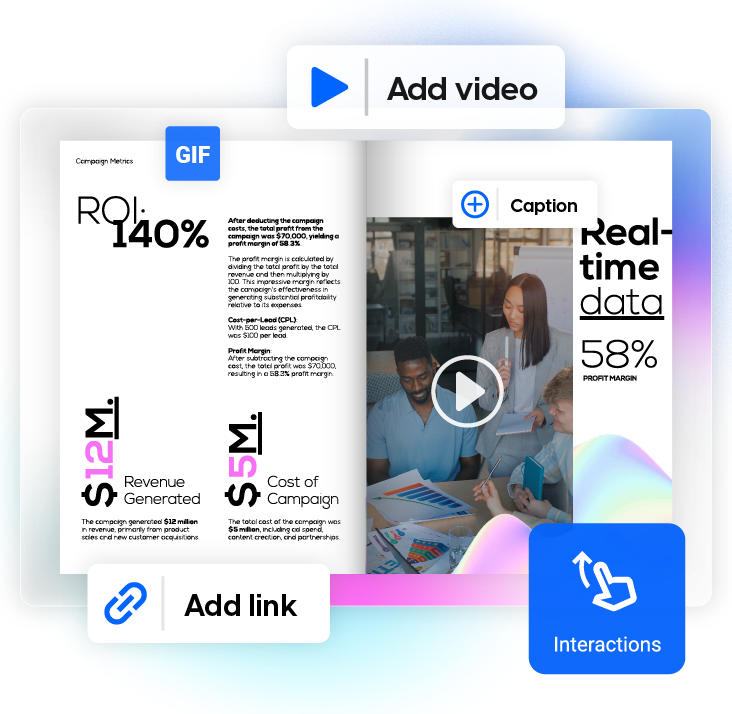
A media kit should feel as impressive as the brand behind it, which is why an interactive digital media kit goes beyond static PDFs with videos, clickable links, interactive charts, and clear navigation. This helps journalists, sponsors, and partners understand your story faster, explore your content with ease, and experience a more professional media kit that stands out.
Keep your press kit on-brand
With Flipsnack’s media kit creator, you can create a professional press kit that stays fully on brand. Customize every detail by adding your logo, colors, and fonts, so each page matches your visual identity. You can also share your media kit on your own domain, making it feel like a natural extension of your website and brand experience.
Share your media kit instantly
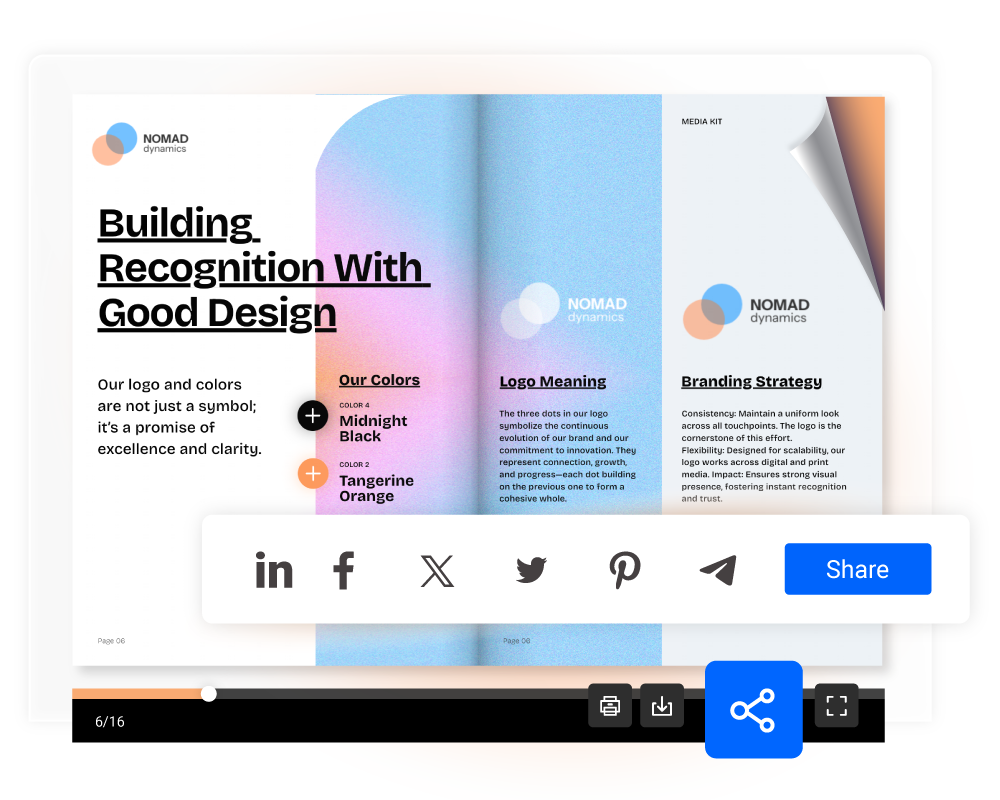
Share media kits that are easy to open, explore, and fully responsive on all devices. Publish your press kit online and send it anywhere:
- Share it through a public link
- Embed your media kit on your website
- Share in email campaigns and social media posts
Track media kit performance
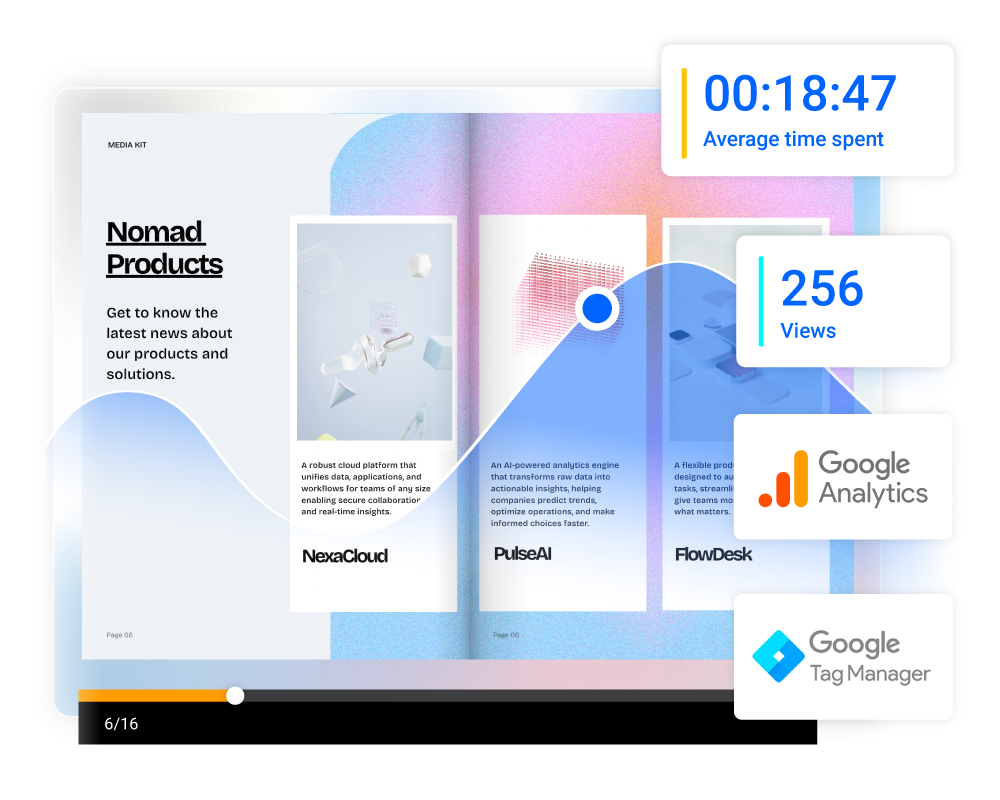
Media kits created in Flipsnack come with built-in analytics that let you track views, impressions, time spent, and clicks, so you can see how people interact with your content. These insights help you identify which sections get the most attention, refine your message, follow up with warm accounts more confidently.
Frequently asked questions

Most media kits include a short brand or company bio, key audience or business stats, press-ready assets like logos and images, past collaborations or media mentions, and clear contact details. The goal is to give journalists, sponsors, or partners everything they need to understand your brand at a glance.
The easiest way is to use a media kit in a flipbook format. Flipsnack lets you edit your media kit anytime and add new achievements as they happen. Since you share it through a link, there’s no need to resend files, because your audience will always see the latest version.
A press kit is usually created for journalists and news coverage. It often includes press releases, images, background information, and contact details. A media kit includes all of that, but it’s more modern and can also feature digital assets, audience insights, case studies, and partnership details for sponsors, brands, and agencies.
You can share your media kit through a public link, embed it on your website, or include it in email outreach. A digital flipbook format makes it easy to open, view, and explore on any device, without downloading files that can get lost or quickly become outdated.