Bulk upload
Upload your product feed once and generate multiple price lists at once.

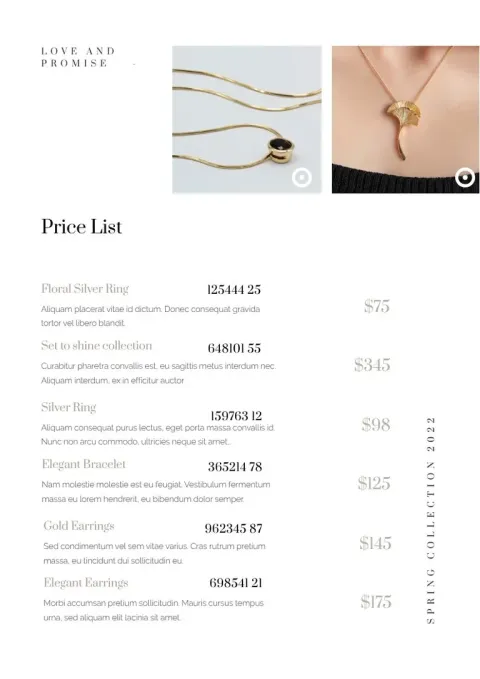
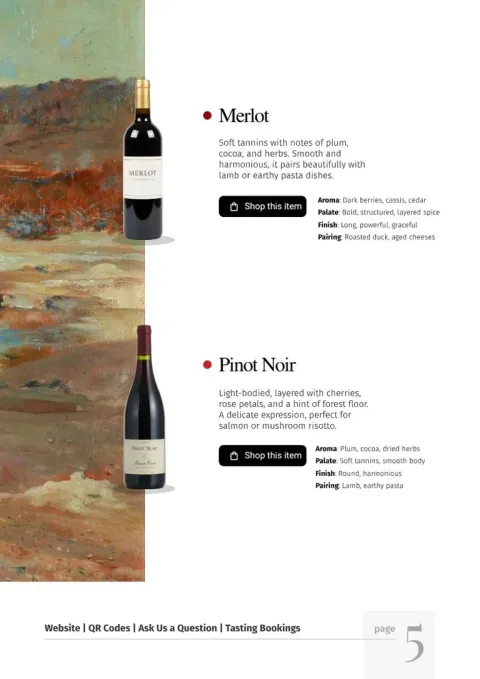
Build an interactive price list from a template, PDF, CSV, or Google Sheet. Generate it in minutes, then update prices anytime. Your shared link never changes.
Free plan. No credit card needed.







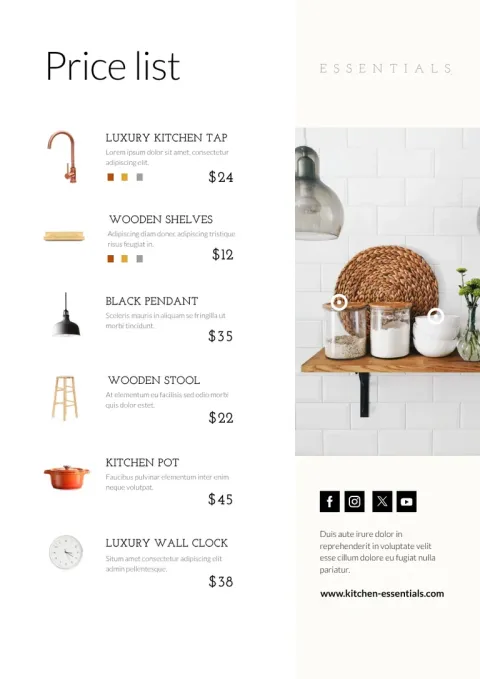
A price list is a document that shows what you sell and what each item costs. It gives buyers everything they need to order without asking for a quote first.
A price list is not a quote or an invoice. A quote is priced for one buyer and expires. An invoice asks for payment on an order already placed. A price list is your standing offer, the same for everyone who sees it.
With Flipsnack's price list maker, you can create an interactive price list that grows with your product catalog. Save any layout as an editable price list template and reuse it, so every update starts from the same framework and stays on brand.
Create your price list arrow_forwardUpload a CSV or Google Sheet and Flipsnack generates your price list: layout, product data, and prices in place. No copy-paste.
| SKU | Product | Price |
|---|---|---|
| AC-1042 | Oak dining chair | $189.00 |
| AC-1043 | Oak side table | $245.00 |
| AC-1044 | Linen cushion | $32.50 |
| AC-1045 | Ceramic vase | $48.00 |
+ 896 more rows
Upload your product feed once and generate multiple price lists at once.
Updates flow through from the source, so every version stays current.
Create separate price lists per client, market, or pricing tier.
Translate the price list with AI and publish a version for every market you sell in.
| Feature | Flipsnack's interactive price list | Static price list |
|---|---|---|
| Format | check_circleDigital catalog with a shareable link | closePDF or printed document |
| Updating prices | check_circleEdit once, all links update instantly | closeRedesign and resend the file |
| Buyer experience | check_circleClick, add to cart, or place an order | closeRead only |
| Sharing | check_circleLink, embed, QR code, or social | closeEmail attachment |
| Branding | check_circleEditable anytime from a template | closeFixed at export |
| Data source | check_circleSynced from CSV or Google Sheet | closeManual entry |
| Multiple versions | check_circleGenerate per client or market in bulk | closeDuplicate and edit each file |
| Performance tracking | check_circleViews, clicks, and outbound product visits | closeNone |
| Checkout options | check_circleEmail, WhatsApp, Shopify, or CSV download | closeNone |
With Flipsnack's online price list maker, you can create a price list catalog that's easy to edit and republish anytime. Add or remove products, and adjust prices without redesigning from scratch.
Explore ecommerce catalog solution arrow_forwardGenerate price proposals for prospects from a template or spreadsheet, update at scale as deals progress, and share secure links so everyone always sees the latest version. Build a wholesale price book with different pricing per client or market.
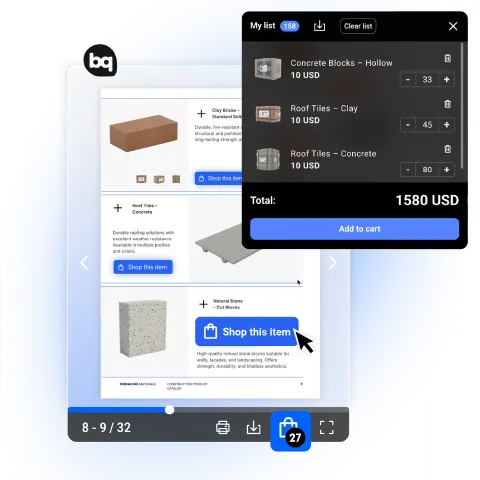
Explore wholesale catalog solution arrow_forwardAdd buy buttons to any product so readers can jump to the product page on your webshop, or add products to a shopping list.
Drag an overlay over any image or section to make it clickable. Visitors can select items, add them to a shopping list, or open the related product page.
Show key details at a glance. Add specs, sizes, colors, and pricing so shoppers have the context they need before they click through.
Guide readers through the catalog with page buttons, or send them to your site with external links. Keep navigation clear and reduce dead ends.

"You can see with the figures only a month and a half since Flipsnack was live for us, a large portion of the sales in that time frame came from the shopping feature alone. The shopping feature made a huge difference and was the deciding factor for us."
Start faster with a free price list template designed for your industry. Each template is fully customizable: add your logo, adjust colors, update prices, and reuse it whenever products or rates change. Whether you need a simple service price list, a product catalog, or a B2B price book, pick a template and make it yours in minutes.
Choose the sharing method that fits your workflow. When you edit the price list, everyone sees the latest version under the same link.
How it works
Pick a free price list template and customize it, upload an existing PDF price list, or generate one from a CSV or Google Sheet.
Use Flipsnack's Design Studio to add product tags, direct links, and shopping buttons. Set prices, SKUs, and checkout URLs so every item is ready to buy.
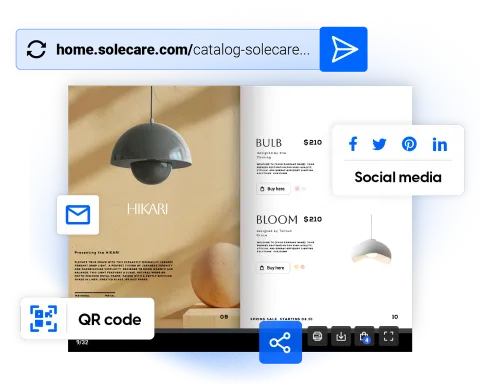
Share a full view link, embed it on your site, send by email, post on social, or use a QR code. When you update the price list, the changes go live without resending files.
Check views, clicks, and outbound product visits. Use those insights to refine your price list template, keep pricing accurate, and publish updates fast with the price list generator.
At minimum: item name, SKU, price, currency, and unit of sale. B2B price lists usually add minimum order quantity, pricing tier, and discount terms. Add a version number or validity date so buyers know they are looking at current prices.
The free plan covers building a price list, publishing it, and sharing the link. Paid plans add shopping features, product tags, performance analytics, password-protected sharing, advanced branding, and higher publishing limits. See pricing for the full comparison.
Upload a CSV or connect a Google Sheet and Flipsnack builds the price list from your data. For large catalogs it generates several versions at once, one per client, market, or pricing tier.
Edit the price in Flipsnack and publish. The link stays the same, so everyone who already has it sees the new price. No resending files, no version confusion. Uploaded a PDF? Edit the prices directly in Flipsnack, no redesign, no re-export.
Copy Flipsnack's embed code and paste it into any page. The price list loads inline, fully interactive, and updates whenever you publish changes.
Export it for print or offline sharing anytime. You can also let readers download it straight from the live price list.
Generate one price list per tier from the same product feed, then share each link only with the buyers it applies to. Set links to unlisted or password-protected so pricing stays where it belongs. More on wholesale catalogs.
Price sheet, price book, pricelist, rate list, and rate card all describe the same document. Price book and price sheet are the common B2B and wholesale terms, rate card is used for services and advertising, and rate list is widely used in South Asian markets. The format is the same in Flipsnack whichever term your industry uses.
Free plan. No credit card needed.