


Free Online Brand Book Generator
Ensure your brand identity stays consistent across all teams with an online brand book builder. With Flipsnack, brand managers can:
- Standardize brand guidelines
- Keep designers and marketers aligned
- Edit professional brand book templates
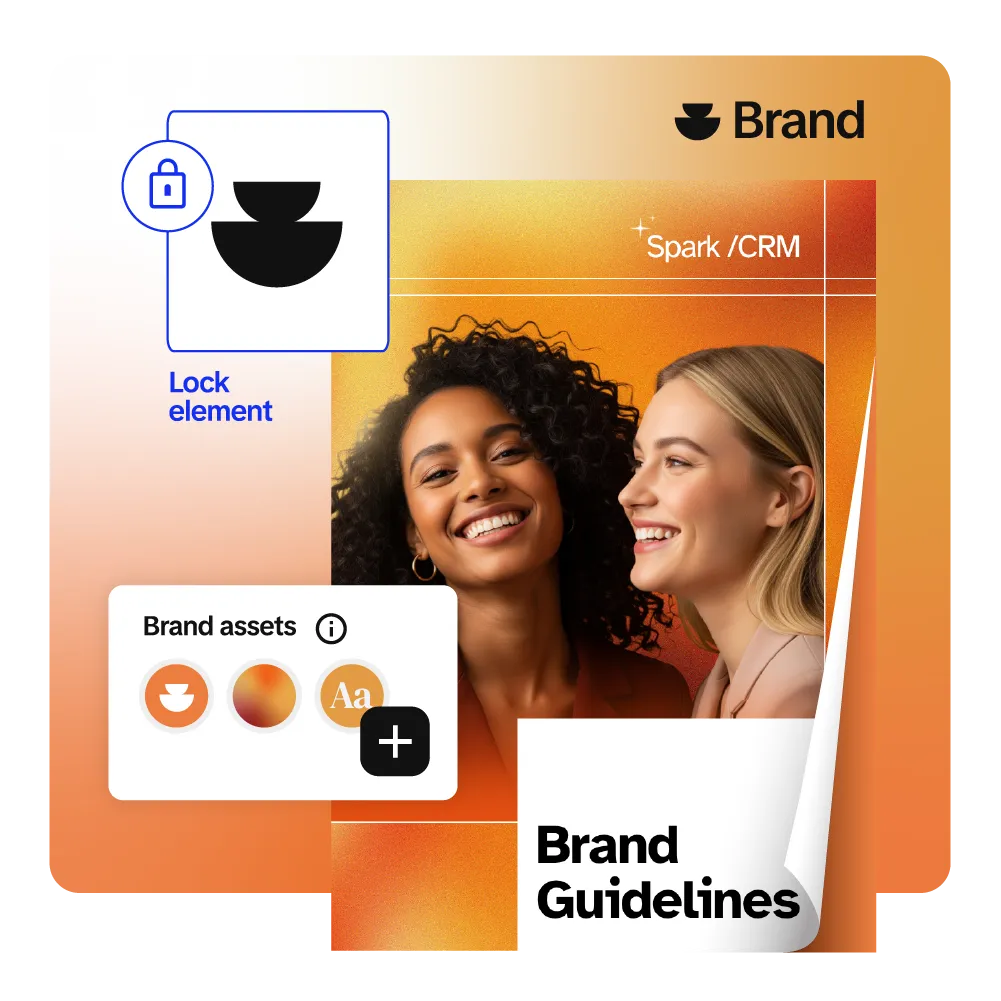






See the best brand book generator in action
What is a brand book?
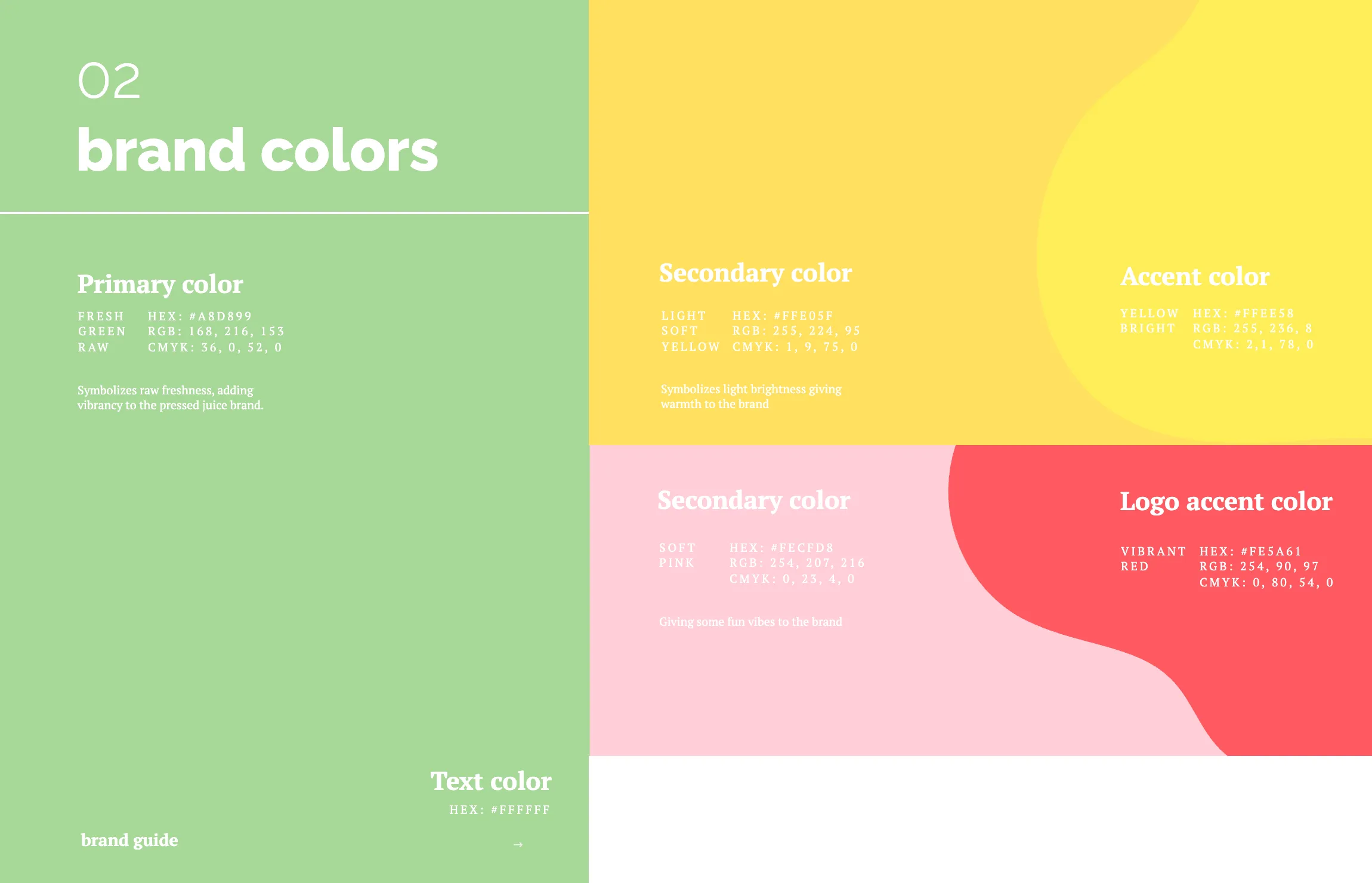
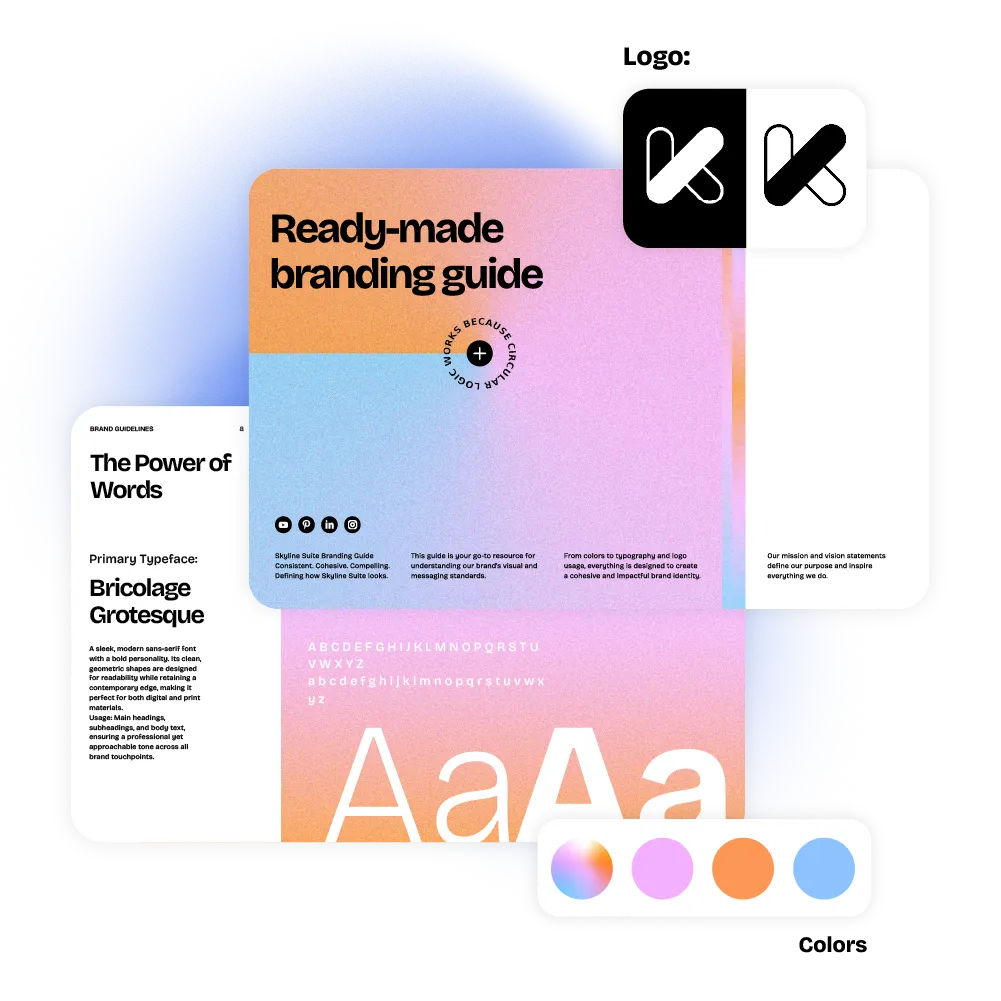
A brand book is a comprehensive guide that outlines a brand's visual identity, messaging, and core values, ensuring consistency across teams. With Flipsnack's drag-and-drop editor, you can build one in minutes and share it as an always-current online guide.
AI-powered brandbook generator for accessible digital brand books
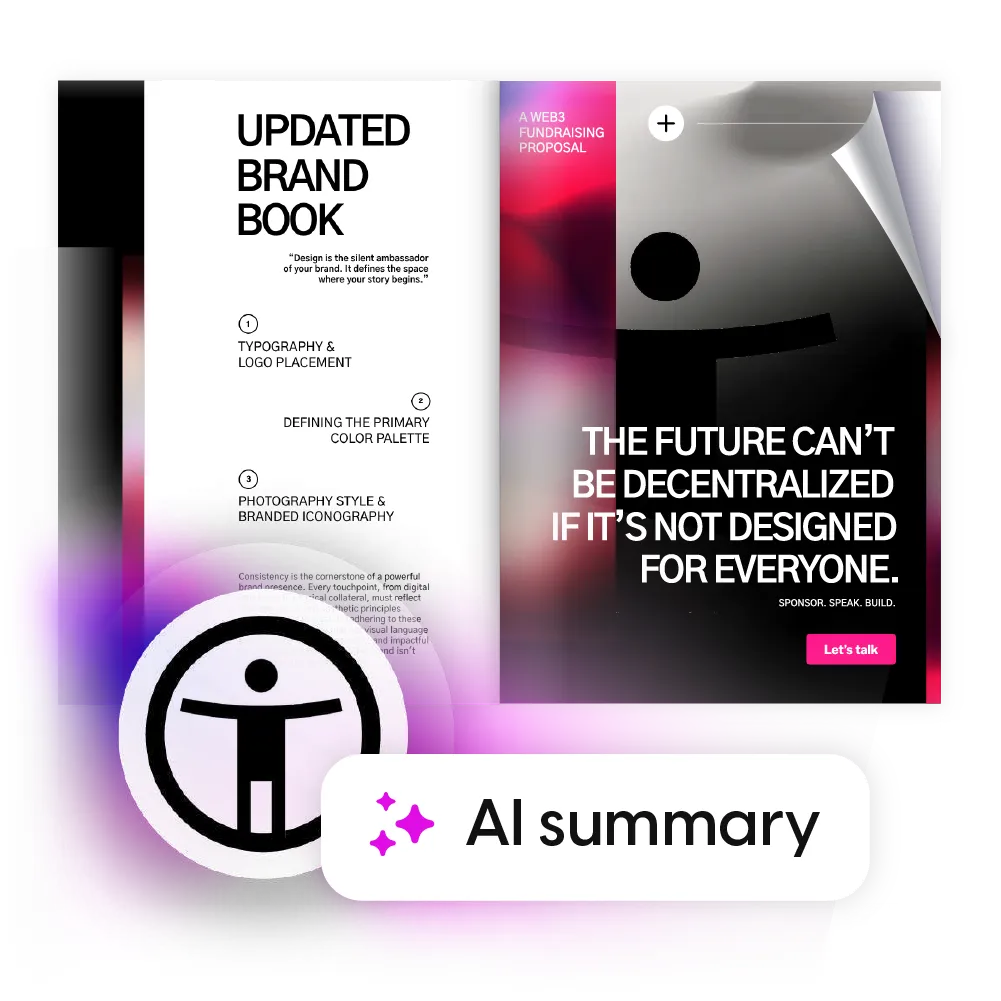
Our AI brand book generator helps you create an accessible brand book within minutes through templates, videos, and branding features. Generate alt texts for each page and publish the brand book with Flipsnack to allow everyone to browse your branding guide smoothly. We are just getting started with our AI package.
Accessible flipbook player
Use our AI-powered solution to make your brand book accessible to everyone by automatically generating text summaries for screen readers.

Accessible templates
Create your brand book using accessible templates and tweak its contents to fit your purpose for creating a digital brand book.

AI for translation
With Flipsnack AI, you can easily translate text within the platform, reaching diverse audiences in seconds.

Easy keyboard navigation
Offer intuitive keyboard navigation, section highlighting, and clear screen reader labels so everyone can enjoy your flipbook.
How to create a brand book for free
A brand book gives your team one clear source of truth for visuals, messaging, and brand rules. With our brand book generator, you can start for free, but interactive features, branding tools, and privacy settings vary by plan.

Upload PDF or start from a template
Upload your brand guidelines PDF, and Flipsnack will turn it into a flipbook. You can also start from an editable brand book template and customize it for your brand.

Add interactive elements
In Design Studio, add links and buttons, tags and captions, pop-up frames, slideshows, and audio or video. You can also add built in engagement elements like quizzes, questions, and a contact form to collect feedback and details directly inside the flipbook. If you need a custom widget like a map or a virtual tour, you can embed external content using an embed code.

Customize with your brand
Add your logo, update the text, and adjust colors and typography inside the layout. You can also have a reusable Brand kit inside Flipsnack (saved logos, brand colors, custom fonts) to make it easier for future designs. With our branding features, you ensure brand consistency while saving time.
Share your brand book online
Easily embed your digital brand book on your website for easy access. You can also share it through a link, share it only with specific people, external vendors, or keep it private.
Reusable branded templates for consistent content
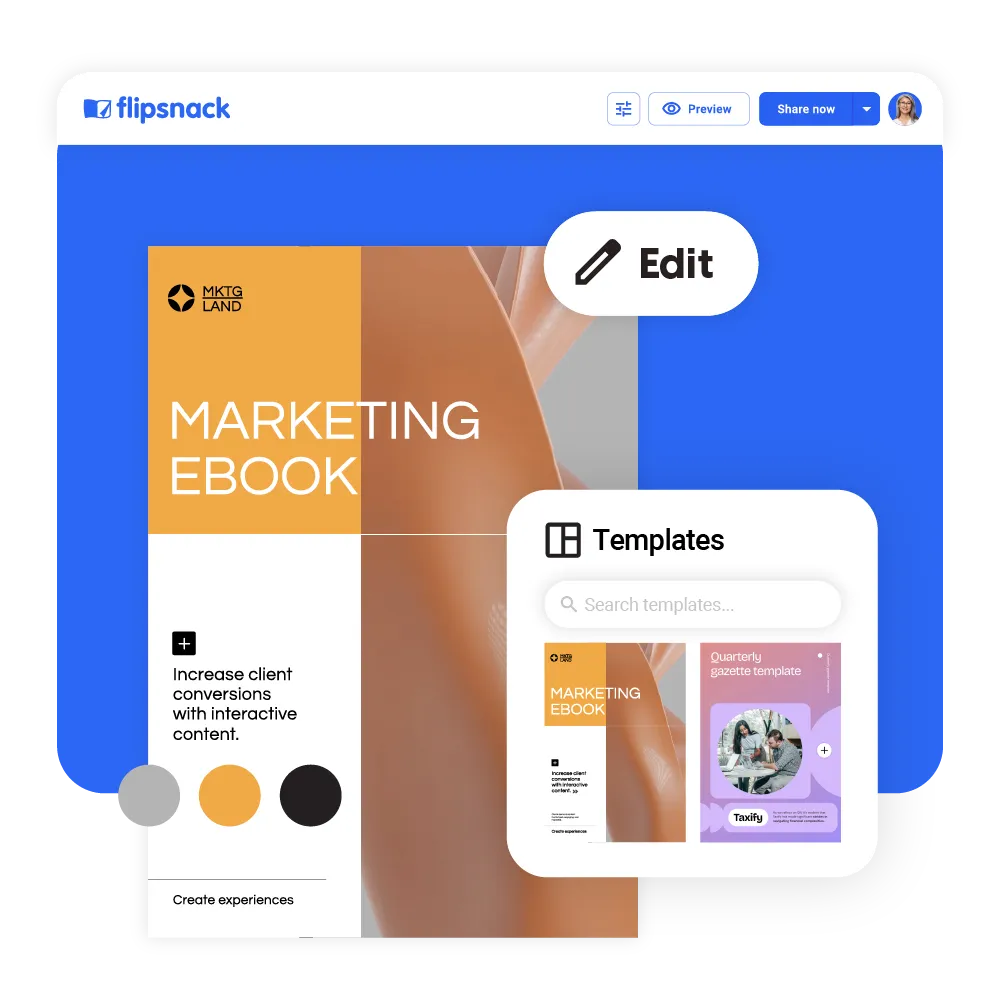
Create reusable, branded templates in Flipsnack, so your team starts from approved layouts every time.
- Build once, reuse often
- Update visuals and text anytime
- Add your logo, colors, and typography
- Lock the logo, fonts, or images
- Keep every version on brand
Elevate your style guide with our brand book generator
Many Flipsnack alternatives do one part of the job well: creation or hosting or interactivity or analytics. Flipsnack is built to cover the full workflow in one place.
Professional look
Transform static PDFs into interactive brand books with a 3D page-flip effect. Use videos, photo slideshows, and other elements to create a visually appealing brand book.
Easy to use
Our brand book maker is intuitive and requires basic design skills. Either create a brand book by uploading a PDF or choose an editable template and customize it to fit your needs.

Collaboration features
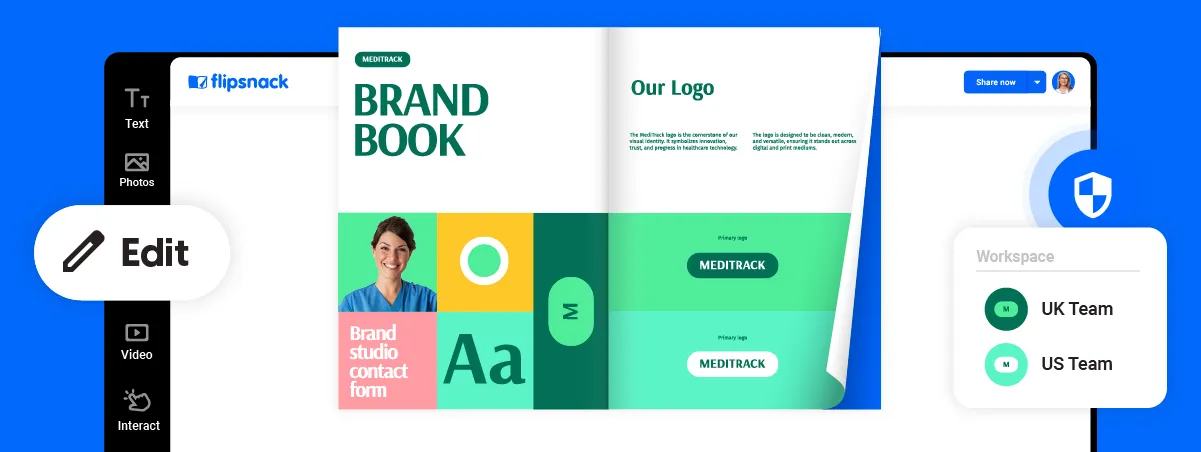
Invite team members to work together on the brand book guide in your workspace. You can assign roles and permissions, leave notes and comments, and work efficiently as a team.
Branding
Your digital brand book should reflect your brand’s identity and cohesive guidelines. Use Flipsnack’s branding feature and upload your company’s logo, fonts, and color palettes.

Private publishing
Flipsnack gives you total control over your digital brand book's privacy and sharing options. Publish or share it however you like to make sure the right people have access to it anytime.

Website integration
Our brand book generator helps to display your full digital brand book on your website by easily embedding it. This way, you’ll inform everyone about your brand rules.
Frequently asked questions
1. What are the best practices for brand guidelines?

The best practices for brand guidelines include defining a clear brand mission and values, setting consistent rules for logo usage, color palette, and typography, and establishing a cohesive tone of voice. Additionally, guidelines should provide visual examples and be easily accessible for team alignment.
2. Is Flipsnack a template-based generator or a fully custom builder?
It supports both. You can upload an existing PDF, start from an editable template, or build your brand book from scratch in Design Studio.
3. Does Flipsnack export to PDF and editable formats like PPTX or DOCX?
You can download your brand book as PDF. You can also download it as HTML5, GIF, PNG, JPEG, or MP4. PPTX and DOCX are not available as download formats.
4. Does Flipsnack's brand book generator support team collaboration and approvals?
Yes for collaboration. Invite teammates, assign roles and permissions, and use comments in Design Studio to leave feedback right on the design elements. If you need approval chains or automated approval workflows, comments do not include that.
5. Does Flipsnack support multiple brands or clients in one account?
Yes. Use multiple workspaces to separate brands, departments, or client projects. If you need multiple connected workspaces under one subscription, the Organization plan supports that setup.
6. Does Flipsnack offer white labelling and custom domain support?
Yes. Use a custom subdomain or custom domain for a fully branded experience. Advanced branding also covers removing Flipsnack branding and custom domain setup, and it is available on Enterprise. White-labeling the Flipsnack app with your custom domain is listed as an upcoming feature.


