
Digital Yearbook Maker
The easiest way to create a yearbook online is to start from a template or upload your PDF. Add photos, videos, and interactive elements, then share digitally or download for print. Free to try.
Trusted by the world’s most innovative businesses





What is a digital yearbook maker?
A digital yearbook maker is a tool that lets you design, publish, and share a yearbook online, without printing it or hiring a designer. You can build it from a template or upload an existing PDF, add photos, videos, and interactive links, then share it as a webpage, embed, or downloadable file.
Flipsnack's yearbook maker works entirely in your browser: no software to install, no design skills required.
Digital yearbook vs. printed yearbook
| Criteria | Digital yearbook | Printed yearbook |
|---|---|---|
| Interactive content | Videos, links, and animations built right in | Static images and text only |
| Templates | Ready-made, fully customizable yearbook templates | Requires a designer or layout software |
| AI-powered tools | Auto-generate alt texts, translations, and page summaries | Not available |
| Sharing | Share via link, embed on your school website, or send by email — instantly | Physical distribution only |
| Print option | Download and print whenever you're ready | Print-only format |
| Accessibility | Screen-reader friendly, AI-generated alt texts | Limited accessibility support |
How to make a yearbook online
Whether you're creating a yearbook for the first time or replacing a designer-built PDF, the process takes minutes, not weeks. Follow these steps to create a digital yearbook your school, team, or family will actually want to revisit.
Design a yearbook1. Upload your PDF or start from a template
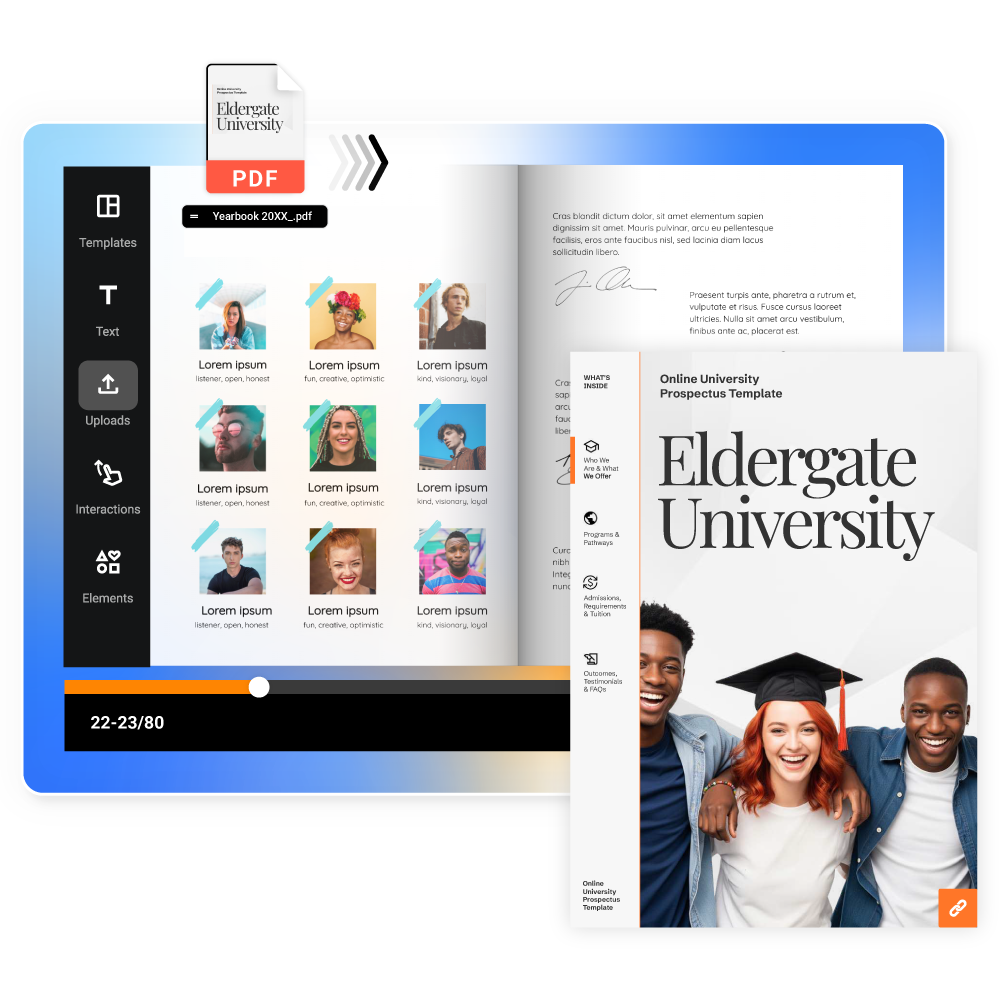
Already have a design? Upload and edit your PDF directly in Flipsnack. Change texts and replace images and convert it into an interactive digital yearbook. Prefer to start fresh? Pick from our ready-made yearbook templates and build a fully custom, DIY yearbook, no design software needed.
2. Design and edit your yearbook online
Use Flipsnack's drag-and-drop editor to add photos, videos, and interactive elements. Crop images, apply filters, adjust layouts. No design experience needed.
3. Add text, quotes, and personal touches
Whether it's a high school yearbook, a graduation keepsake, or a company yearbook, the words matter. Add quotes, names, captions, and custom fonts to make every page feel personal. Students can document their journey, teachers can highlight classroom milestones, and alumni can revisit their most memorable moments.
4. Publish online or download for print
Share your finished yearbook via a link, embed it on your school or university website, or download it for print. Your audience can flip through it on any device, no app required.


I love how Flipsnack is so easy and straightforward to use. The ready templates help us a lot, we barely need to change them, which cuts down on editing time significantly. I appreciate the various options and unlimited media features, making content creation smooth. These aspects really make a difference in how we produce our newsletters, yearbooks, and brochures.
Online yearbook templates
No blank page anxiety. Choose from a library of custom yearbook templates, then personalize every detail of your yearbook design, from layout to fonts to colors, to match your style.
See more yearbook templatesAI-powered yearbook tool
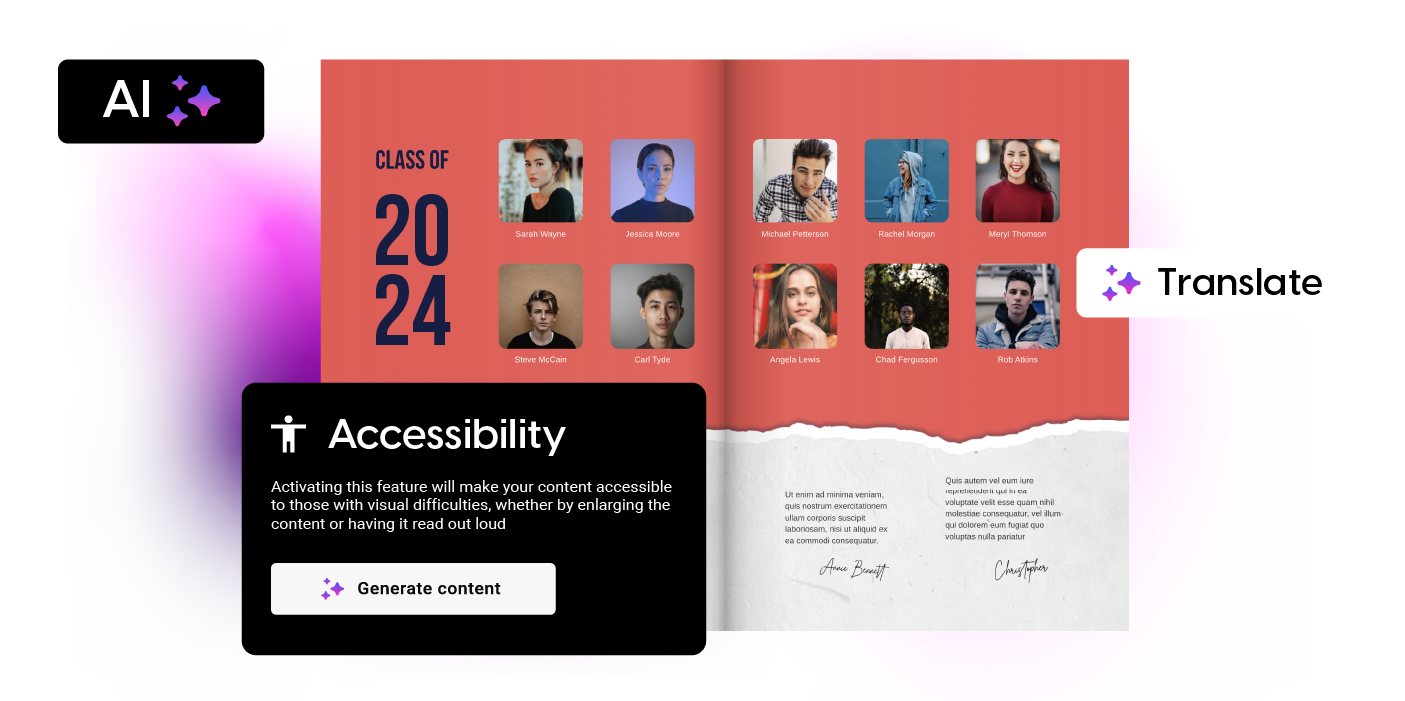
Flipsnack's built-in AI tools help you create yearbooks that are more accessible:
- Accessible flipbook player: generate alt texts & page summaries
- Accessible templates: layouts designed with accessibility in mind
- AI translation: directly in Flipsnack
- AI living visuals: turn static images into dynamic content
Download and print your yearbook
Once your yearbook is ready, download it in the format that works best for you. Export a PDF for web to share online, a high-resolution PDF for print, or a JPG and PNG for individual pages. Every format is available directly from your Flipsnack account.
Design a yearbook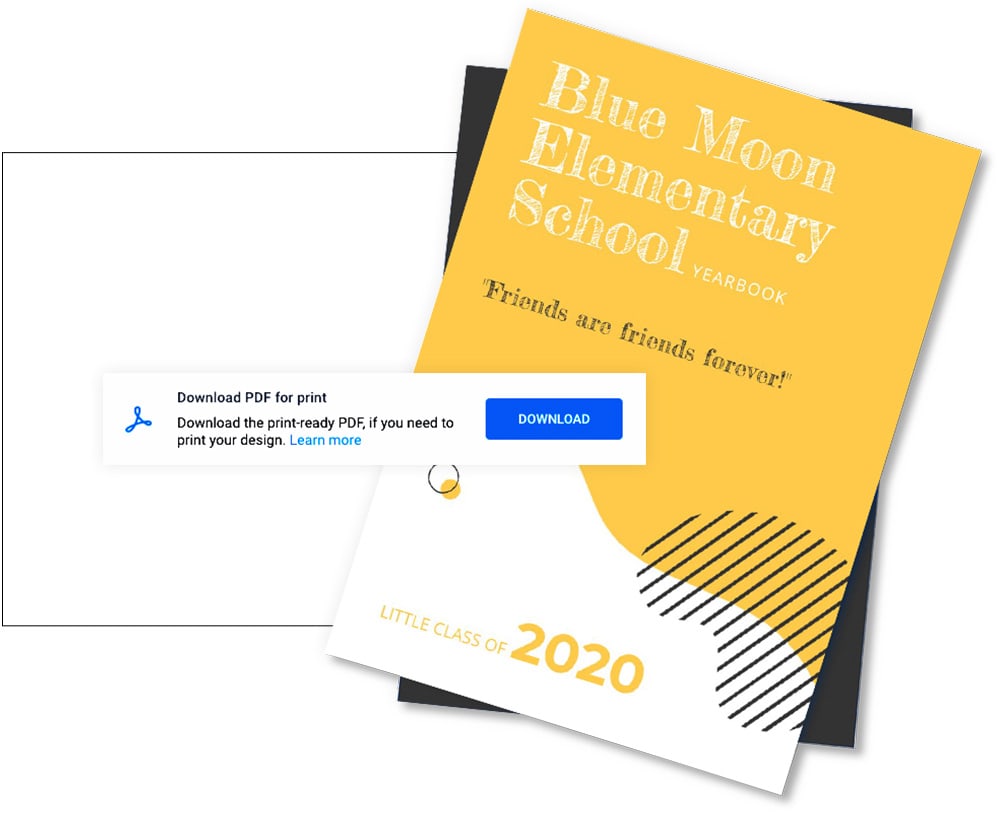
Why choose Flipsnack's yearbook maker?
Make your yearbook interactive
Go beyond static pages. Embed videos, add clickable links, and include animations that turn your yearbook into an experience, not just a document.
Use ready-made templates
No blank page anxiety. Choose from a library of custom yearbook templates, then personalize every detail of your yearbook design, from layout to fonts to colors, to match your style.
No design experience needed
Flipsnack's drag-and-drop editor makes it easy for anyone to create a polished, professional yearbook. If you can click and drag, you can design.
Skip the print-shop wait
Publish and share your yearbook online the moment it's done. Print it later, on your schedule, without waiting on a print vendor's turnaround time.
Built for group projects
Invite students, teachers, or committee members into the same yearbook. Everyone can add photos, leave comments, and edit their own pages.
Accessible and multilingual
AI-generated alt texts, page summaries, and built-in translation make your yearbook easier to read for every student, in more than one language.
Frequently asked questions

Yes. You can sign up and start designing your yearbook for free. Flipsnack's free plan gives you access to the editor and templates so you can build and preview your yearbook. Downloading, printing, and advanced sharing options are available on paid plans.
Absolutely. From a student perspective, the drag-and-drop editor makes it easy to design a yearbook without any technical skills. From a teacher perspective, it's a straightforward way to organize class memories and collaborate on a shared publication. From an alumni perspective, Flipsnack is a great tool for putting together reunion books or looking back on university years.
Yes. Flipsnack supports team collaboration, so students, teachers, or committee members can work on the same yearbook together. Leave comments, make edits, and review changes in one shared workspace.
No. Flipsnack's drag-and-drop editor replaces design software like InDesign or Photoshop. You build directly in your browser, using templates or your own uploaded PDF, with no installs and no design experience needed.
Yes. A digital yearbook can be shared entirely online, via a link, embedded on your school's website, or sent by email. You can still download and print it later if you want a physical copy.
Both options are available in Flipsnack. Start from a ready-made template and adjust it, or build a fully custom yearbook page by page. Every layout, font, color, and image is editable.