Interactive quizzes, questions, and forms

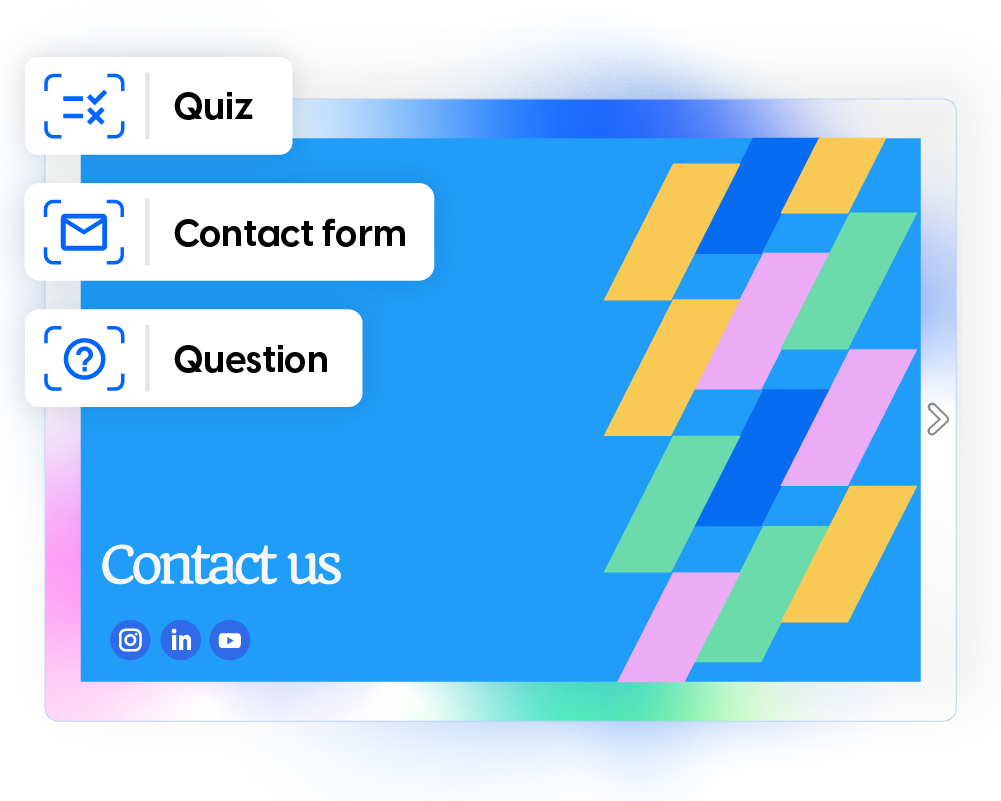
Add interactive elements to your flipbooks to test knowledge, collect feedback, and capture contact details directly from your flipbook. Every response is recorded in the flipbook statistics dashboard.


  • Quizzes: test knowledge with instant results
  • Questions: collect open‑ended feedback
  • Contact forms: capture contact details
Trusted by the world's most innovative businessesdszjbfsdvbkjdcbfv

Turn passive content into two-way experiences

Most documents only allow people to read. Interactive elements allow readers to respond. They can answer training quizzes, share feedback, or submit their details without leaving the flipbook. Instead of guessing how people interact with your content, you can see real responses and engagement data.

How to add your feedback interactions

Add quizzes, questions, or contact forms to your flipbook in a few steps. All responses automatically appear in the flipbook statistics dashboard.

1. Open your flipbook in the Design Studio

Get the flipbook you want to edit and open the Design Studio so you can add your interactive elements.

2. Choose an interaction and place it on the page

Select a quiz, question, or contact form and place the overlay where readers will interact with it.

3. Add your content and customize the interaction

Add your question, define the answer options or form fields, and adjust how the interaction will look and behave.

4. Publish and review responses in the statistics dashboard

Now you are ready to publish your work and track responses in the Analytics dashboard of your flipbook.

Test knowledge with in-flipbook quizzes

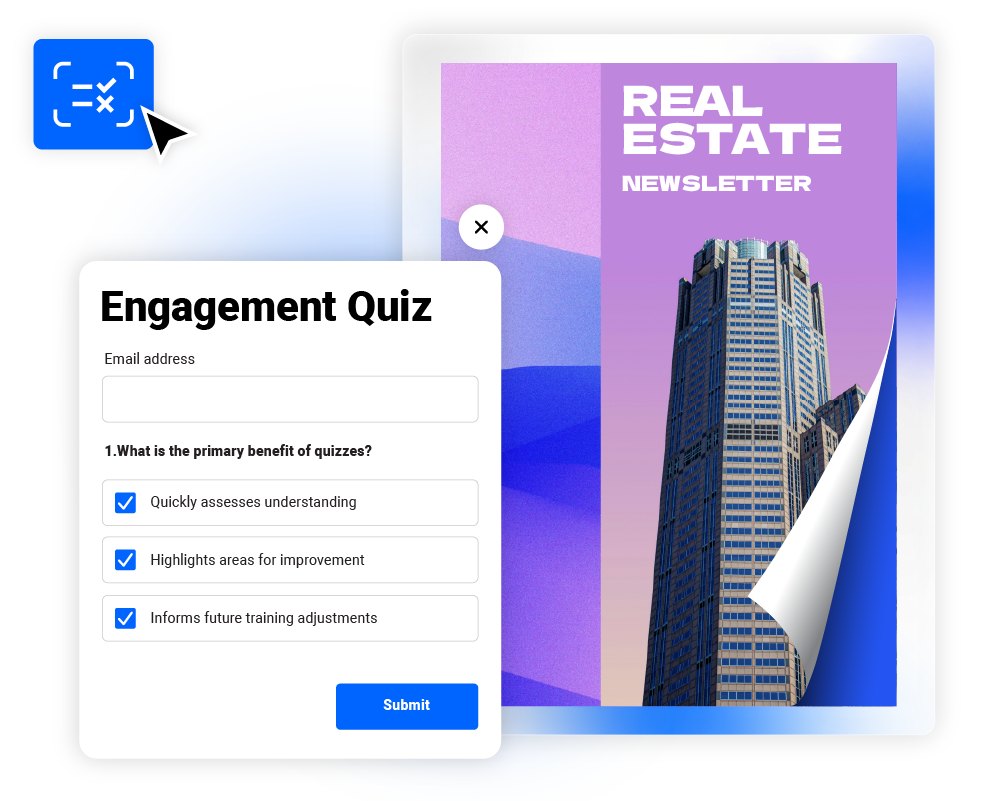
Use quizzes to check what readers understood while they go through your flipbook. They appears as an overlay and readers can answer them without leaving the page. After selecting an option, they can check if their answers are correct.

You can use quizzes for training assessments, onboarding knowledge checks, or documentation validation.

Collect feedback with interactive questions

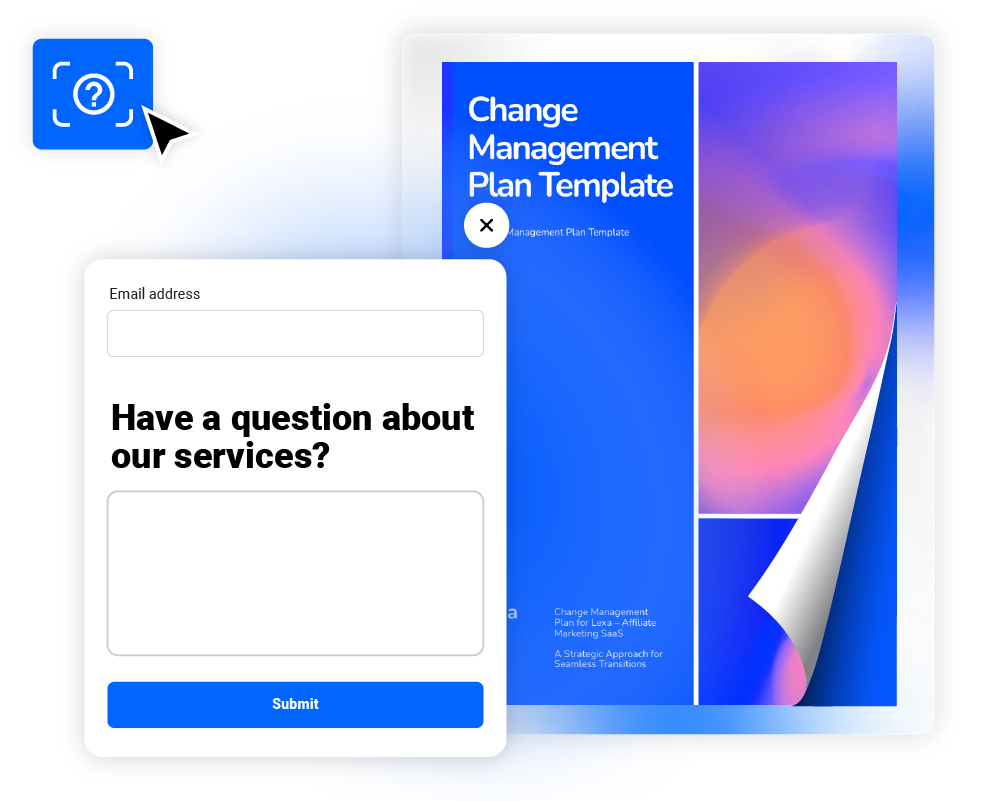
Questions let readers share their thoughts inside your flipbook. When they click and a small window opens where they can type their response. This makes it easy to gather feedback while still engaged with the content.

You can use them for training reflections, employee feedback, or customer insights.

Capture leads and responses with contact forms

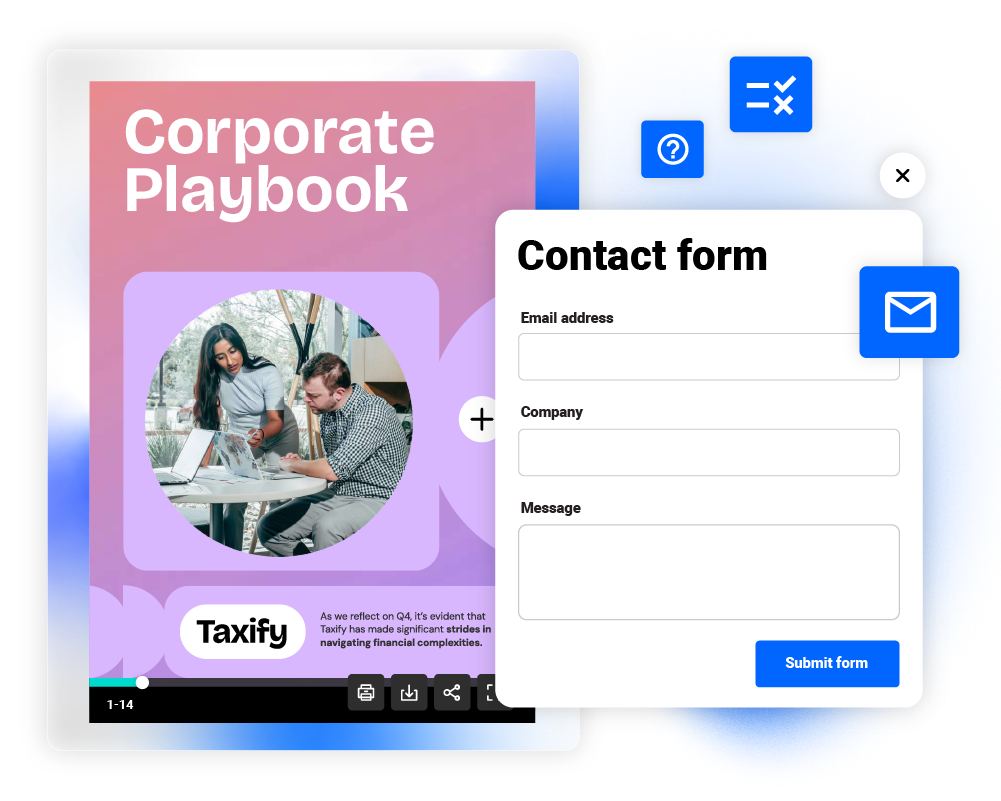
Contact forms allow readers to submit their details without leaving the flipbook. They can enter their information, send a request, or ask to be contacted. This turns brochures, guides, and training materials into a simple way to collect infomation.

You can use them for lead generation, training follow-ups, or partner inquiries.

Turn your documents into engagement tools

This is how quizzes, questions, and contact forms work to drive results. Our Head of Product, Bogdan Mile, will guide you through each feature, showcasing how they can help your business communication.

Track quiz results and form responses

All interactions are stored in the flipbook statistics dashboard. This allows you to measure engagement and understand how readers interact with your content.

Track completion rate

Understand whether the interactions are engaging or where readers drop off.

See each response

View the answers readers submit and see how they interpret your content.

Find knowledge gaps

Use this insight to improve training materials or clarify complex topics.

Export your data

Share insights with your team or use the data in other systems.

To say that using Flipsnack has been a success is an understatement. We’ve seen an increase in knowledge and engagement–which is strictly due to Flipsnack! Our training content has never been more organized and easy to access.

Korben Niblett

Director, Education & Content Development

Perguntas frequentes

What is the difference between quizzes and questions?

Quizzes use multiple-choice answers and can show correct results. Questions allow readers to submit open-ended responses. Both interactions store answers in the flipbook statistics dashboard.

Can I collect emails with quizzes or questions?

Yes. You can request an email when readers submit a response. This allows you to identify participants or follow up later.

Are contact forms GDPR compliant?

Yes. Contact forms support privacy policy integration and GDPR-compliant data collection settings.

Where can I see quiz results?

All quiz answers and form submissions appear in the flipbook statistics dashboard. You can review responses individually or export the data.

Can quizzes be mandatory before moving forward?

Yes. Quizzes can be set as required so readers must complete them before continuing through the content.