Mobile reading
Every issue opens in the browser on phones, tablets and desktops, no app needed.

Bring company news, people stories and leadership updates together in one interactive gazette. Publish it in your brand, share it securely and see what employees actually read.
Trusted by the world’s most innovative businesses






A company gazette is a recurring internal publication that shares company news, people stories and updates with employees, in a magazine format.
Also called:
Flipsnack has helped us to create an internal flipbook and share it with the whole company, no matter where the employees were located.
 Michelle McCourtPublic Relations Manager, 15Five
 Read the 15Five story
Each channel has its own job. Save the gazette for stories worth their own space, and send quick updates as a digital newsletter.
| Criteria | Digital company gazette | Email newsletter | Intranet page |
|---|---|---|---|
| Best for | In-depth stories, people features, milestones | Short, frequent updates | Policies and reference info |
| Format | Magazine-style pages with video and links | Text-first email | Web page inside the intranet |
| Lifespan | Collected into editions and back issues | Buried in inboxes within days | Edited or replaced over time |
| Frontline reach | Link, QR code or intranet embed | Needs a company email account | Needs intranet login |
| Access control | SSO, password, one-time passcode, private links | Mailing list | Intranet permissions |
| Readership data | Views, time on page, clicks, heatmaps | Opens and clicks | Depends on the intranet |
Your people work in different places. Give every edition a clear way in, from an email link to a QR code in the break room.
Make a gazette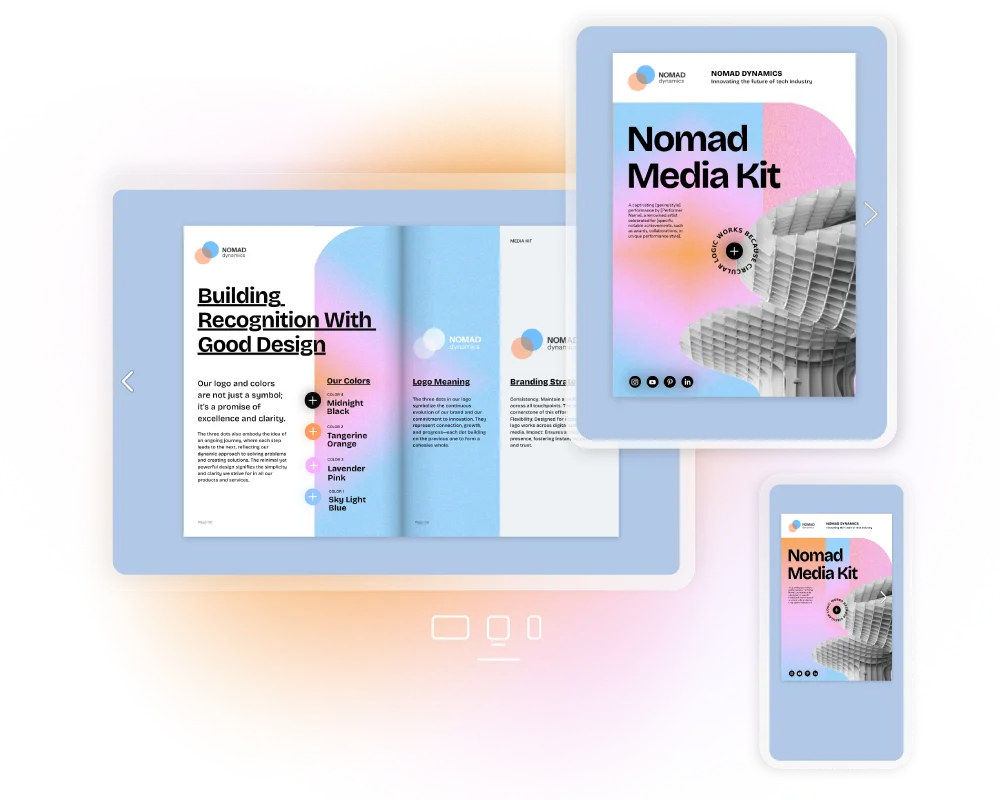
Every issue opens in the browser on phones, tablets and desktops, no app needed.
Send an email link, embed it on your intranet or put a QR code on site.
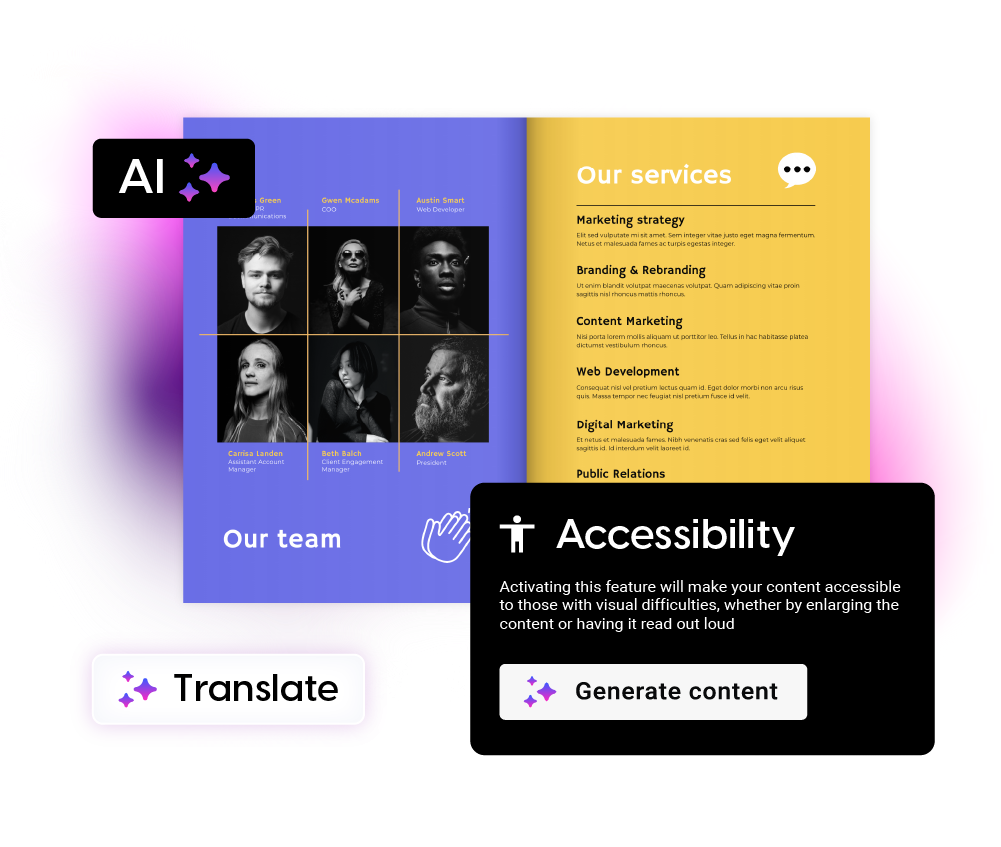
Translate an issue with AI, review the layout and publish one edition per language.
Add videos, slideshows, forms and quizzes so employees can respond inside the gazette.
Gazette, employee magazine or company newspaper: the steps are the same.
Upload the PDF you design in InDesign or Canva, or pick a gazette template in Design Studio.
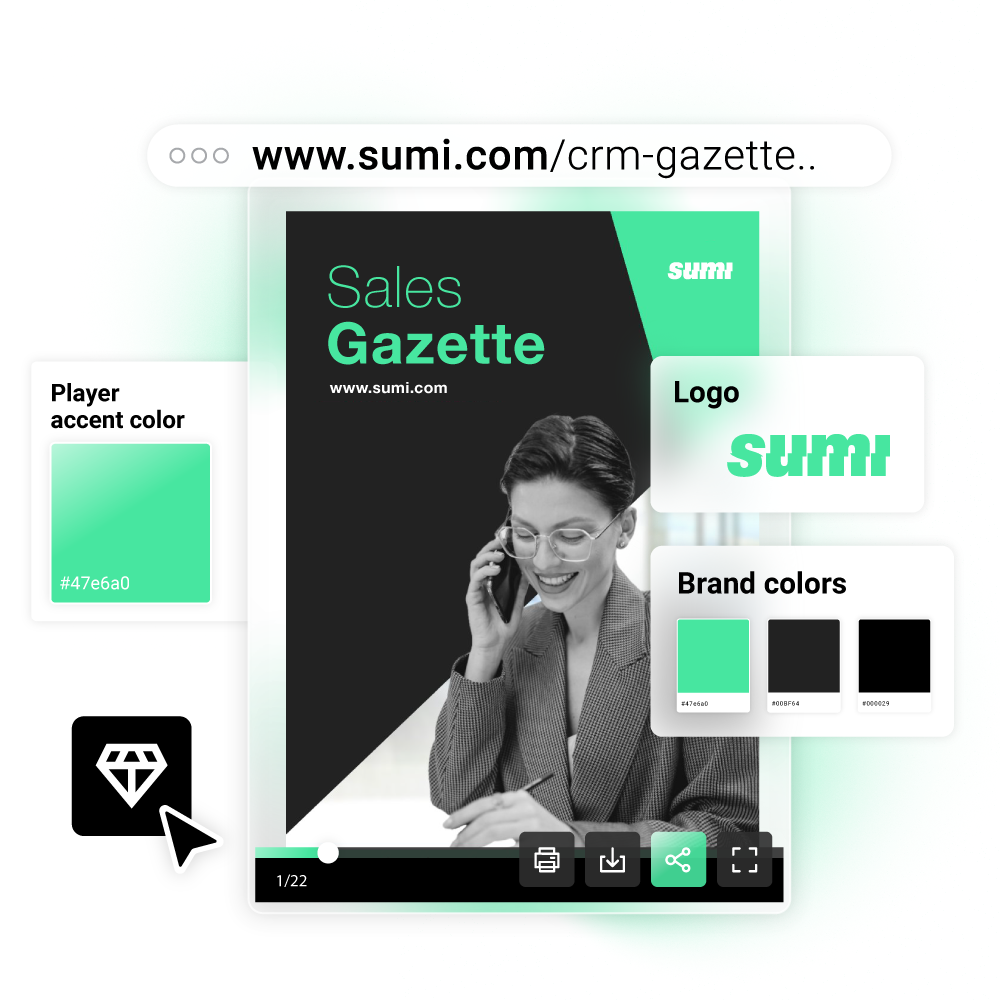
Add your brand, then videos, links, slideshows, quizzes or feedback forms.
Choose who can open it, then share by link, QR code or intranet embed.
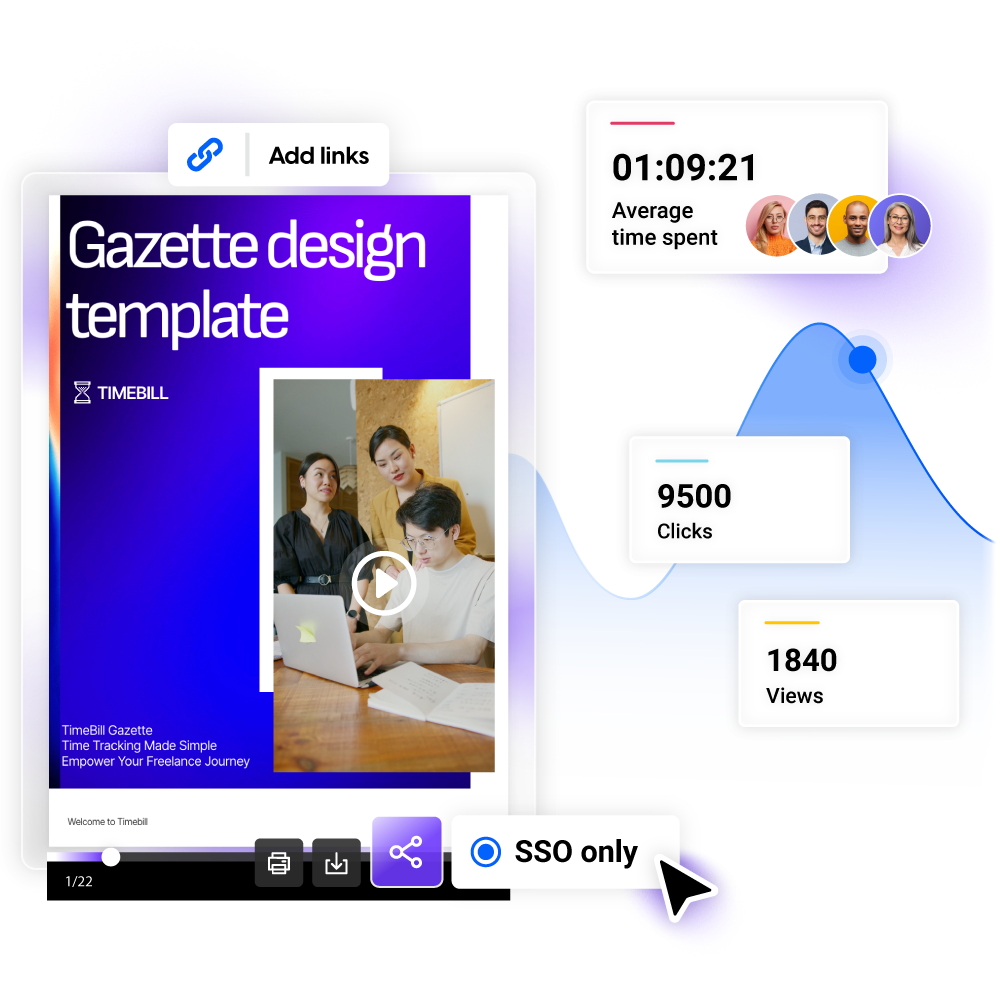
Check views, clicks and reading time, then plan a stronger next edition.
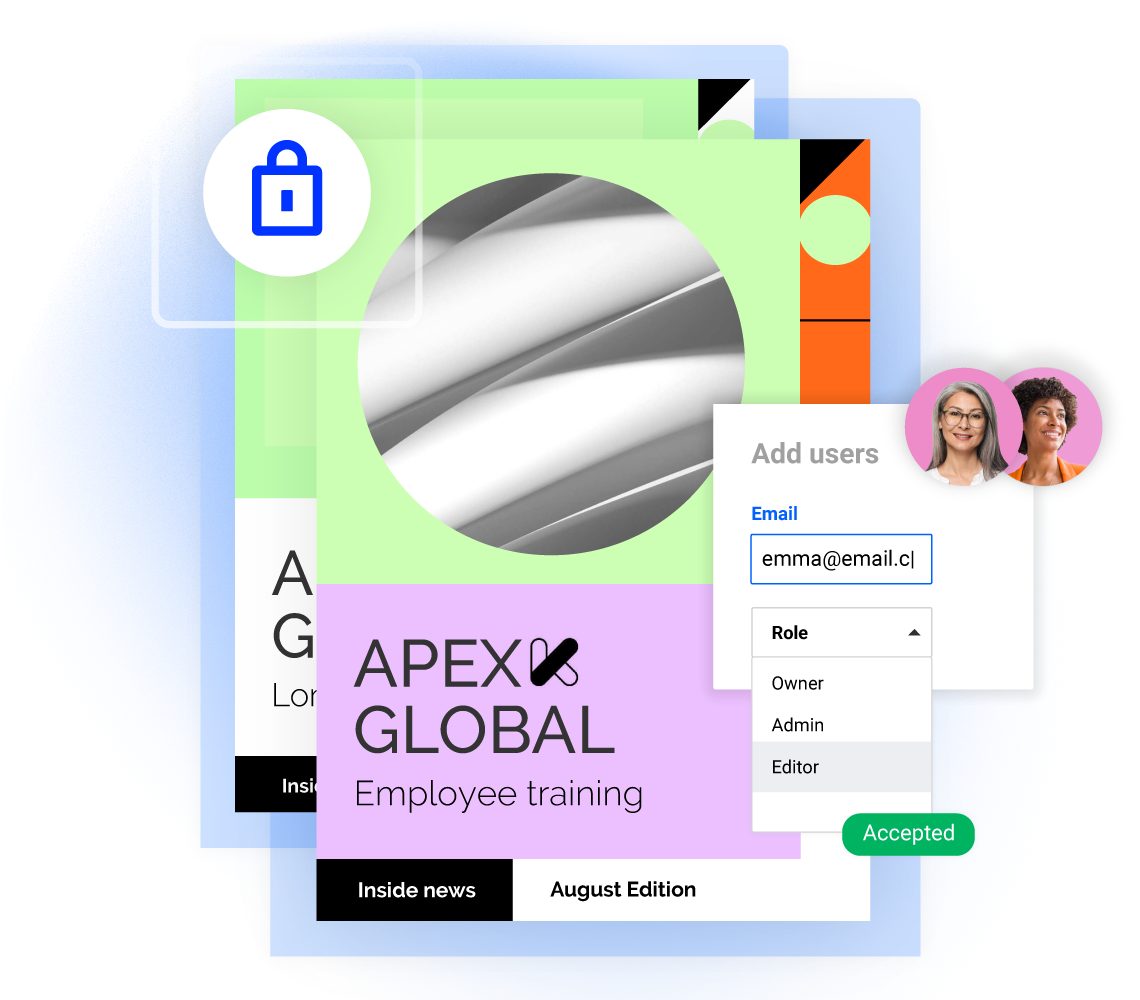
Give your editorial team one shared workspace for every edition.
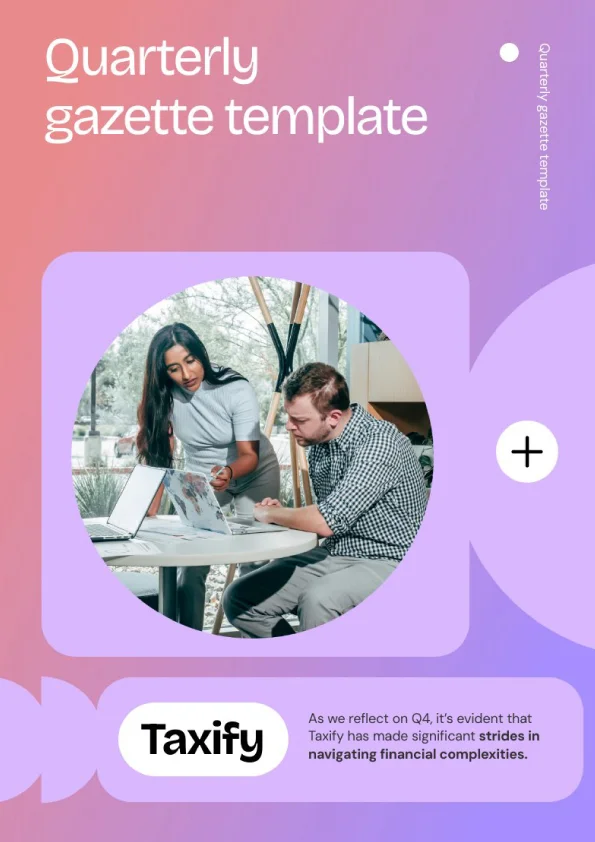
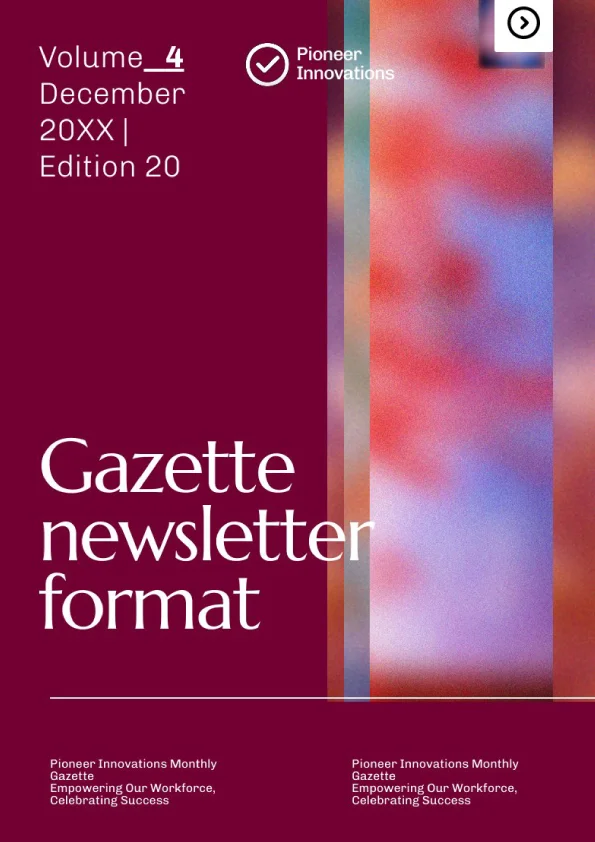
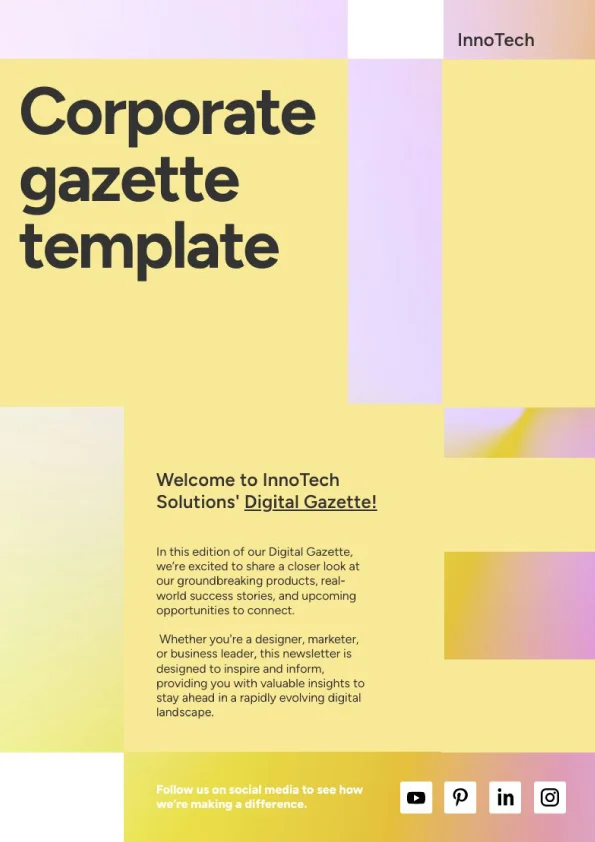
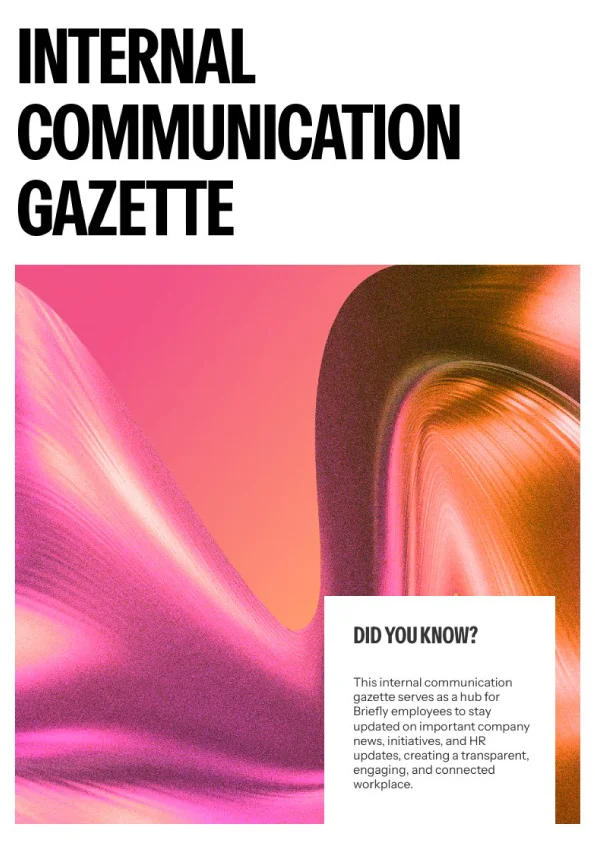
Pick a template, add your stories and branding, and publish.
Need paper copies? Download a printable PDF of any issue.
Group published editions on a virtual bookshelf so employees can browse earlier issues.
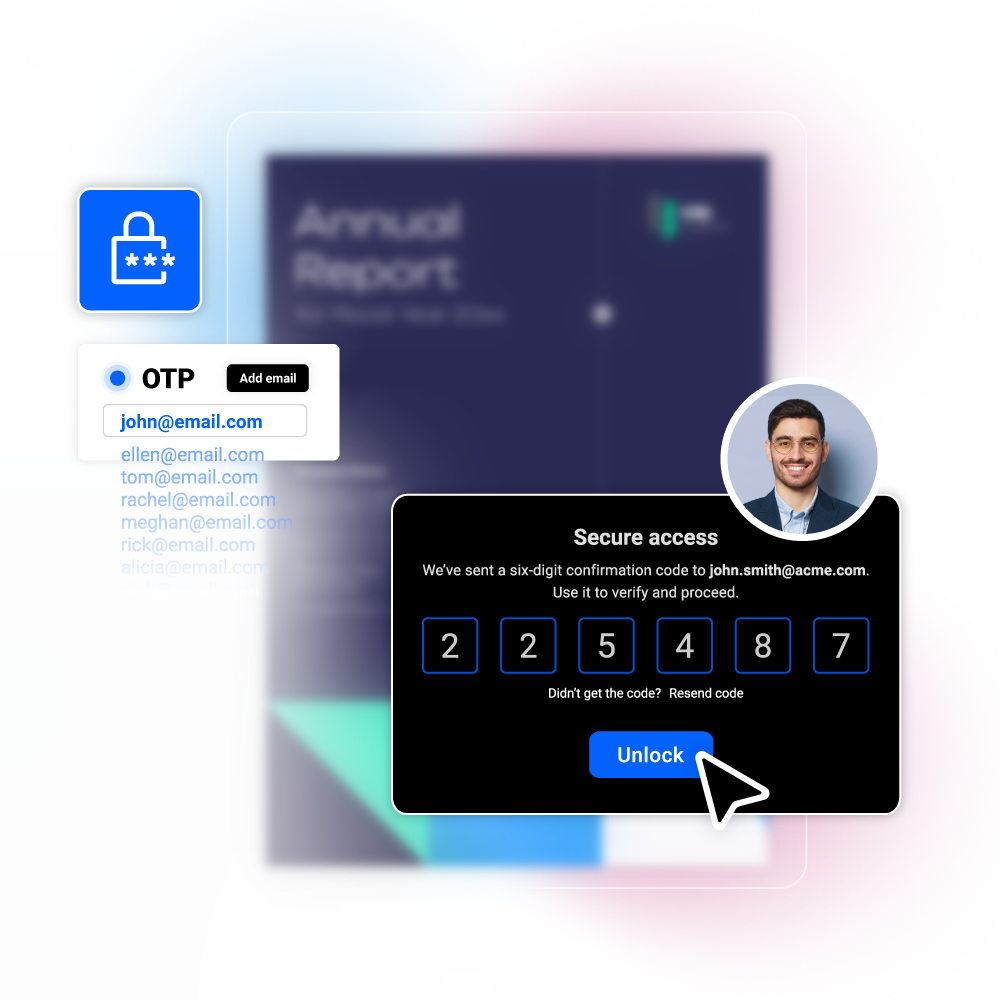
Choose who can open each issue, from a work login to a shared password.
Employees open issues with their work login
One shared password for a team or site
Fresh email codes for external stakeholders
Share with specific people or workspace readers only
Readership data shows which parts of your employee magazine work.
Use heatmaps and AI performance insights to plan the next issue, and export reports for leadership.
Make a gazette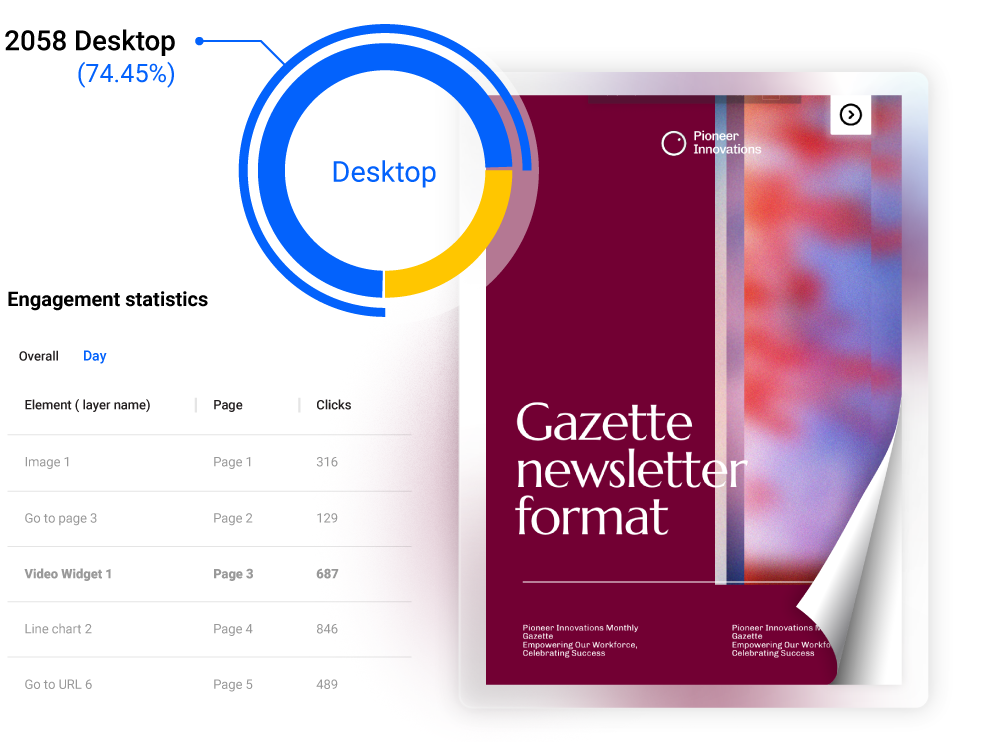
Yes, Flipsnack gives you single sign-on, password protection and one-time passcodes for confidential issues. Unlisted links stay out of search engines, but anyone with the link can open them, so add access protection for sensitive news.
Yes, Flipsnack converts the PDF you already design for print into an interactive digital issue. Upload it, add videos, links and quizzes, and publish. You can still download a printable PDF when you need paper copies.
Yes, Flipsnack issues open in any mobile browser from a link or QR code, with no app needed. Protect sensitive issues with a shared password, or use SSO for employees with work accounts.
Yes, Flipsnack translates an issue with AI into more than 29 languages. Duplicate the issue, translate it, review the layout and publish one edition per language.
Yes, Flipsnack helps HR and internal communication teams publish company gazettes, employee magazines and other corporate publications. Add forms and quizzes to collect feedback, then use analytics to see which messages reach employees.