

Connect Flipsnack to the systems you use
Automate publishing, sync product data, and serve flipbooks across any platform, without manual work.
- Publish flipbooks automatically
- Host flipbooks on your own servers as HTML files
- Send reading stats straight to your CRM or data servers






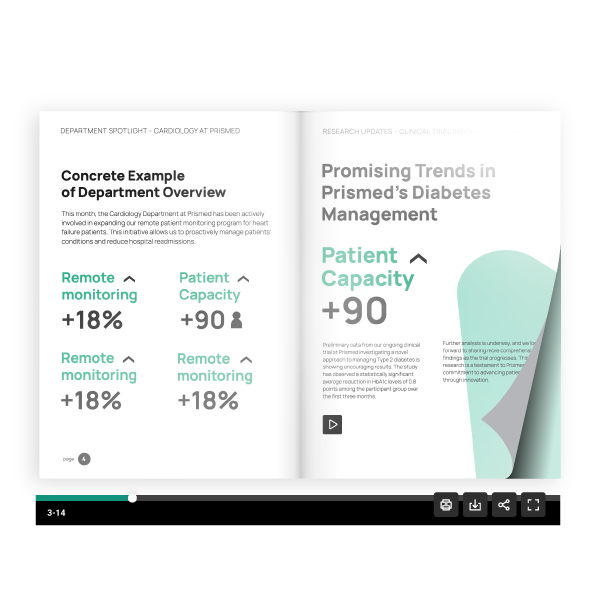
Update flipbooks
Set the flipbook options from one place. Make sure every reader has a perfect reading experience.

Host on private portals
Keep customer presentations and private docs safe behind your own portal or on your own secure servers.

Publish at scale
Process thousands of flipbooks without any manual work. Let the API system handle the volume.
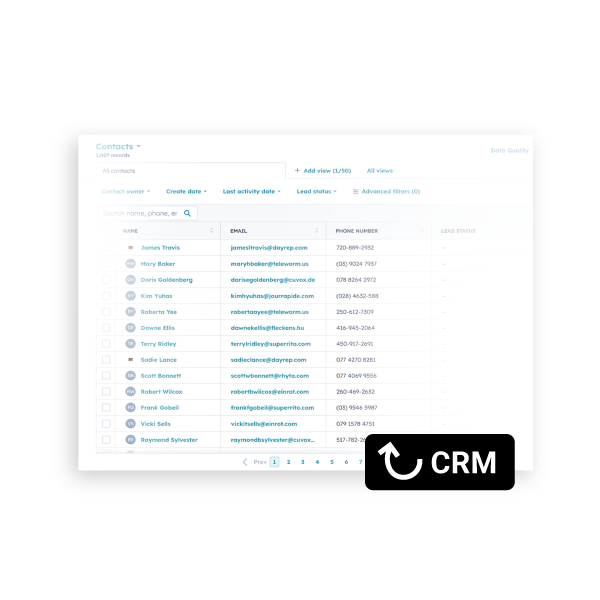
Connect to CRM
Link flipbook data directly to your CRM contacts. See exactly what your leads are reading the most.
What teams use it for
High-output publishing for global teams
Remove the limits of manual work. Our API enables your team to publish, update, and track thousands of documents automatically through a single integration.

Automated publishing
Push PDFs from your systems directly to Flipsnack. Publish, unpublish, and update on a schedule, no manual uploads, no human bottlenecks.

Self-hosted HTML5
Generate HTML5 packages from your flipbooks and serve them inside your own platform or client portal. Fully branded, fully under your control.

Embed on website
Create flipbooks programmatically, retrieve embed codes, and add them to your website or mobile app, automatically, with up-to-date content.

Analytics extraction
Pull data (impressions, clicks, downloads) directly into your tools or internal reports. No manual CSV exports, no copy-pasting.

Lead capture
Route form submissions from any flipbook into HubSpot, Salesforce, or Zapier flows. Capture leads at scale across your entire content library.

Product catalog sync
Connect your product information system to Flipsnack. When a price or SKU changes in your ERP, the catalog updates automatically.

345 flipbooks
shared across 17+ countries

Flipsnack is a catalyst in our transition to a more sustainable business. It combines the feeling of a paper catalog with interactive multimedia features that take the user experience to the next level.

Fabiola Vidal
Digital Marketing Product Owner

Simple setup, powerful tools
Our API is built for frictionless implementation and reliable automation.

Fast implementation
Use our clear documentation to get your integration running quickly. Start automating your publishing workflow in just a few steps.

Total flexibility
Control every flipbook setting and access rule from your own code. Customize how your documents look and behave for every user.

High reliability
Rely on a stable system that handles thousands of documents with ease. Keep your content live and accessible at all times.

Enterprise security
Protect your data with enterprise-grade tools. Manage all your user permissions and hosting rules from one place.
API capabilities
Have complete control over your digital library
A complete set of actions covering the full flipbook lifecycle. From creation, to distribution, to measurement.
Sicurezza di livello aziendale di cui ti puoi fidare


Common questions about Flipsnack API
What do we need to access the Flipsnack API?

Access is available exclusively for Enterprise plans. Once your plan is active, you can generate your unique API keys directly from the Integrations dashboard. For setup assistance or to upgrade your plan, you can contact your dedicated account manager or our sales team.
How secure is the API connection?
We prioritize enterprise-grade security for every integration. Every request is verified using a unique MD5 signature and protected by high-level encryption. This ensures that only your authenticated systems can access, manage, or modify your content and data.
Can the Flipsnack API handle very large documents?
Yes. Our API is built for high-capacity processing, supporting individual files up to 500 MB and 1,000 pages. These generous limits ensure that even the most comprehensive technical manuals and retail catalogs are published smoothly and reliably.
Can I see all my account data in one place?
Absolutely. The API allows you to programmatically aggregate reading analytics and performance data from every workspace, team, or global office. You can funnel this information into a single, centralized dashboard within your own internal system for a complete view of your content ROI.
Can we generate HTML versions of flipbooks?
Yes. One of the API's core strengths is the ability to generate downloadable HTML5 packages. This allows your team to host publications on your own secure servers or distribute them for offline viewing, ensuring you maintain 100% ownership of the hosting environment.


