

Manage flipbooks from ChatGPT
Stop running from tab to tab to fetch links, data, or text. Ask ChatGPT to handle it for you and stay focused:
- Access, publish, and update your flipbooks,
- Create custom reports and get plain english insights,
- Combine multiple ChatGPT connectors and create the ultimate AI workflow.






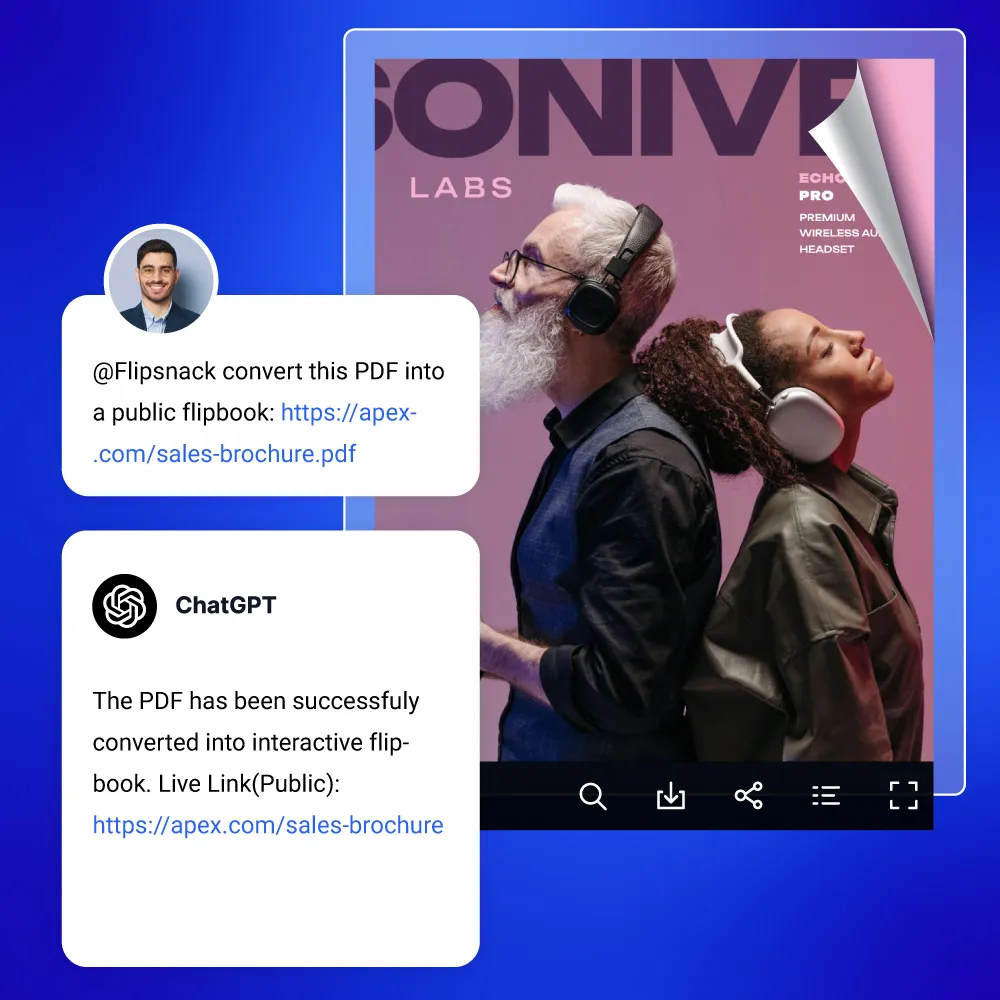
Type a prompt. Publish a flipbook.
Move your content from text to design and finally to live content, all in one place. Use our PDF converter right in the chat thread to bypass slow steps and tab switching.
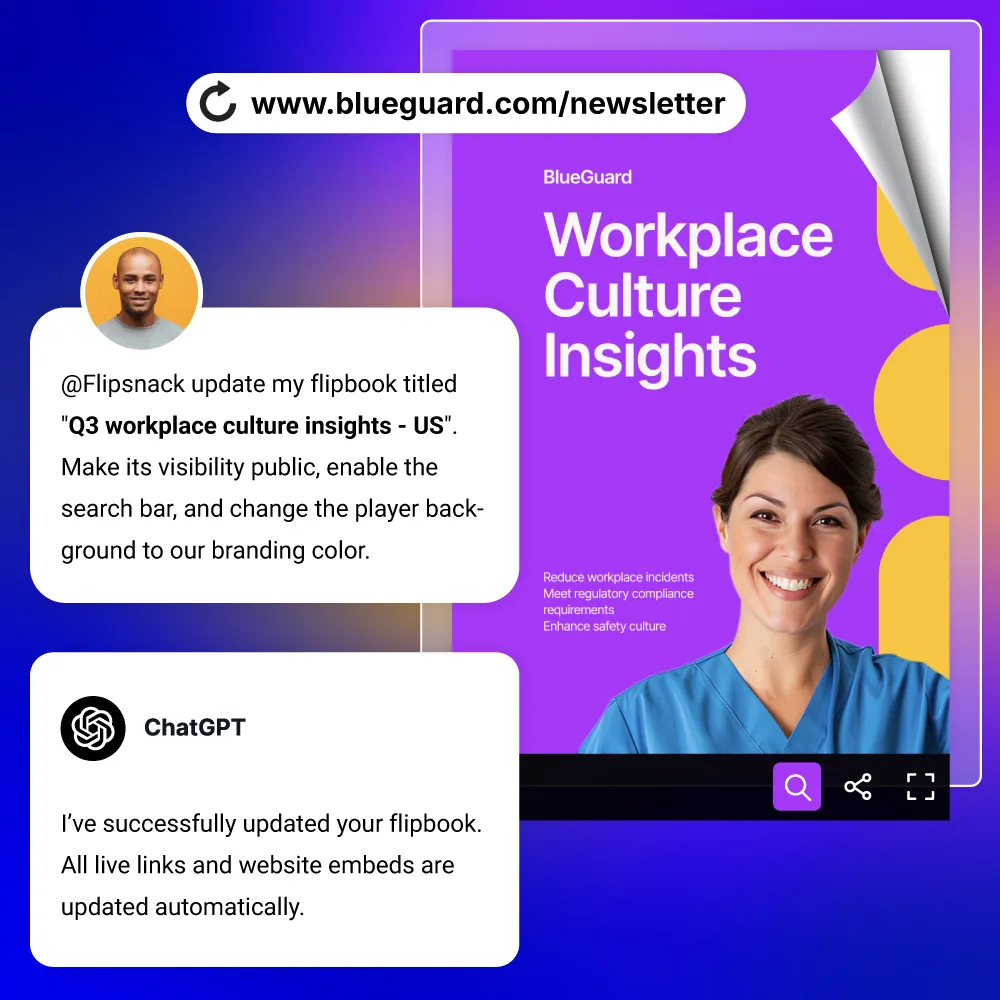
Update your flipbook in one command
Change player settings or refresh metadata with a single command. Tell ChatGPT to tweak your flipbook’s title, rewrite the description, or customize player controls like colors and download options. Keep your live URLs and website embeds fully active while fine-tuning the reading experience.
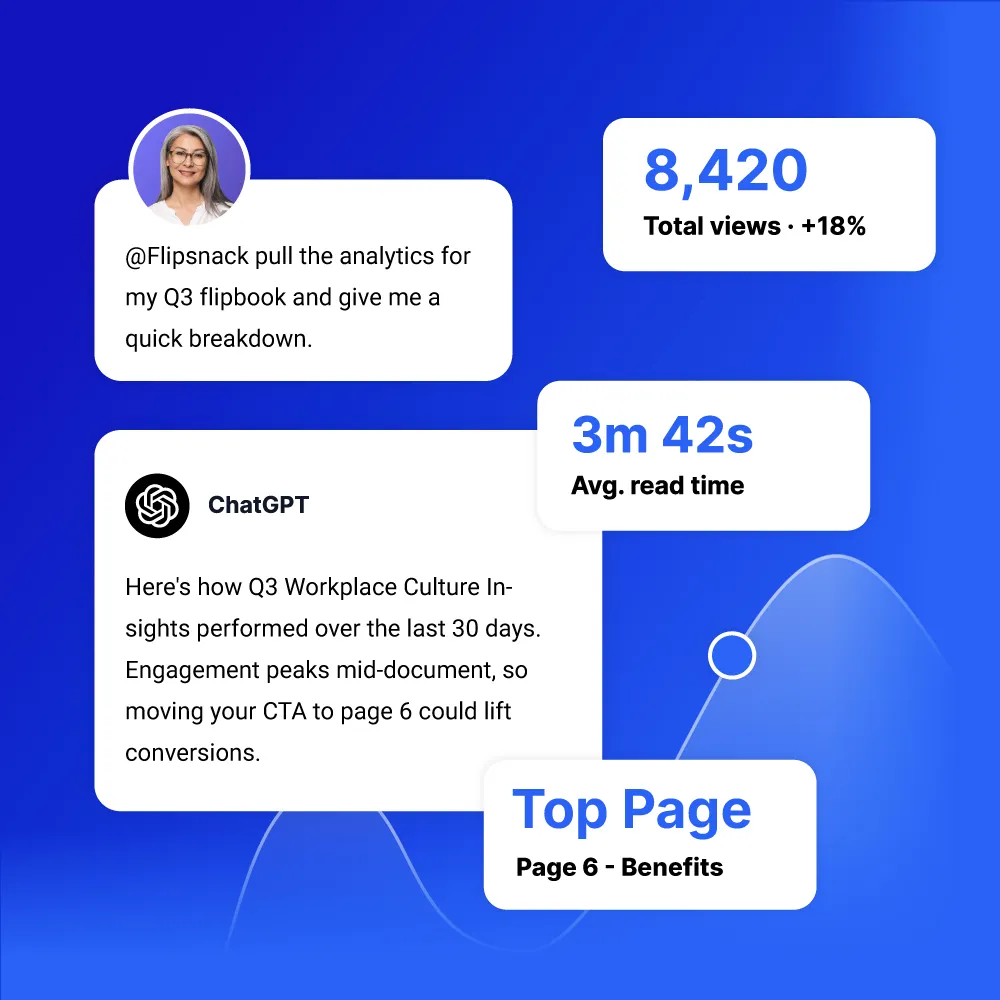
Ask ChatGPT how your flipbooks perform
Instantly pull data for a single flipbook, your entire workspace, or compare multiple flipbooks side by side. Ask specific questions, uncover trends, and get the answers you need in seconds.
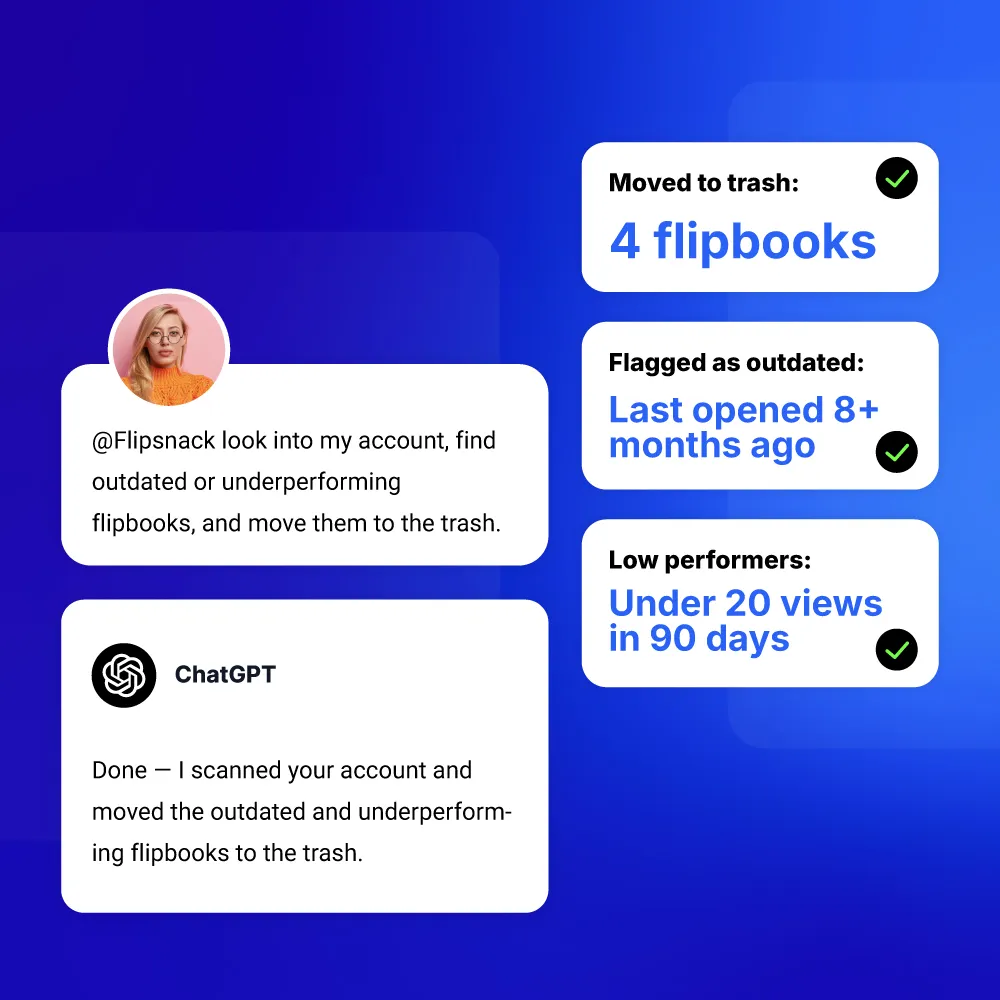
Declutter your library without lifting a finger
Clean up your library in seconds. Ask the AI to look into your account, spot any outdated or underperforming flipbooks, and move them to the trash right from the chat.
Organize your daily work, from a single platform
Your daily routine is broken up into too many pieces. Jumping between brainstorming, checking web stats, and pulling numbers from your CRM takes up more time than your actual job. Why not keep everything in one place?

Stop running through tabs
Move from raw concept to live publishing within a single chat conversation.

Get the full picture in seconds
Pull your flipbook performance data and combine it with your other data sources.

Put routines on autopilot
Turn daily tasks into automated routines so you can focus on what matters most.
How it works
All you need are accounts on both platforms, and you can connect the app right inside ChatGPT.


Step 1: Connect
Go to the Flipsnack app in the ChatGPT marketplace and click Connect. Once you log in to your Flipsnack account, you are all set.

Step 2: Prompt
Just chat naturally. Tell the AI what you need, whether it is uploading a file, grabbing an embed code, or pulling up your latest stats.

Step 3: Publish
Watch as it turns your static PDFs into interactive, page-turning flipbooks right inside your chat thread, completely eliminating the need to switch tabs.

Step 4: Manage
Monitor your performance, refresh links, and clean up your library from that same screen. Everything stays organized without digging through multiple dashboards.
Häufig gestellte Fragen
How do I connect Flipsnack to ChatGPT?

Find the Flipsnack app inside your ChatGPT directory, click connect, and enter your secure key. You can read our setup guide for a quick walk through.
Do I need to know how to code to put flipbooks on my website?
No, you just ask ChatGPT to write the web embed code for you, then copy and paste the responsive text block right into your website editor.
Can I upload a PDF file straight from my computer folder into the chat?
Currently you publish by providing a link to your PDF. Paste the URL where your file is hosted online and ChatGPT will fetch and convert it instantly.
What should I do if I see an error 50 message?
If you run into an error 50, simply disconnect the Flipsnack app from your chat profile, reconnect it, and reauthorize the connection to reset the system.
Is my company data safe and secure?
Absolutely, your connection is protected by enterprise grade security. Flipsnack keeps your content private and your uploads are never used to train public AI models.


