

Connect Flipsnack to 5,000+ other apps
Turn flipbook interactions into automated workflows across the tools your team already uses:
- Send lead forms directly to HubSpot or Salesforce
- Process pre-book orders without touching a CSV
- Automate your daily tasks with zero coding required















Built for your team
Made for growing sales, marketing, and retail teams
Wholesale & E-Commerce
Close orders without touching a spreadsheet
Let buyers browse your catalog and place orders directly in the flipbook with the shopping list. Orders then flow through Zapier directly to your fulfillment software, removing all manual data entry.

Accelerate your sales cycle by removing manual order processing and human error.
Sales Enablement
Track and follow-up on leads while warm
Share a trackable link to your sales deck or case study. When a prospect opens it, Zapier instantly logs the engagement activity in HubSpot and pings the right rep in Slack for immediate follow-up.
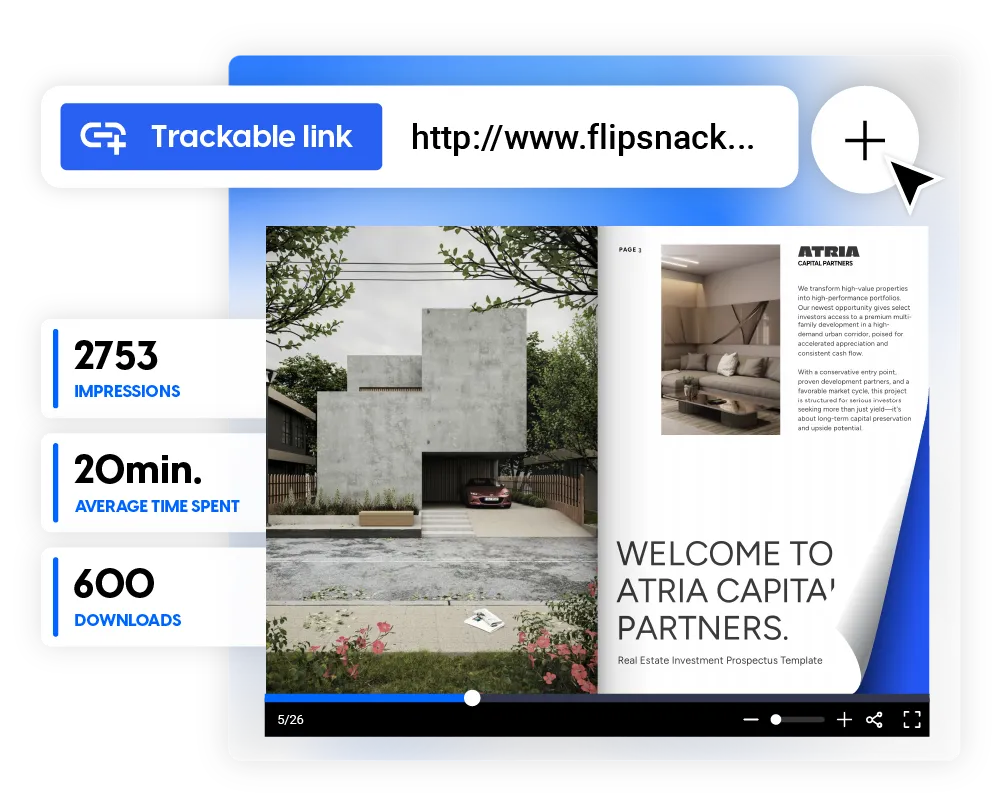
Improve follow-up speed by identifying and acting on high-intent prospects instantly.
Marketing
Let gated content do more than collect emails
Gate a whitepaper or lookbook behind a Flipsnack lead form. When a reader opts in, Zapier automatically adds them to your Mailchimp list and updates your CRM, keeping your database growing in real-time.
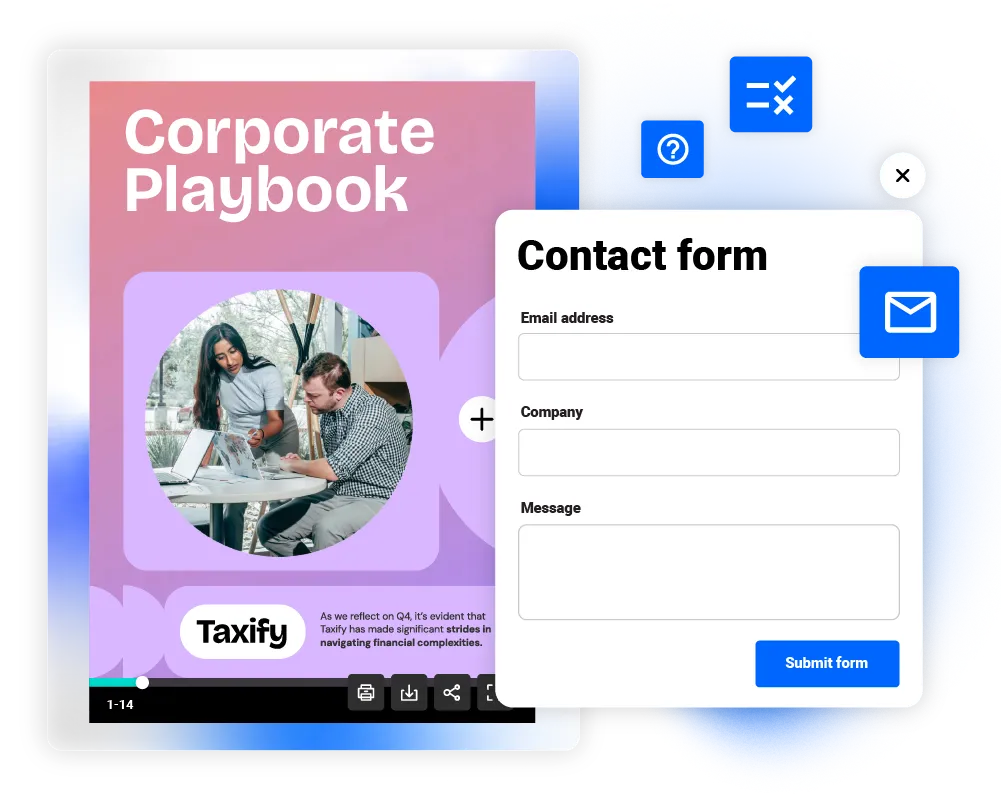
Maximize content value by converting readers into sales-ready leads automatically.
Get started in minutes
Four steps to automate
your first workflow
No code. No IT ticket. No waiting.
1
Connect your account
Link your Flipsnack workspace to Zapier using your API key.
2
Choose your trigger
Select which Flipsnack interaction fires the Zap.
3
Pick your destination
Tell Zapier where the data goes. Choose the destination app.
4
Map data and launch
Match your Flipsnack data to the right fields, run a test, and launch.
Frequently asked questions
What is the Flipsnack Zapier integration?

The Flipsnack Zapier integration lets you automatically send data collected inside your flipbooks from lead forms, shopping lists, quizzes, and more — to thousands of external apps like Salesforce, HubSpot, Google Sheets, Slack, and Mailchimp. No code required.
Which Flipsnack actions can trigger a Zap?
There are six supported Zapier triggers: New Lead Form Data, New Shopping List Order, New Contact Form Data, New Quiz Data, New Question Data, and New Trackable Link Statistics. Each can be connected to any app available on Zapier.
Do I need to know how to code to set this up?
No. The integration uses Zapier's visual no-code builder. Connect your Flipsnack account, choose a trigger, pick your destination app, and map the fields. Most users complete their first Zap in under 10 minutes.
Can I connect Flipsnack to Salesforce directly?
Yes. Via Zapier, you can create new leads, contacts, or opportunities in Salesforce whenever a reader submits a lead form or shopping list order in Flipsnack. This is one of the most popular Flipsnack Zapier integration workflows for wholesale and sales teams.
Can I use this to automate wholesale orders?
Yes. The New Shopping List Order trigger fires every time a buyer submits an order via a Flipsnack shopping list. You can route that data to Salesforce, Google Sheets, or any fulfillment system — eliminating manual pre-book data entry entirely.
Where can I find more help setting up my Zap?
Visit the Flipsnack help center for step-by-step guides on each supported trigger, or explore the full integration library at zapier.com/apps/flipsnack/integrations.


