
A smarter alternative to Adobe Acrobat
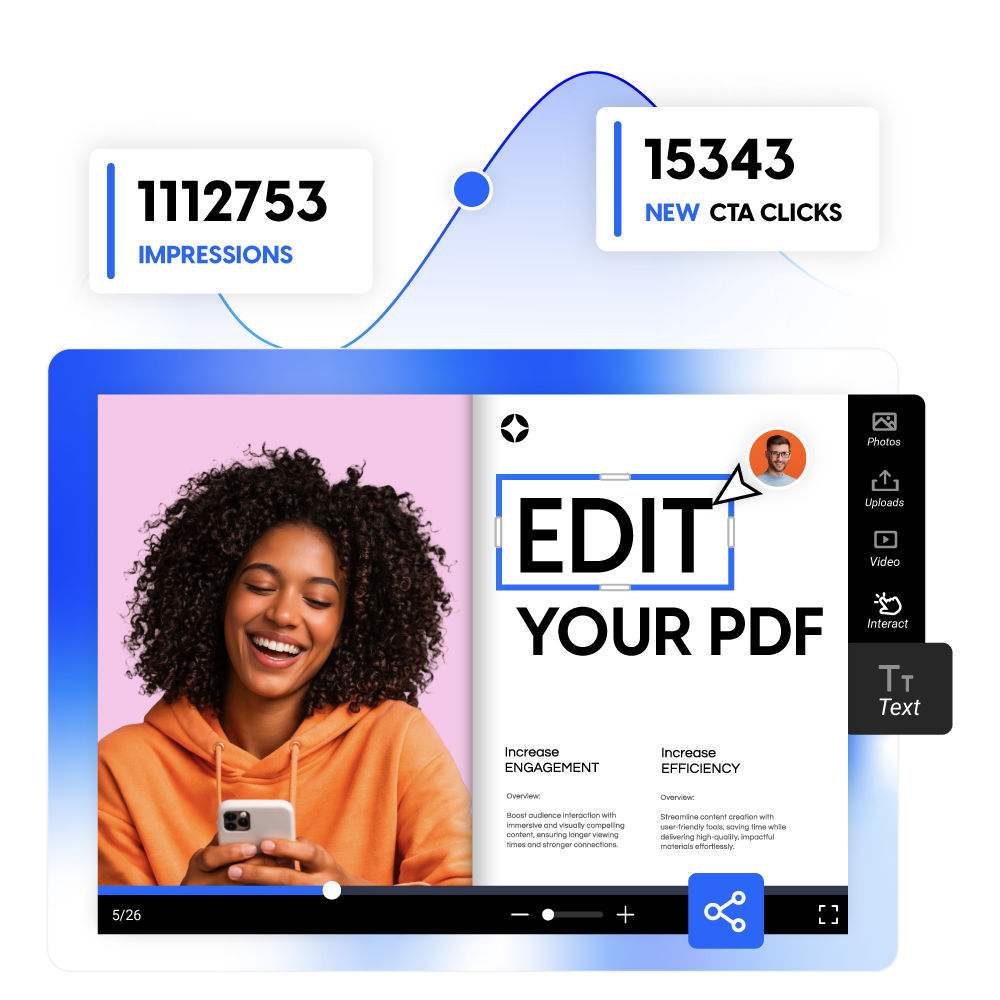
Acrobat stops at the edit. Flipsnack edits your PDF, publishes it as a flipbook, shares it via a link that updates in real time, and tracks every reader, all from one platform.
Trusted by the world’s most innovative businesses






Editing is step one. Here's what comes next
A finished PDF needs to reach your audience, and tell you what happened. Adobe Acrobat stops at step one. Flipsnack handles the full document lifecycle
Edit PDF for free1. Edit the PDF
Update text, swap images, refresh layouts. The job every PDF tool does, including Acrobat. Flipsnack starts here and keeps going.
2. Distribute the document
Send one link. Update the file anytime, everyone with the link always sees the latest version. No attachments, no version chaos.
3. Publish in every format
Turn the same PDF into an interactive flipbook, embed it on your website, or download a print-ready CMYK file. One document, every format your audience needs.
4.Track every reader
See who opened it, which pages they read, how long they stayed, and where they dropped off, synced automatically to your CRM.
Adobe Acrobat vs Flipsnack - at a glance
| Feature | Adobe Acrobat | Flipsnack |
|---|---|---|
| Persistent live link (same URL after every edit) | ✗ | ✓ |
| Update once, live everywhere — no resending | ✗ | ✓ |
| Publish as an interactive flipbook | ✗ | ✓ |
| Embed in website (auto-updates on edit) | ✗ | ✓ |
| Interactive elements (video, buttons, forms) | ✗ | ✓ |
| Reader analytics (who, when, which pages) | ✗ | ✓ |
| Lead capture inside the document | ✗ | ✓ |
| HubSpot & Salesforce sync | ✗ | ✓ |
| Real-time notifications when a prospect opens | ✗ | ✓ |
| Edit existing PDF text | ✓ | ✓ (vector PDFs) |
| Replace and crop images | ✓ | ✓ |
| Browser-based — no install required | ✗ | ✓ |
| Free plan available | ✗ | ✓ |
| Paid plan from | $23/mo | $16/mo |
| Redaction, e-signatures, and advanced forms | ✓ | Not covered |
Built for teams that publish, not just process
Marketing teams
Your team produces 10–500 PDFs a year. Every small fix, a price change, a new image, a seasonal update means pinging a designer and waiting. Not anymore.
Sales teams
You need proposals and one-pagers customized per account or territory. Re-uploading creates new links and loses every analytics signal you had.
Internal & HR teams
Quarterly updates shouldn't mean re-exporting, re-uploading, and emailing 300 people, while someone's still working from the old file in their Downloads folder.
Edit your PDF without the Acrobat workflow
Flipsnack's editor is built for one specific job: updating content you're about to publish to an audience, then making that content work harder after it's sent.
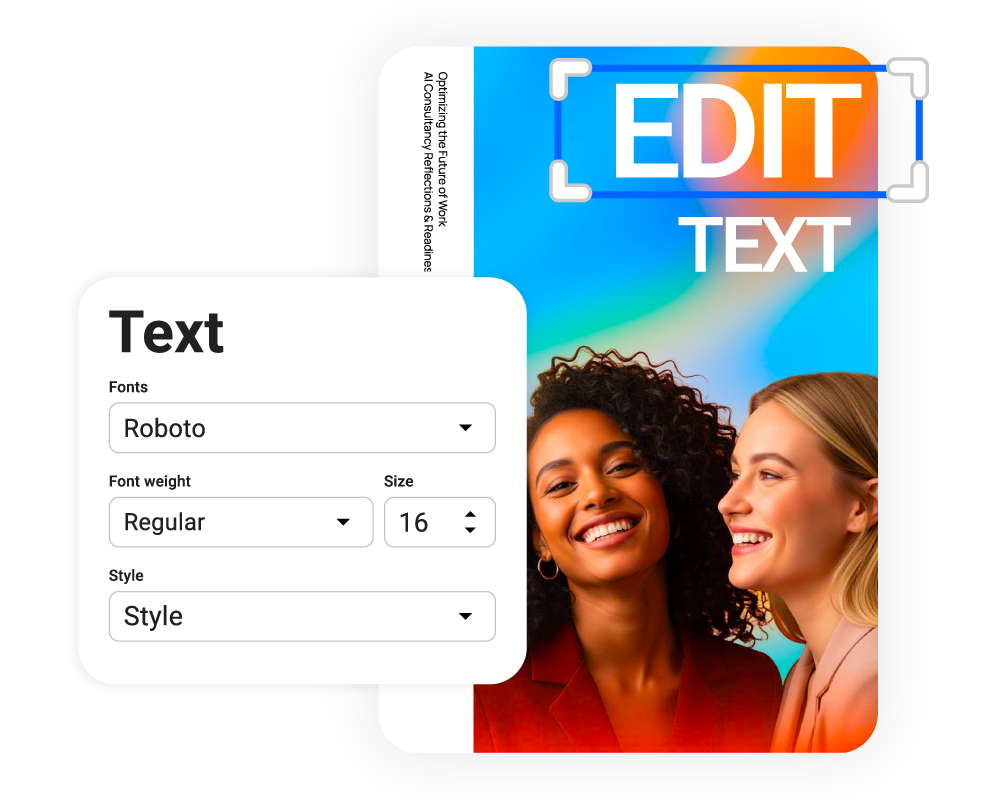
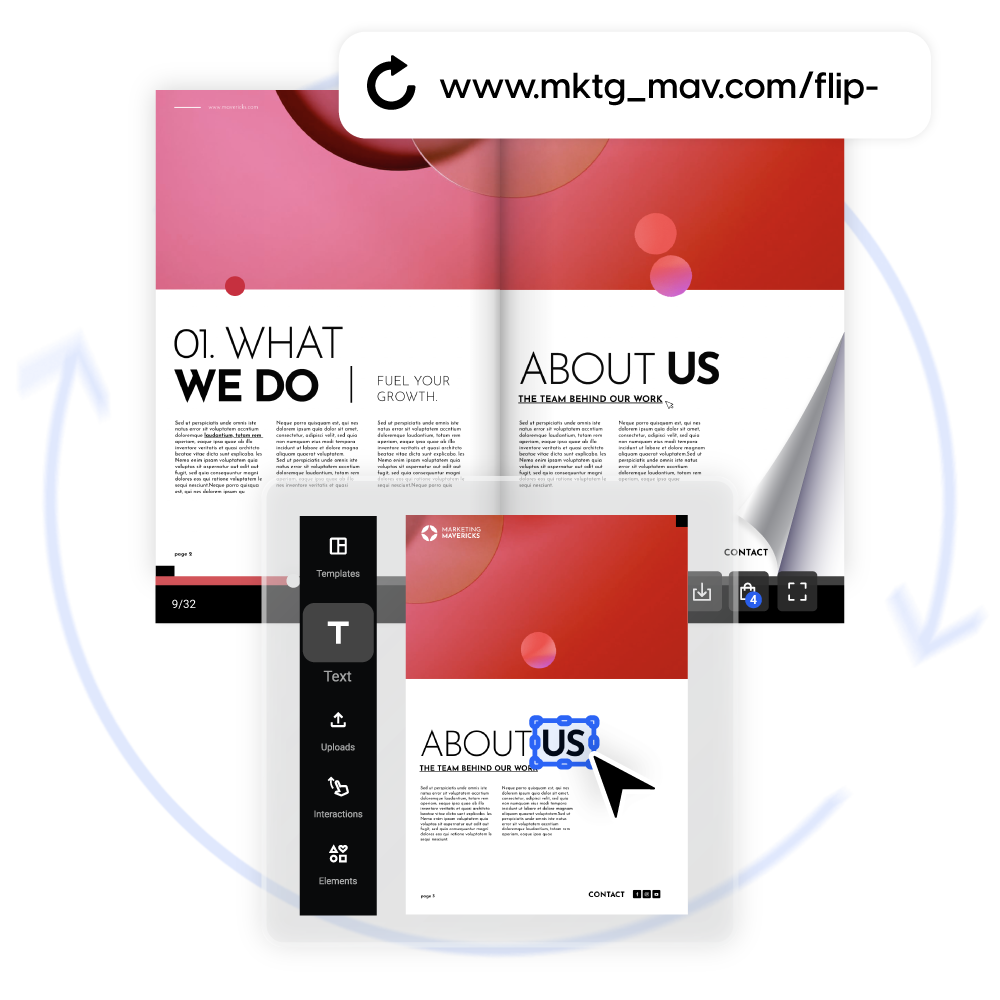
Edit text directly
Click any text to edit copy, font, size, or color. Your layout stays exactly as it was, no rebuilding, no reformatting.
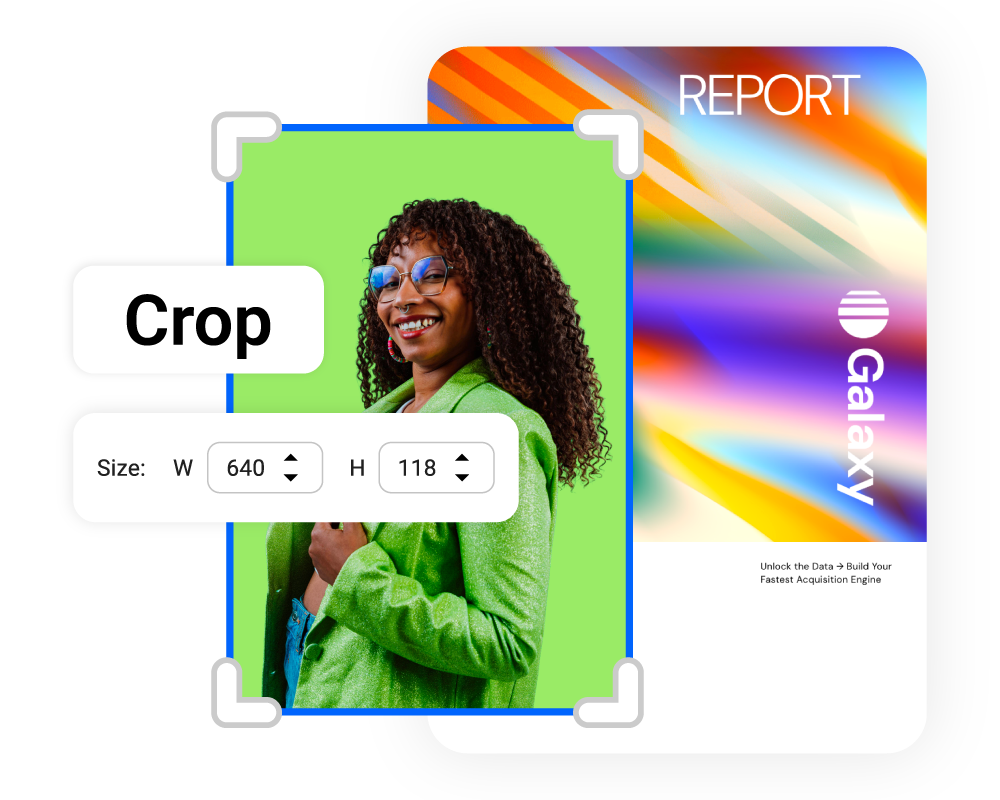
Swap and refine images
Replace photos in place, crop them to fit, and apply filters. Spacing and grid stay intact, no re-export needed.
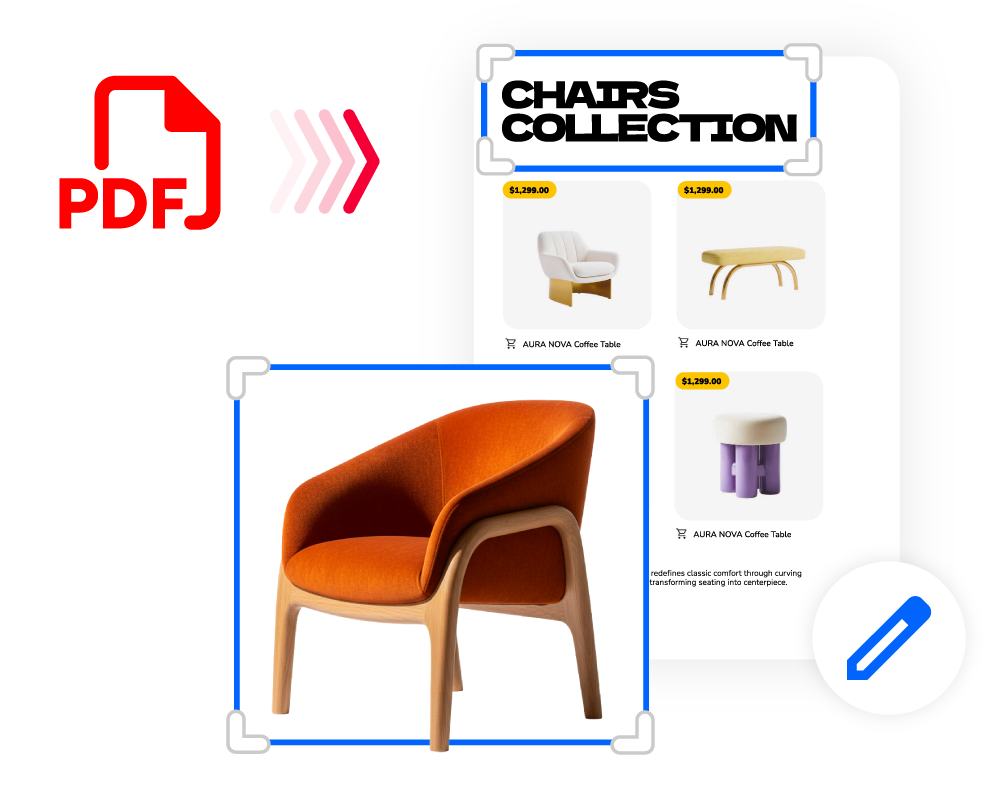
Add new content anywhere
Drop in new text boxes and elements with full styling controls. Build on top of your PDF instead of recreating it from scratch.


Flipsnack is a great PDF converter tool for interactive storytelling that funnels into lead generation and conversion – all within the same ecosystem!
Edit the file, the link stays the same
Acrobat gives you a file. Flipsnack gives you a permanent URL that updates automatically every time you edit. However, you want to share it:
- Public link that stays live as long as you want
- Private link with password protection and SSO access controls
- Embed code for any website, blog, or intranet
- Direct share to email and social channels
- QR code for print and offline distribution
- Download as PDF, including print-ready CMYK
Know who read your PDF, and act on it
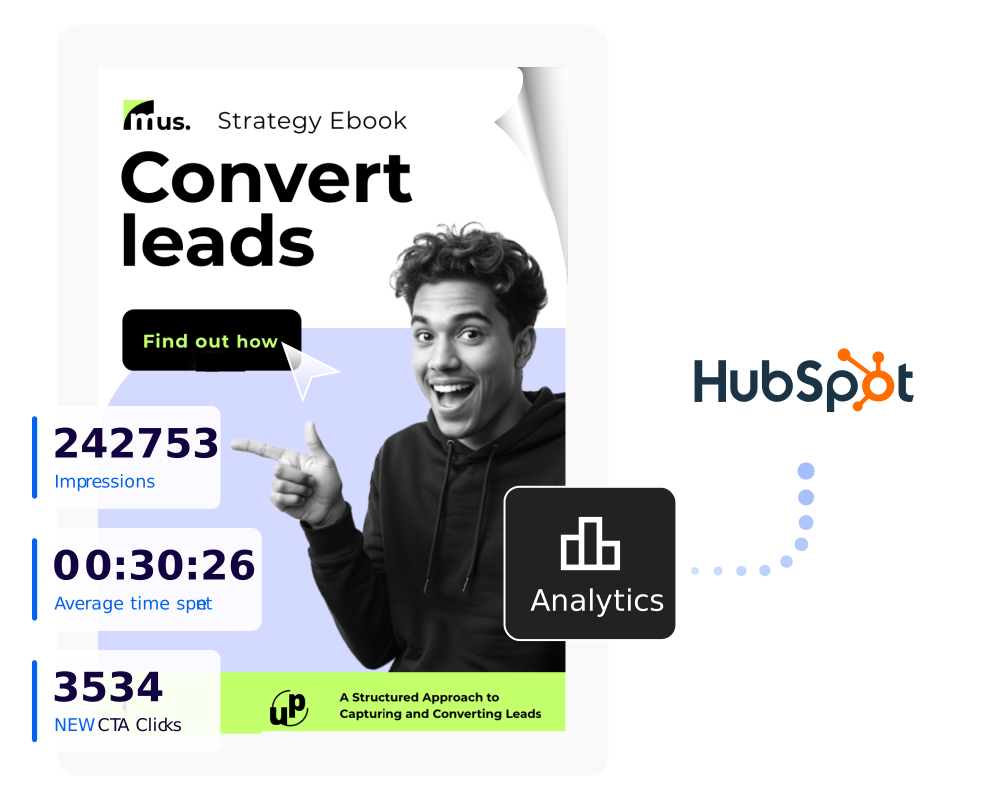
Most PDF tools stop at download. Flipsnack tracks the full reading experience, so you stop following up blindly and start reaching out with context:
- Track opens, time spent, and drop-off points
- See which pages held attention and which lost it
- Get notified the moment your document is opened
- Capture leads and sync them to HubSpot or Salesforce
Frequently asked questions

Tools like PDF24 and Smallpdf cover the basics of merging, compressing, and converting. But if you're working with product catalogs, brochures, or any document that needs to look polished and be shared professionally, Flipsnack is a strong step up. You upload your PDF, and it becomes an interactive, embeddable flipbook, no Adobe subscription needed.
Yes. Most free editors let you tweak text or fill forms, but sharing is where they fall short. You end up emailing static files. Flipsnack turns your PDF into a shareable link with analytics, so you know who opened it and for how long. Much more useful for sales decks, catalogs, or any document with an audience.
This is where Flipsnack stands out. Rather than just editing a flat PDF, you can upload it and publish it as a branded digital publication with a custom domain, page-flip animation, embedded video, and clickable links. It's what design and marketing teams use when a plain PDF just isn't enough.
Skip the attachment entirely. Flipsnack lets you upload your catalog PDF and share it as a link or embed it on your website. Viewers get a smooth, interactive experience on any device, and you get real-time stats on views and engagement. No file size limits, no inbox clutter.
Generic online tools like Smallpdf or ILovePDF process your file on their servers fine for low-stakes docs, but risky for contracts or confidential materials. Flipsnack is built for business use, with team workspaces, access controls, and SSO, so sensitive documents stay within your organization.
Yes. For basic editing, PDF24 and LibreOffice are fully free. But if you want a free tool that goes further, Flipsnack's free plan lets you edit your PDF, publish it as an interactive flipbook, and share it via link or embed all without paying for Adobe. It's especially useful for marketing and sales teams who need documents that do more than just sit in someone's inbox.
Edit it. Share it. Know who reads it.
The full document lifecycle in one place, free to start, no install required.