Interactive, not static
Turn ebooks and guides into page-flipping interactive experiences. Add videos, photo slideshows, hover effects, and clickable links. Readers don't just download. They engage.

Design interactive ebooks, checklists, guides, and more. Add lead capture forms. Share anywhere. Track every reader's engagement. All in one platform.








You spend hours creating an ebook or checklist. You export a PDF. You upload it somewhere. You email a download link. And then… nothing. No idea who opened it. No idea who read past page two. No way to update a typo without re-uploading the whole thing. No engagement data to prove ROI.
Static PDFs are invisible after the click. You're generating leads but losing them inside content you can't track, can't update, and can't optimize.
There's a better way.
Flipsnack is a lead magnet maker that goes beyond design. Create professional, interactive content, then gate it, share it, and track how every reader engages with it.
Turn ebooks and guides into page-flipping interactive experiences. Add videos, photo slideshows, hover effects, and clickable links. Readers don't just download. They engage.
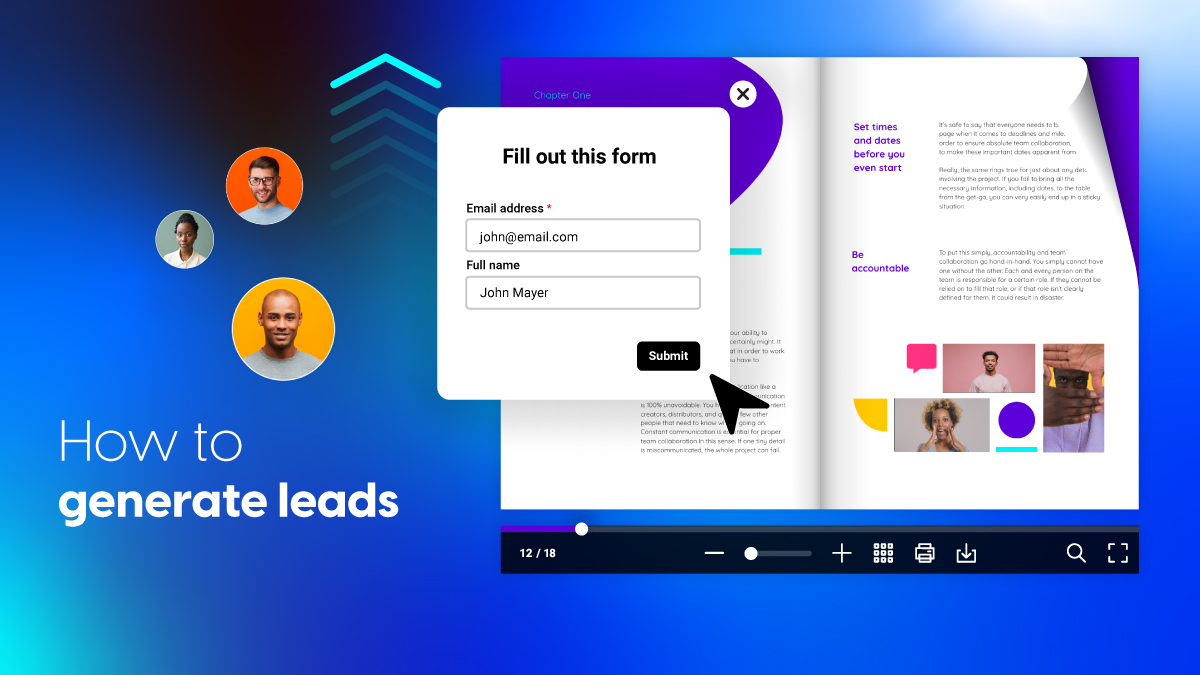
Add lead capture forms directly inside your content. Gate access with email opt-ins, passwords, or private links. Connect captured leads to HubSpot, Salesforce, or 5,000+ apps via Zapier.
See who viewed your lead magnet, which pages they read, how long they stayed, and what they clicked. Use real data to optimize content and prove marketing impact.
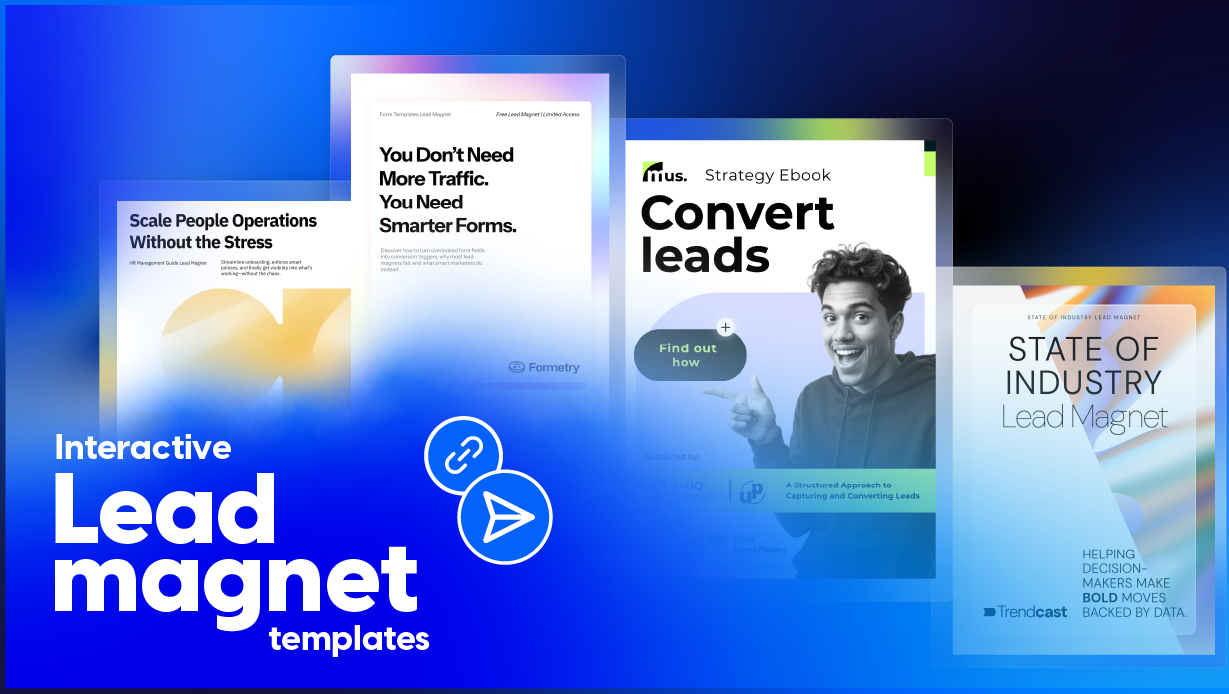
Choose from professionally designed templates for every format. Customize to match your brand. No design skills needed.

In-depth guides and thought leadership pieces

Quick-win resources your audience can act on immediately

Reference cards that keep your brand top-of-mind
Data-driven content that establishes authority
Interactive exercises that deliver hands-on value
Strategic frameworks your audience will revisit monthly
How it works
Pick a template, upload a PDF, or start from a blank canvas in Design Studio. Your lead magnet is ready to customize in seconds.
Drag and drop to add content, images, and branding. Insert videos, slideshows, or links. Apply your brand kit for consistency.
Embed a lead form inside your content. Gate access with email opt-ins or passwords. Connect to HubSpot, Salesforce, or Zapier.
Share via link, embed, email, or QR code. Track views, engagement, and form submissions. Update content anytime without changing the link.

Create lead magnets in your browser. No software to install. Add text, images, shapes, and interactive elements with a visual editor that feels familiar.
Build custom forms and embed them directly in your content. Collect names, emails, company info, and whatever else your funnel needs. Every submission syncs to your CRM.
Share publicly, keep private, gate behind an email form, or lock with a password. You control who sees your content and what they provide to access it.
Track views, unique visitors, time per page, click-through rates, and heatmaps. Integrate with Google Analytics 4 for full-funnel attribution.
Upload your logo, colors, and fonts to your brand kit. Apply them across every lead magnet with a click. Create branded templates your team can customize without going off-brand.
Create ebooks, guides, and gated reports. Embed forms connected to HubSpot or Salesforce. Track which content drives the highest conversion rates. Update published lead magnets without breaking links.
Popular formats
Design professional lead magnets without a designer. Start with a template, customize in minutes, share anywhere. Build your email list with content that looks polished and on-brand.
Popular formats
Produce lead magnets for multiple clients from one workspace. Apply each client's brand kit for consistent output. Share analytics dashboards that prove content ROI.
Popular formats
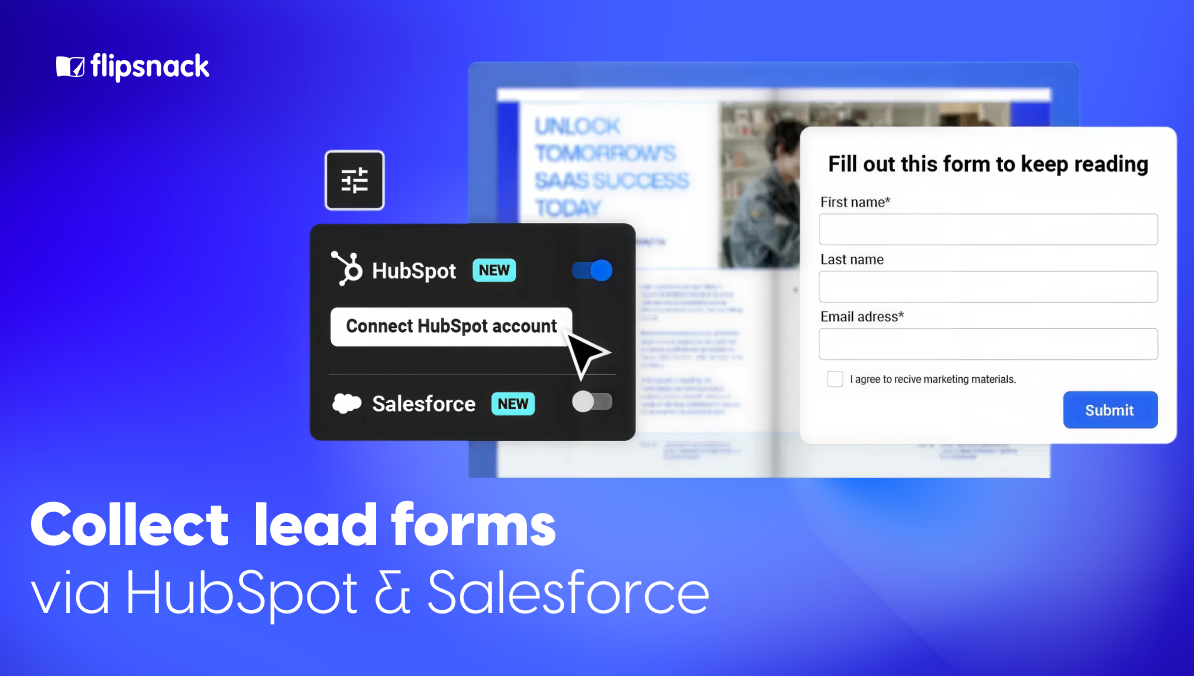
Gated content only pays off if the lead actually reaches your pipeline. Flipsnack captures readers inside the content with embedded lead forms, then pushes every submission straight into HubSpot or Salesforce in real time, with no manual export.
Because every lead is tagged to the asset that captured it, you can open a report in your CRM and see exactly how much pipeline and revenue a single ebook, checklist, or guide has generated.
Create a lead magnet arrow_forwardSee why interactive content outperforms flat files on every metric that matters.
| Metric | Interactive Lead Magnet (Flipsnack) | Static PDF |
|---|---|---|
| Reader experience | check_circlePage-flipping, videos, links, slideshows | closeFlat file, no engagement |
| Lead capture | check_circleForms embedded directly in the content | closeSeparate landing page + form tool |
| Engagement tracking | check_circleViews, time on page, clicks, heatmaps | closeNone. Blind after download |
| Content updates | check_circleEdit in place, same link, same analytics | closeRe-export, re-upload, re-share |
| Mobile experience | check_circleResponsive, mobile-optimized flipbook | closePinch-to-zoom PDF reader |
| CRM integration | check_circleBuilt-in HubSpot, Salesforce, Zapier sync | closeManual or third-party connector |
| Sharing options | check_circleLink, embed, QR code, email | closeEmail attachment or download link |
| Brand control | check_circleBrand kit applied across all content | closeDepends on design tool used |
| Cost | check_circleOne platform, one subscription | closeDesign + form + hosting + analytics |
Results


"Flipsnack is a great PDF converter tool for interactive storytelling that funnels into lead generation and conversion – all within the same ecosystem!"
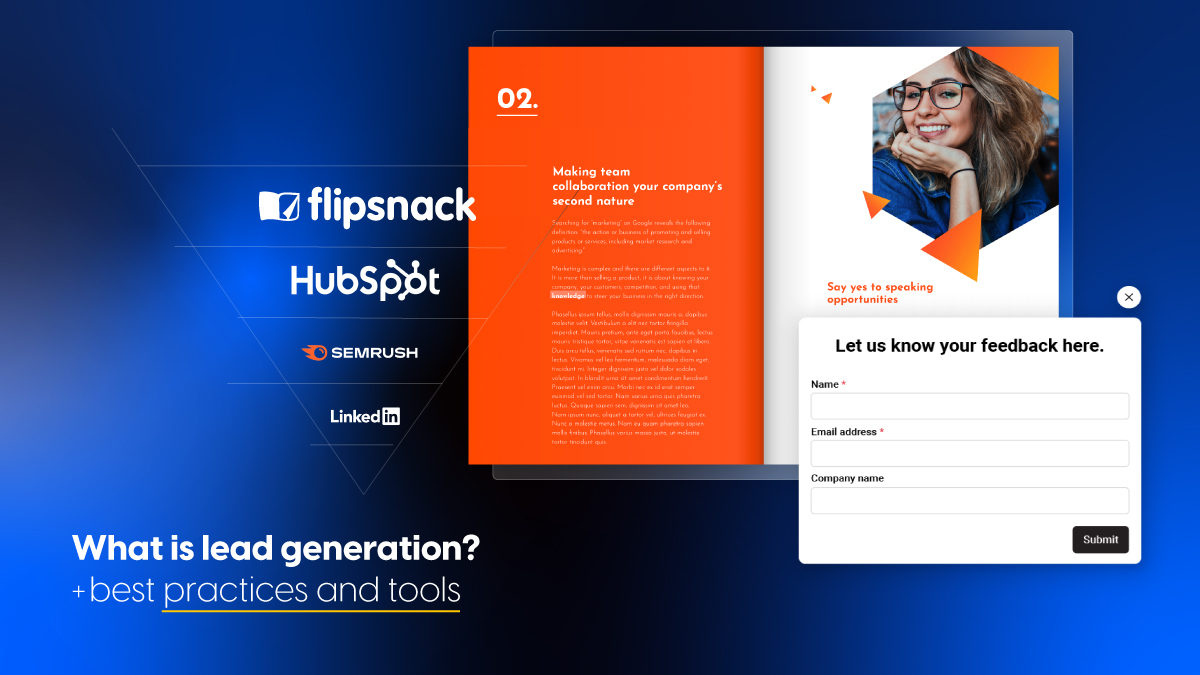
A lead magnet is a free resource (like an ebook, checklist, template, or guide) that businesses offer in exchange for a visitor's contact information. It's the first step in turning website visitors into leads.
A lead magnet maker is an online tool that helps you design professional downloadable content (ebooks, checklists, guides, and interactive flipbooks) used to capture email addresses and generate leads. Flipsnack's lead magnet maker combines design, lead capture, sharing, and analytics in one platform.
Sign up for a free Flipsnack account. Choose a lead magnet template or start from scratch in Design Studio. Customize your content, add a lead capture form, and publish. The free plan includes access to templates, the design editor, and basic sharing options.
The best format depends on your audience and goal. Checklists and cheat sheets convert well for top-of-funnel awareness. Ebooks and guides work for mid-funnel consideration. Interactive content like flipbooks tends to drive higher engagement than static PDFs.
Yes. With Flipsnack, you can embed lead capture forms directly inside your content. Readers fill out the form within the publication itself, with no separate landing page required. Form submissions sync automatically to HubSpot, Salesforce, or other CRMs via Zapier.
Flipsnack provides built-in analytics that show views, unique visitors, time spent per page, click-through rates, and heatmaps. You can also integrate with Google Analytics 4 for full-funnel attribution and conversion tracking.
Yes. Edit your content in Flipsnack and republish. The update goes live instantly under the same URL. Analytics history is preserved. No need to re-share links or update email campaigns.
Flipsnack integrates natively with HubSpot and Salesforce. It also connects to 5,000+ apps through Zapier, including Mailchimp, ActiveCampaign, Google Sheets, and Slack.
No. Flipsnack's drag-and-drop Design Studio is built for non-designers. Start with a template, customize colors and content, add your brand kit, and publish. No software to install, no design experience required.
Stop sending static PDFs into the void. Design, gate, share, and track lead magnets that generate real, measurable results.
No credit card required. Templates included.