Trusted by the world's most innovative businesses








Design a magazine cover that stays live after you publish it. Start from a free magazine cover template or a blank canvas, add your images, and share the finished issue at your own branded link.
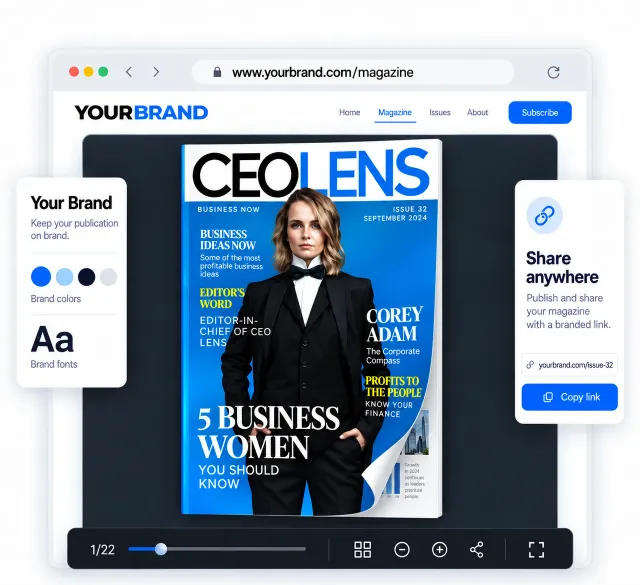
Most cover makers hand you a file. Flipsnack hands you a cover that stays live, stays on brand, and tells you who read it.
Design your cover, then publish the magazine behind it. No round trip.
Upload a designed cover and publish it. PPTX, JPG and PNG work too.
Edit your cover and the link stays the same. Readers see the update.


"We've had a few moments after publishing when someone spots a small error, maybe a number off or a typo in an article. With Flipsnack, it's no stress. We just jump in, make the edit, and it's fixed in seconds. Before, with a static PDF, once it was sent, it was final."
How it works
Four steps from blank page to published cover.
Open Design Studio and set your page size first. Your cover becomes page one of the magazine. Pick A4 (794 x 1123 px) or Letter (816 x 1056 px), or set a custom size in pixels. Uploading a PDF keeps its size.
Choose a magazine cover template and make it yours in Design Studio. Swap the cover image, write your masthead and cover lines, then move any element until the layout works. Add or remove pages as you go.
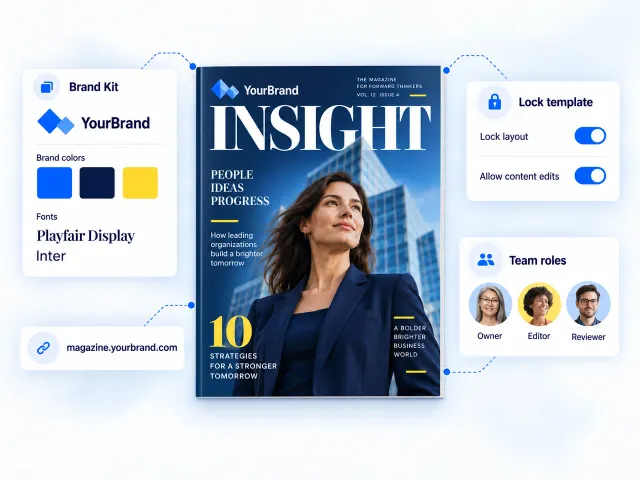
Use your logo, brand colors and fonts straight from your Brand Kit, so every issue matches the last one. Set them once and reuse them across covers. Preview each change live before you publish.
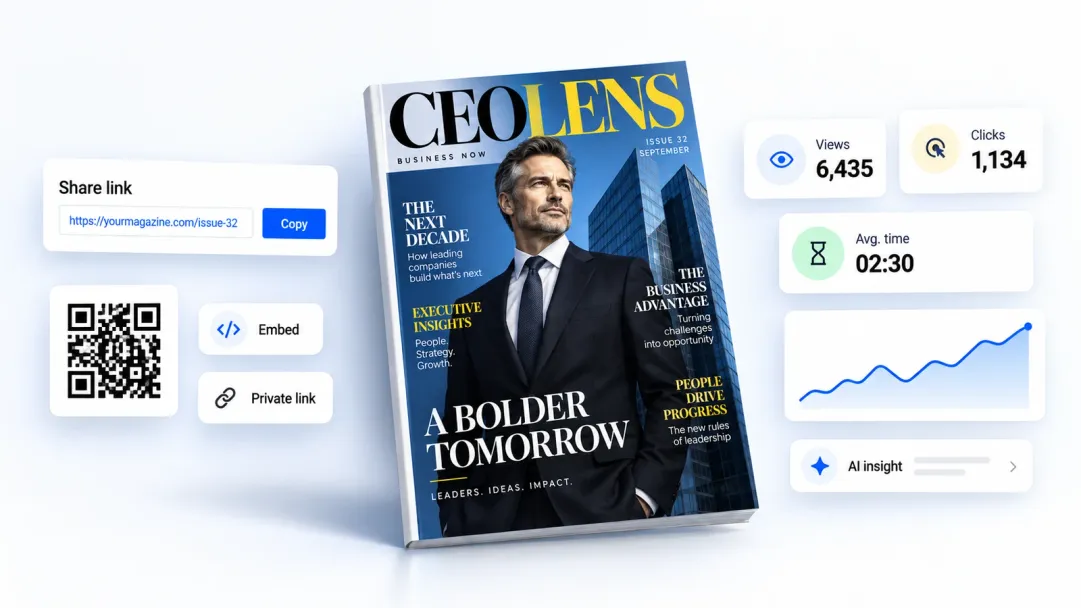
Publish your cover and the issue behind it, then share the link, embed it on your site, or print it. Your magazine stays live at the same link, so any edit you make reaches everyone who already has it.
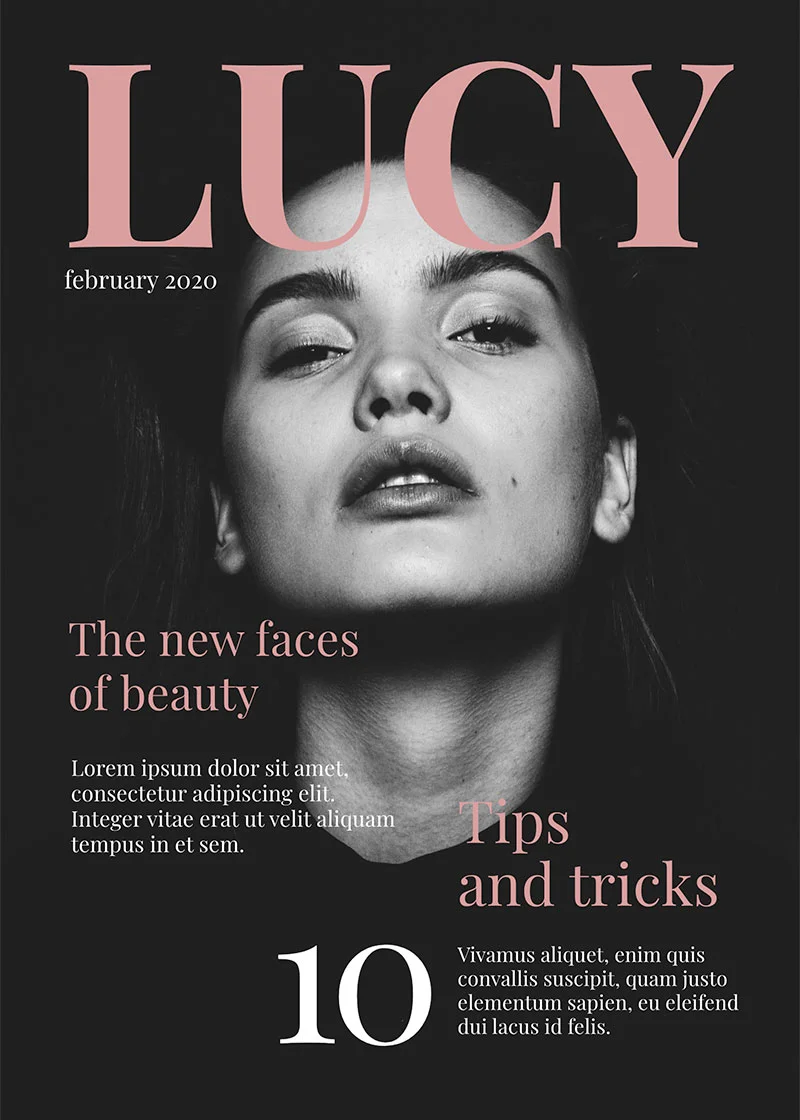
Choose from hundreds of magazine cover templates built by our design team. Find fashion, travel, fitness, business, school and lifestyle covers, then swap the images, fonts and colors for your own. Every template is free to edit and ready to publish at your own link.
Browse cover templates arrow_forwardCreate covers for customer magazines, branded publications and campaign content that look consistent with your brand.
Design covers for employee magazines, company news and recurring internal publications your team will recognize instantly.
Create covers for alumni magazines, campus publications and student newsletters, from one-off editions to recurring issues.
Design covers for seasonal magazines, product lookbooks and digital catalogs that put your latest products front and center.
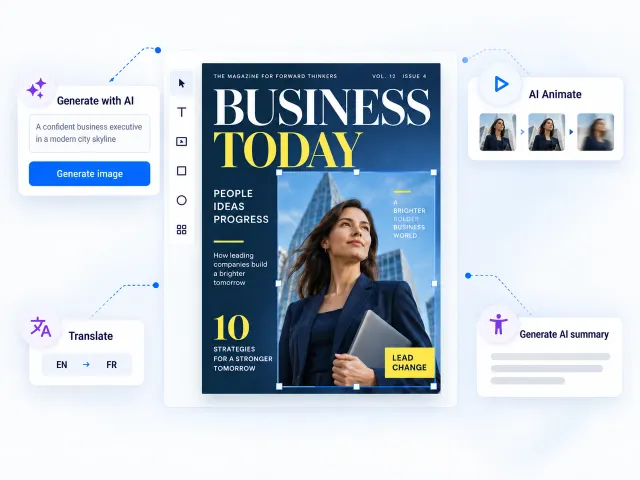
Flipsnack's AI works inside Design Studio, so you never leave the editor to finish a cover.
One magazine, several people touching the cover. Brand controls keep the output consistent across issues and offices.
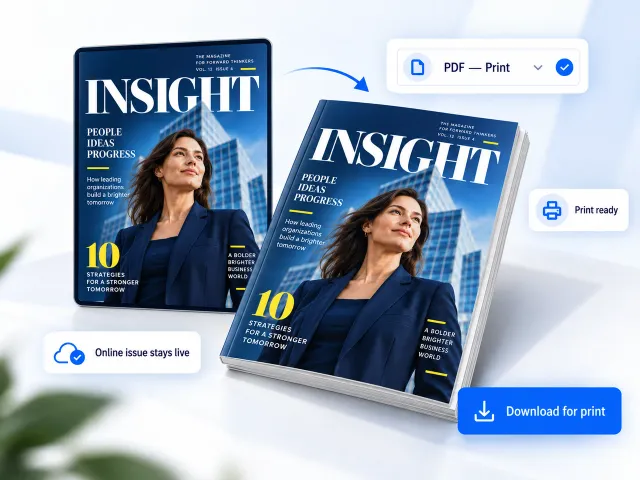
Download your magazine cover whenever you need a print-ready copy. The digital edition stays published online, so you can update it anytime.
Yes. You can design and publish a magazine cover with Flipsnack's Free plan. Paid plans add features such as brand controls, private sharing, document analytics and more AI credits. Check the pricing page to compare plans.
Both let you design magazine covers from templates. Flipsnack also lets you publish the cover as part of a digital magazine, update it at the same link and track reader engagement with document analytics.
Yes. Generate a cover image from a text prompt inside Design Studio or animate an existing image. You can also use AI to translate the magazine and create accessibility summaries for its pages.
Yes. Upload a PDF, PPTX, ODP, JPG or PNG and turn it into a digital magazine. Flipsnack keeps the original page size, and you can continue editing, branding and publishing it online.
Yes. Edit the cover after publishing without changing the link you already shared. Readers who open that link will see the updated version, so you do not need to export and resend the magazine.
Yes. Download your magazine cover in high resolution and print it yourself or send it to a professional print shop. Your digital edition can stay published online and remain editable after the printed copies are produced.
Build your cover, publish the issue behind it, and see who reads it.