Edit text
Click any text block and update it instantly. Fix errors, tweak pricing, refine messaging, directly.
- Update copy instantly
- AI-powered localized translations
- Download a print-ready PDF

Fix typos, swap images, rewrite texts, without reopening InDesign or calling a designer. The same link. The same embed. Just updated.
Available on all plans, no design files required, no re-export needed
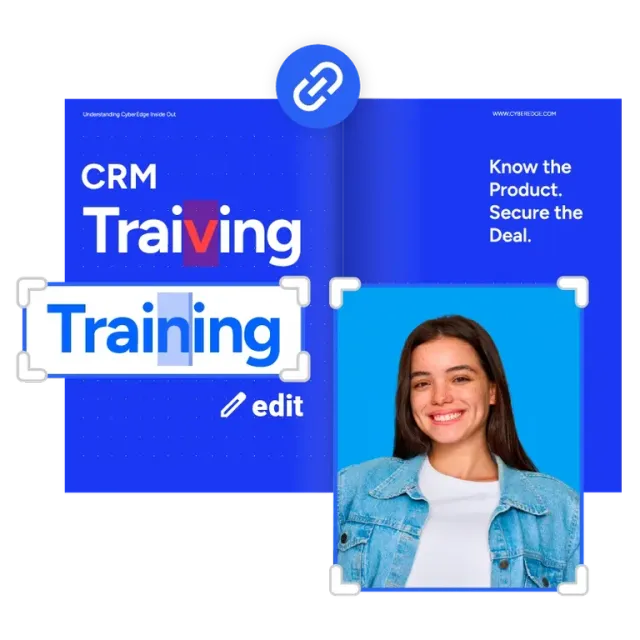


A price change. A wrong logo. A new phone number. Small edits used to mean reopening design files, waiting on a designer, re-exporting, re-uploading, and sending a new link. Not anymore.
WHO IT'S FOR
Whether you manage catalogs, close deals, or maintain a large document library, you will remove the friction that slows you down.
Marketing & Comms
Your team produces 10 to 500 PDFs a year. Every small fix, a price change, a new image, a seasonal update, means pinging a designer or agency and waiting. Not anymore.
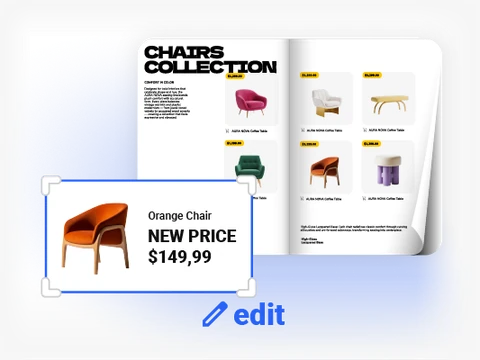
Now you own every content change.
Sales Enablement
You need decks and one-pagers customized by territory or product line. Re-uploading creates new links, breaking existing shares and losing analytics.
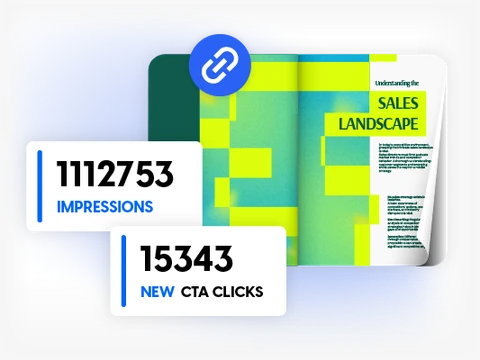
Edit and republish on the same link.
Large Document Libraries
Education, publishing, NGOs, and government teams manage hundreds of PDFs. Stakeholder reviews mean repeated corrections and endless re-uploads.
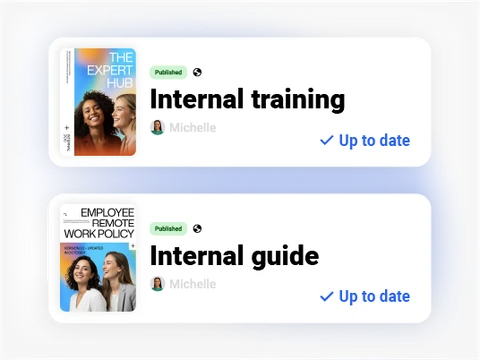
Stop emailing revised files and managing versions.
HOW IT WORKS
From upload to live in minutes, no design tools, no re-export, no new link.
Drag and drop your PDF into Flipsnack. Every element is instantly extracted and ready to edit.
Click Edit PDF to open the Design Studio. Select any element on the page and change it.
Update copy, swap images, change pricing, add interactivity. Use AI for translations or image animations.
Hit publish. Your link and embed update instantly. Download a new print-ready PDF if needed.
Every other tool in this category requires you to go back to your original design file, re-export, and re-upload. Flipsnack is different.
| Capability |
 Flipsnack (with Edit PDF)
|
 Others
|
|---|---|---|
| Edit text after upload | Yes, directly in editor | Edit source file, re-upload |
| Replace images after upload | Yes, maintain layout | Limited or none |
| Same link after every update | Yes, always | New upload means a new link |
| Analytics preserved through edits | Yes, fully intact | Lost on re-upload |
| Turn edited PDF into a template | Yes, reuse designs | Rare or not available |
| Built-in interactivity studio | Yes, rich elements | Varies, often basic |
| One tool for edit, publish and track | Yes | Requires 2 to 3 tools |
Edit PDF works for any new upload processed through Flipsnack's latest converter. For flipbooks already in your Flipsnack account, one click makes the PDF editable. It takes seconds.
In the vast majority of cases, yes. Flipsnack rebuilds the layout element by element, so all text, standard images, and shapes remain fully editable. Some advanced visual effects, like complex shadows or layer blends, may be flattened as images.
Yes. Multiple team members can work on the same PDF in Flipsnack, one at a time, with clear ownership. Serialized editing prevents version conflicts while still enabling real collaboration.
Edit PDF is available on all Flipsnack plans, including free. It is a headline feature meant to give every user the power to own their PDFs without depending on design tools.
Not for updates and edits. For net-new document creation you could still start there, but every change after upload, pricing, copy, images, branding, happens entirely in Flipsnack.
Yes. After editing, you can download a print-ready PDF or a web-optimized version straight from the Flipsnack editor, no extra tools required.