Trusted by thousands of businesses



Turn your PowerPoint or PDF sales deck into one trackable link. See how prospects engage, update it anytime, and keep every rep on brand.
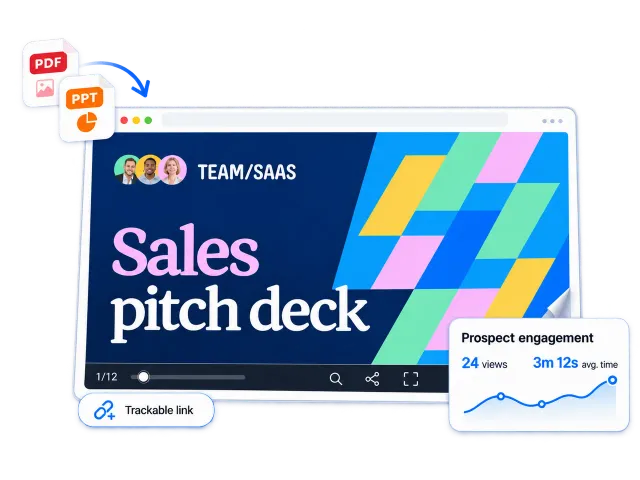
Trusted by thousands of businesses
Sales presentation software is an online tool for creating interactive sales decks you can share as a link and track. B2B sales teams use it to add videos, buttons, and lead forms to slides, then see which pages prospects read. Flipsnack turns your existing PowerPoint or PDF sales deck into one.
| Criteria | Interactive sales deck | Static attachment (PPT or PDF) |
|---|---|---|
| Engagement | Views, time per page, and clicks | No data after you hit send |
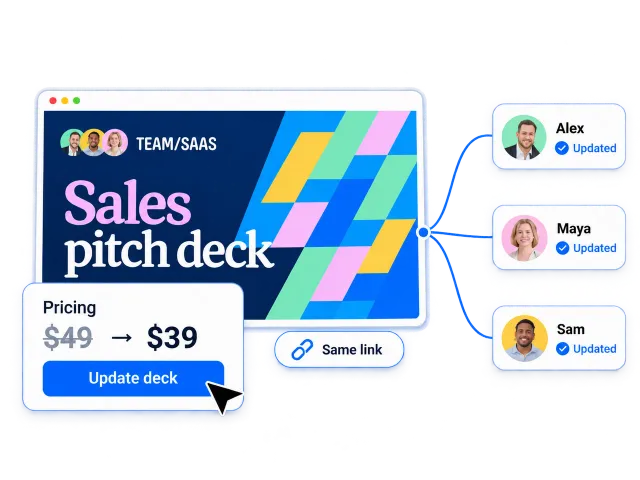
| Updates | Update once under the same link | Edit, re-export, resend, repeat |
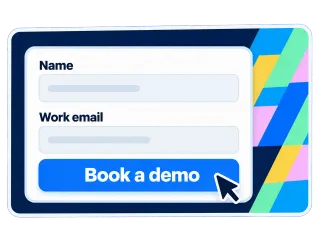
| Next step | Buttons, links, and lead forms inside the deck | Links only, no forms |
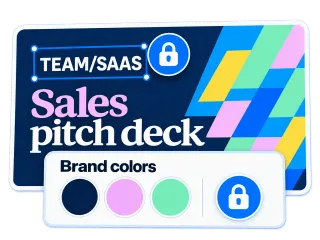
| Branding | Reusable templates and your own domain | Depends on who edited it last |
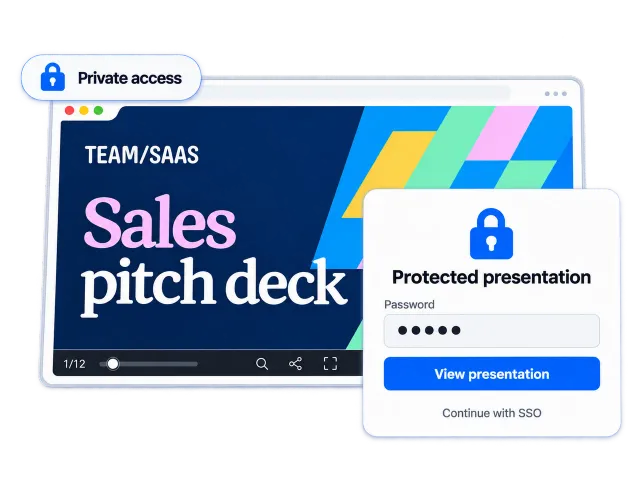
| Access | Private, unlisted, password, or SSO-based access | File passwords only |
| Mobile reading | Mobile-friendly on any screen | Pinch and zoom through slides |
| Delivery | One link, nothing to download | Bounces off attachment size limits |
Upload your PPTX or PDF. No rebuild needed.
Track a separate link for each one.
Fix pricing or slides under the same link.
Templates, roles, and your own domain for every rep.
Flipsnack is a great PDF converter tool for interactive storytelling that funnels into lead generation and conversion – all within the same ecosystem!
 Danny WongHead of Growth & Innovation

Keep building slides in PowerPoint if that's what your team knows. Flipsnack handles everything after the last slide.
Click Create, then upload your PPTX or PDF sales deck. No deck yet? Start from a ready-made template.
Add videos, links, buttons, slideshows, and lead forms. Apply your logo, colors, and fonts so every page matches your brand.
Create one for each rep or prospect, so every link records its own views. Send it by email or QR code.
See views, time per page, and clicks for each link. Follow up on the pages the buying committee read most.
Skip the blank page. Pick a sales template, add your brand, and share it as a link.
Send a follow-up deck or proposal after every discovery call. See which accounts engage and prioritize your pipeline.
Build approved sales collateral once. Give every rep a digital presentation that is current, branded, and trackable.
Share listing presentations and service decks across offices. Keep branding consistent and update details under the same link.
Pair your sales deck with an interactive product catalog. See which distributors engage, then follow up.
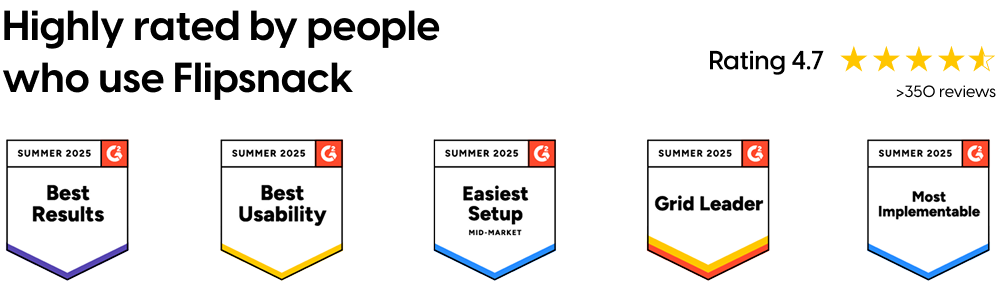
Every Flipsnack sales deck comes with built-in analytics. See how prospects engage, then follow up with context.
A PowerPoint PDF loses its videos. An interactive sales presentation keeps your demos and visuals in the deck.
An interactive sales presentation asks prospects to act, right on the page they’re reading.
Sales enablement owns the deck. Reps make it their own without breaking it.
Flipsnack keeps every deck current, without resending a file.
Your sales decks carry pricing, roadmaps, and client details. Control who sees them.
Yes, just upload your PPTX or PDF and Flipsnack turns it into an interactive sales presentation you can share by link. Keep building slides in PowerPoint if your team prefers it. Flipsnack adds tracking, interactivity, and same-link updates on top.
A sales presentation is the full pitch, often delivered live on a call. A sales deck is the slide document behind it, which prospects read and share after the meeting. In Flipsnack, they are the same file: present it on the call, then send the link.
Flipsnack analytics show views, time spent on each page, clicks, and drop-off points for every deck. Create a tracked link per prospect to compare who engaged.
Yes, Flipsnack works with HubSpot and Salesforce, so lead form submissions from your sales deck go straight into your CRM. You can also connect Google Analytics 4 to track deck performance alongside your website.
Most teams still build slides in PowerPoint. What's changing is how they send them. Instead of attachments, teams share decks as trackable links they can update anytime. Want to skip PowerPoint entirely? Here's how to make a presentation without PowerPoint.